
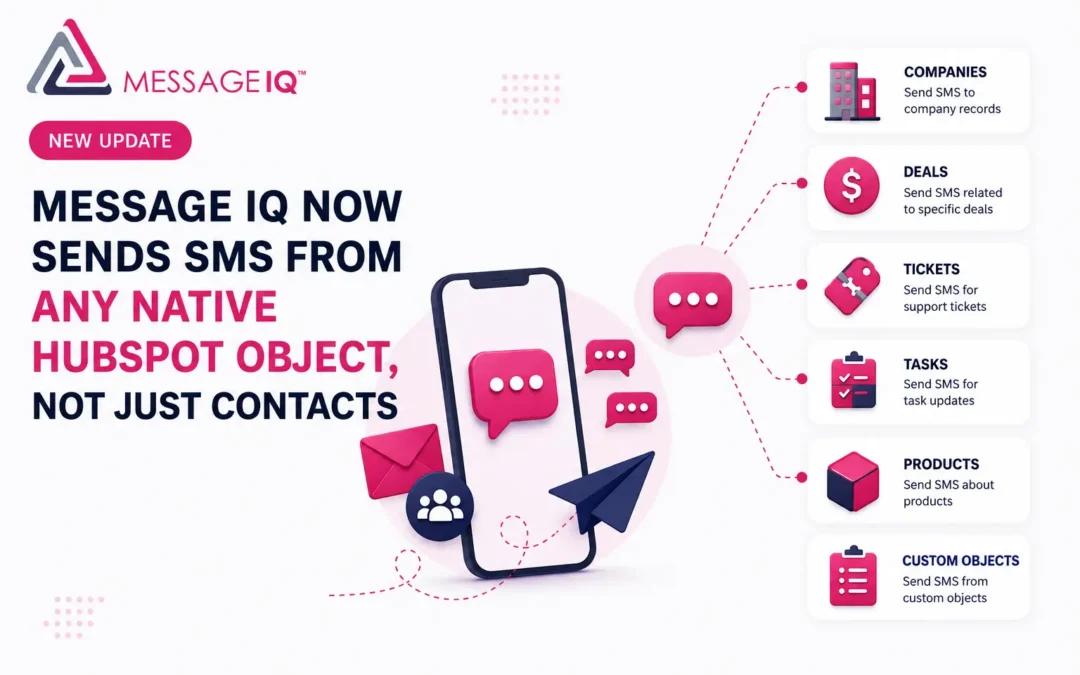
Message IQ workflows can now trigger SMS messages from company, deal, and ticket records, not only contacts. Messages pull property data from whichever record triggered them, and every send, failure, and reply shows up inside HubSpot’s own reporting tools. This update changes how teams can use SMS in HubSpot, without adding new software or restructuring CRM data.
If your team has ever built a workaround to trigger a text from a deal or a ticket, or exported message data to another tool just to build a report, that workaround is no longer necessary.
The Problem With Contact-Only SMS in HubSpot
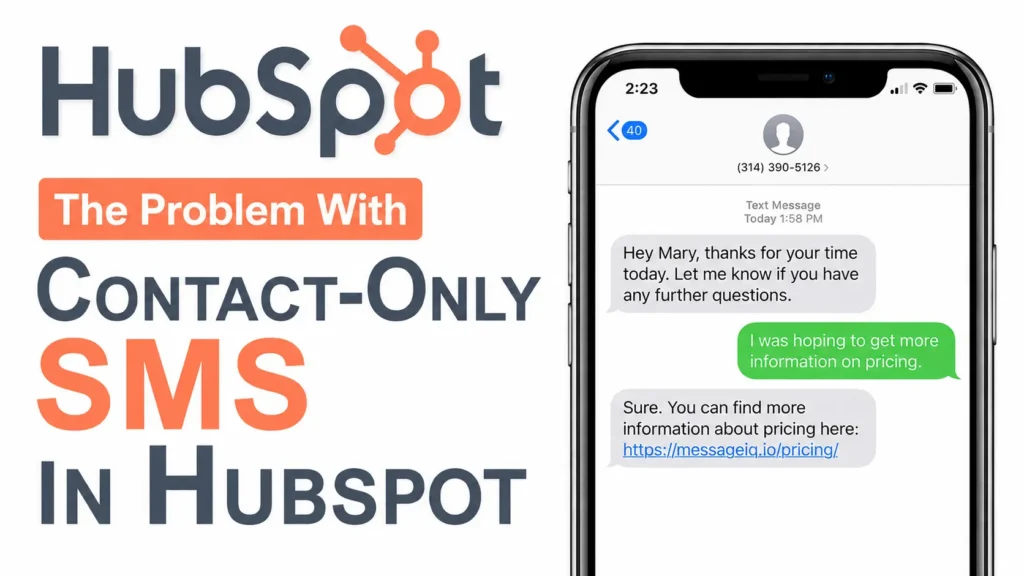
Most HubSpot workflows don’t revolve around contacts alone. A sales team runs workflows off deals. A support team runs them off tickets. An account manager thinks in terms of companies, not individual people.
When your SMS tool only triggers from a contact record, you end up working around that limit instead of with it. You build extra automation just to copy a phone number from a contact onto the record you actually care about. You lose the deal or ticket context that would have made the message useful. For teams that already run HubSpot SMS automation on contact workflows, this was the missing piece.
Message IQ workflows now run natively on company, deal, and ticket objects, in addition to contacts.
How Multi-Object SMS Workflows Work
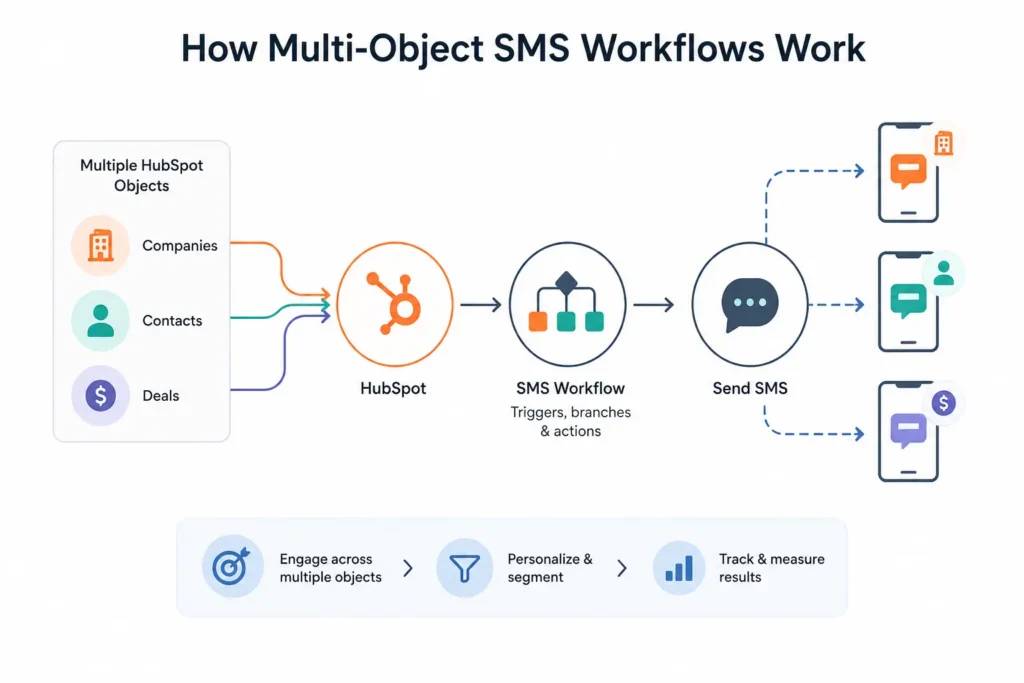
You can now create a HubSpot workflow to enrolll a company, a deal or a ticket and send SMS message from it. When one of these workflows runs, Message IQ sends a separate text to each of the contacts associated with that record. A different message is sent to each contact. This is not a group message.
You also select which phone field the workflow uses, Mobile Phone or Phone. The message is never sent to a phone number stored on the company, deal or ticket record itself. There is no personal number for company, deal and ticket records like there is for a contact, so the send will always go to the people associated with that record.
For teams whose sales or support process lives at the deal or ticket level, this means SMS fits the shape of the work instead of forcing everything back through a single contact..
Messages Can Pull Property Data From the Triggering Record
Messages triggered from a company, deal, or ticket can now include personalization tokens from that record. Deal-triggered messages can be based on the deal name or stage. The ticket-triggered message may refer to the ticket subject. Company level properties can be triggered message of a company.
That’s important because the more specific a text message is, the more useful it is to the person who gets it. Sounds like it, a message mentioning the real deal or support issue. Generic message is like a blast.

SMS Activity Now Shows Up in HubSpot’s Native Reporting
This is the update piece that changes what your team can do without help from us. Delivered messages, failed messages and received messages now create their own event data inside of HubSpot, which you can see using HubSpot’s standard reporting tools. Whatever you need. You can create reports based on messages or portions of the message.
If one trigger applies to more than one contact (say a company level workflow that applies to 5 associated contacts), then each of those individual messages generates its own event. Your reports are based on actual per-contact send volume, not how many times a workflow fired.
So now you can build your own reports inside HubSpot: volume of deliveries over time, failure rates, even a breakdown of failures by error code. A failure is more than just a number because the failed message events contain the specific error code and error message. It’s something your team can actually investigate. Because this reporting is native to HubSpot’s own tools, it plays nicely with whatever dashboards, filters or segments you already use for other reporting. This native data makes it a lot easier if you want to learn how to track the success of SMS campaign.
Because this update involved a fundamental refactoring of the core code of Message IQ and its relationship to HubSpot, this reporting reflects activity from when it went live forward. It doesn’t retroactively include data for messages sent before that point.
Compliance Language Still Has You Covered
Message IQ scans all outbound messages for opt-out language such as “reply stop” If not, Message IQ automatically inserts the required regulatory language, regardless of which object initiated the workflow. If your message already contains that language, Message IQ will not duplicate it. See our TCPA consent language guide for a full list of what’s required.
That means compliance is protected by default, and teams who already manage their own opt-out language in a message template aren’t stuck with a repeated disclaimer at the end of every text.
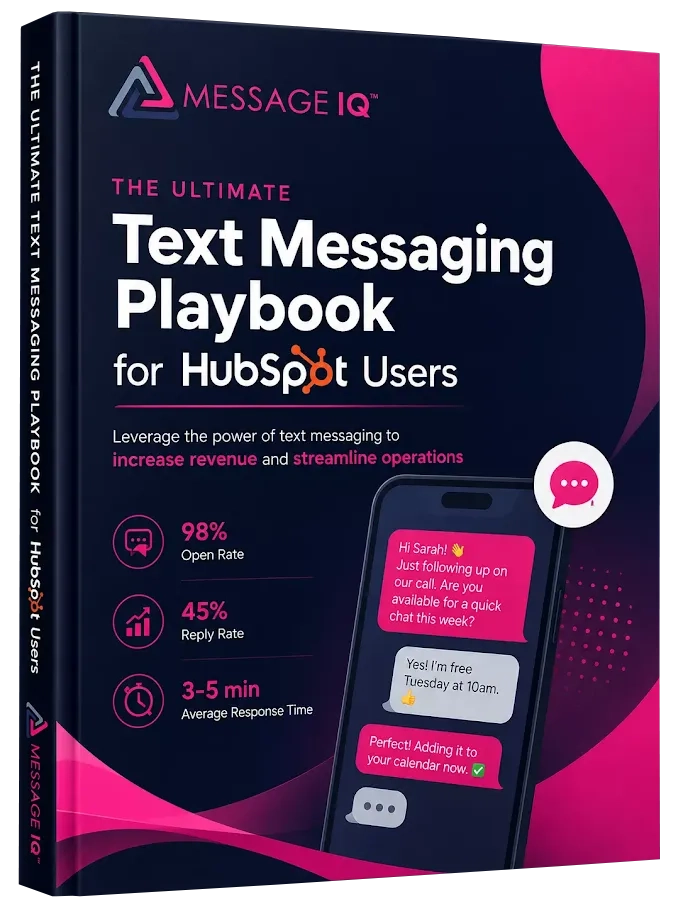
Get Your Ultimate HubSpot Text Messaging Playbook for FREE
Discover how top HubSpot teams use SMS to boost engagement, close deals faster and streamline operations.
Instant download
Expert insights from certified HubSpot professionals
Ultimate Text Messaging Playbook
Replies and Alerts Work the Way You Already Expect
But, regardless of whether a message can be from a company, deal, or ticket, a reply still resolves into a one-to-one contact conversation. Your current notification setup doesn’t change anything. There’s no new interface to learn. No need to retrain the people on your team who already use Message IQ day in and day out. We updated the workflow builder under the hood, not in the areas of the product your team uses most often. Your current two-way SMS conversations will continue to work as they do today.

SMS Conversations Now Live in HubSpot’s Shared Inbox
Message IQ customers can now use HubSpot’s shared inbox feature to manage SMS conversations. That includes the help desk, the standard shared inbox, and any custom inboxes your team has set up.
This matters because most teams don’t monitor a single inbox. Sales works out of one. Support works out of another. Account management might have a custom inbox for renewals. Until now, SMS conversations sat outside of those views. Your team had to go find them instead of seeing them where they already work.
Now, when a contact replies to an SMS, that conversation routes into whichever inbox your team actually uses. If your support team lives in the help desk, SMS replies show up there. If sales runs a custom inbox for inbound leads, SMS replies land there too. No new interface. No tab switching. Just SMS showing up in the same place as email, chat, and form submissions.
For teams already using HubSpot’s shared inbox to manage multi-channel conversations, this closes the last gap. SMS is no longer the one channel that lives somewhere else.
Practical Ways to Put This to Work
Here are a few ways teams are already putting multi-object SMS to work:
- Reach every stakeholder on a deal, not just one contact. Trigger a workflow off a deal-stage change, and every contact tied to that deal gets an individual text when a proposal goes out or a contract is ready to sign. You can include a link to an e-signature platform like PandaDoc or DocuSign in your text message. No one has to forward the update by hand.
- Keep everyone on a support ticket in the loop. When a ticket status changes, message every contact associated with it, not only whoever opened it. That matters when more than one person on the customer’s side is tracking the same issue.
- Notify a whole account at once, individually. Trigger from a company-level event, like an approaching renewal date, and every contact at that company gets their own message with the right account context, without building a separate workflow per person.
- Standardize on mobile numbers to avoid dead sends. Since you choose the phone field per workflow, set company, deal, and ticket workflows to pull from Mobile Phone specifically, so messages aren’t sent to a landline or general office line stored under Phone. If you’re seeing deliverability issues, our SMS deliverability troubleshooting guide covers common causes.
- Simplify your message copy if you already manage opt-out language. If your workflow already includes “reply stop” in the message body, Message IQ won’t add a duplicate. Teams that handle their own compliance footer can write shorter, cleaner messages.
What Didn’t Change
None of these updates require you to change the way you use HubSpot or Message IQ. They plug into your current workflows and reporting habits. Where they already live. The value of a connected messaging layer is not that it adds one more tool to learn. It’s that it removes the workarounds you created because the old version couldn’t do what your process actually needed.
If you’re already using Message IQ, there is no need for migration or reconfiguration. Now you can use these features in your current workflows.
More Is Coming
This update is part of a larger effort to leverage recent updates HubSpot has made that enable us to integrate with the platform for new and valuable use cases. We don’t have all of the updates quite ready yet, but stay tuned over the next few weeks on our social channels and in your inbox. We’ll share more when they’re ready.”
See how much revenue SMS could add to your HubSpot stack
Five inputs. Industry-backed benchmarks. Get your projected annual SMS revenue in under 30 seconds.
Calculate My SMS ROI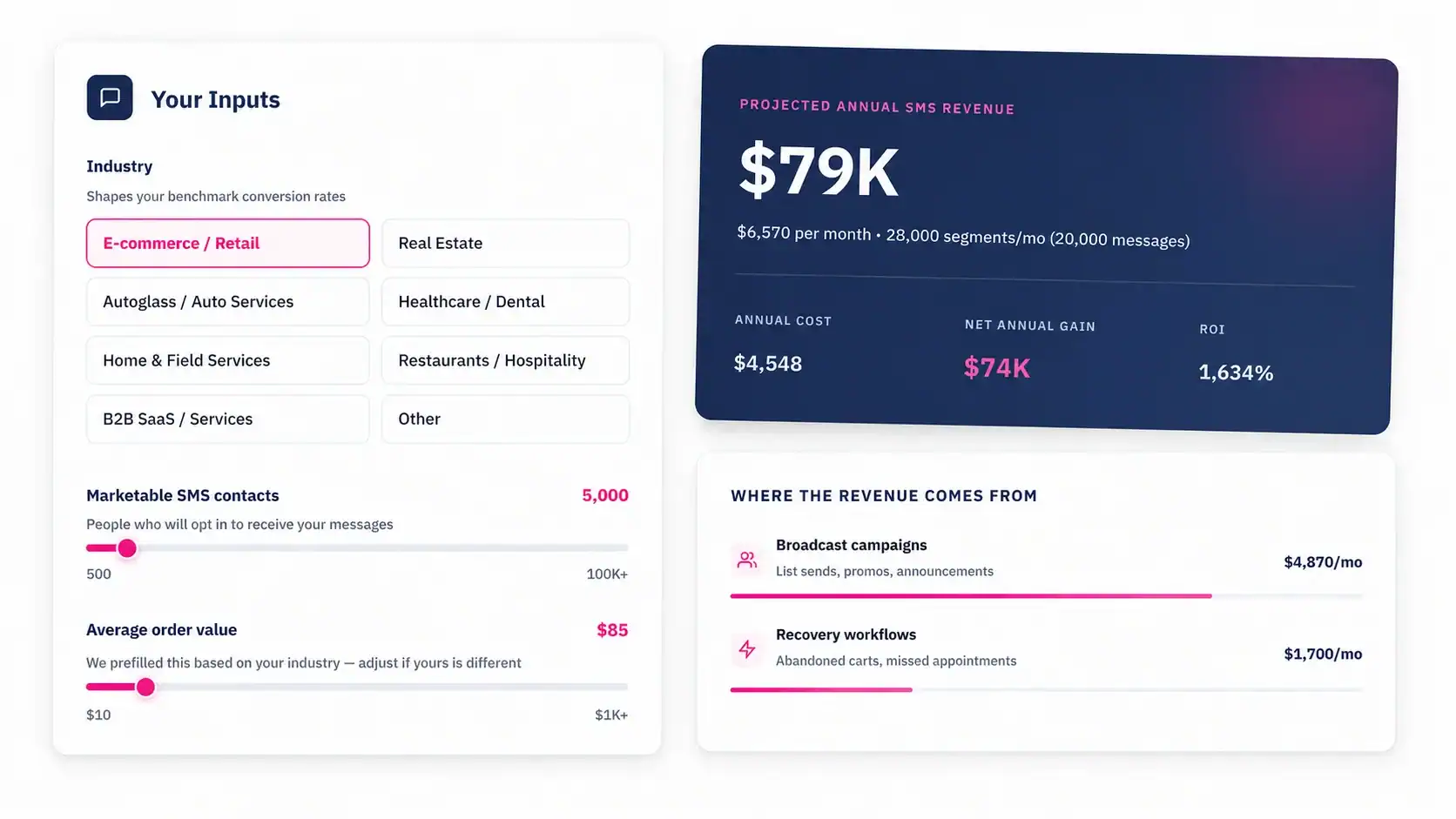
Frequently Asked Questions
Can I trigger an SMS message from a deal or company record in HubSpot, not just a contact?
Yes. Message IQ workflows now support company, deal, and ticket objects in addition to contacts, so you can trigger SMS directly from the record type your process is built around.
If I trigger a message from a company or deal, does everyone associated with it get one shared message?
No. Message IQ sends an individual message to each contact associated with that record. Nobody is added to a group thread, and nobody sees another contact’s message. Each message to every contact is reported as an activity in HubSpot.
Which phone number does Message IQ use when I trigger a message from a company, deal, or ticket?
It uses the contact phone field you choose, either Mobile Phone or Phone. It doesn’t use a phone number stored on the company, deal, or ticket record itself.
Does Message IQ still add required compliance language automatically?
Message IQ adds the required regulatory language automatically whenever a message doesn’t already include “reply stop” opt-out language. If your message already includes it, Message IQ won’t add a duplicate.
Will a reply to one of these messages still show up as a normal contact conversation?
Yes. Replies resolve into a one-to-one contact conversation the same way they always have, and your existing notification and alert setup doesn’t change.
Can I see SMS delivery, failure, and response data in HubSpot’s own reports?
Yes. Delivered, failed, and received messages now generate event data inside HubSpot, which you can use to build reports natively, including breakdowns of failures by specific error code.
Does this reporting cover messages sent before the update?
No. Because these capabilities required a fundamental refactoring of underlying code, reporting is only available for activity going forward from when it went live. It doesn’t backfill historical message data.
Do I need to change my existing Message IQ setup to use these features?
No. These updates are available inside your existing workflows now. There’s no migration or reconfiguration required to start using them.
Do SMS conversations appear in HubSpot’s shared inbox and help desk?
Yes. Message IQ now supports HubSpot’s shared inbox feature, including the help desk, the standard shared inbox, and any custom inboxes your team has configured. SMS replies route into the same inbox view your team uses for email, chat, and form submissions.
If you’re thinking about how SMS fits into your HubSpot process, it helps to talk it through. Book a strategy session and we’ll walk through how multi-object SMS workflows can map to your team’s actual process. Already using Message IQ? These features are live in your account right now.
Book a Meeting