
Shared inbox and help desk
Text messages show up alongside email and chat, so support and service teams carry every conversation from one place.
Message IQ 3.0 is out. Trigger SMS from deals, tickets, and companies, reported inside HubSpot.

Message IQ keeps every text, reply and opt-out inside HubSpot as native events and properties. RevOps gets one business number, one consent property and reports built in HubSpot, instead of a texting tool nobody can audit.

Discover how top HubSpot teams use SMS to boost engagement, close deals faster and streamline operations.
Instant download
Expert insights from certified HubSpot professionals
Ultimate Text Messaging Playbook
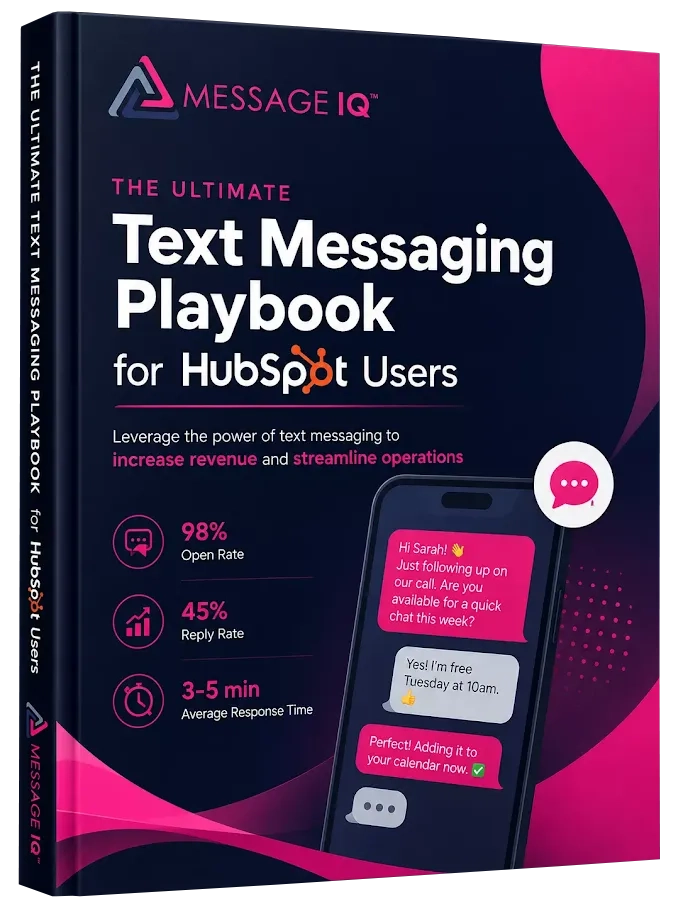








By the numbers
HubSpot SMS for RevOps
HubSpot SMS for RevOps is texting set up as part of the CRM’s data model. Messages fire from HubSpot workflows, every send and reply logs as a native HubSpot event, and opt-outs live in one contact property. RevOps can report on SMS, govern it and audit it with the same tools they use for email and calls.
Texting usually arrives in pieces. Sales buys one tool, support buys another, and reps fill the gaps from personal phones. Each has its own numbers, opt-out list and dashboard, and none of it ties back to pipeline.
Message IQ gives every team one platform inside HubSpot. That means one business number, one opt-out property, permission views by role, and events you can drop into any HubSpot report.
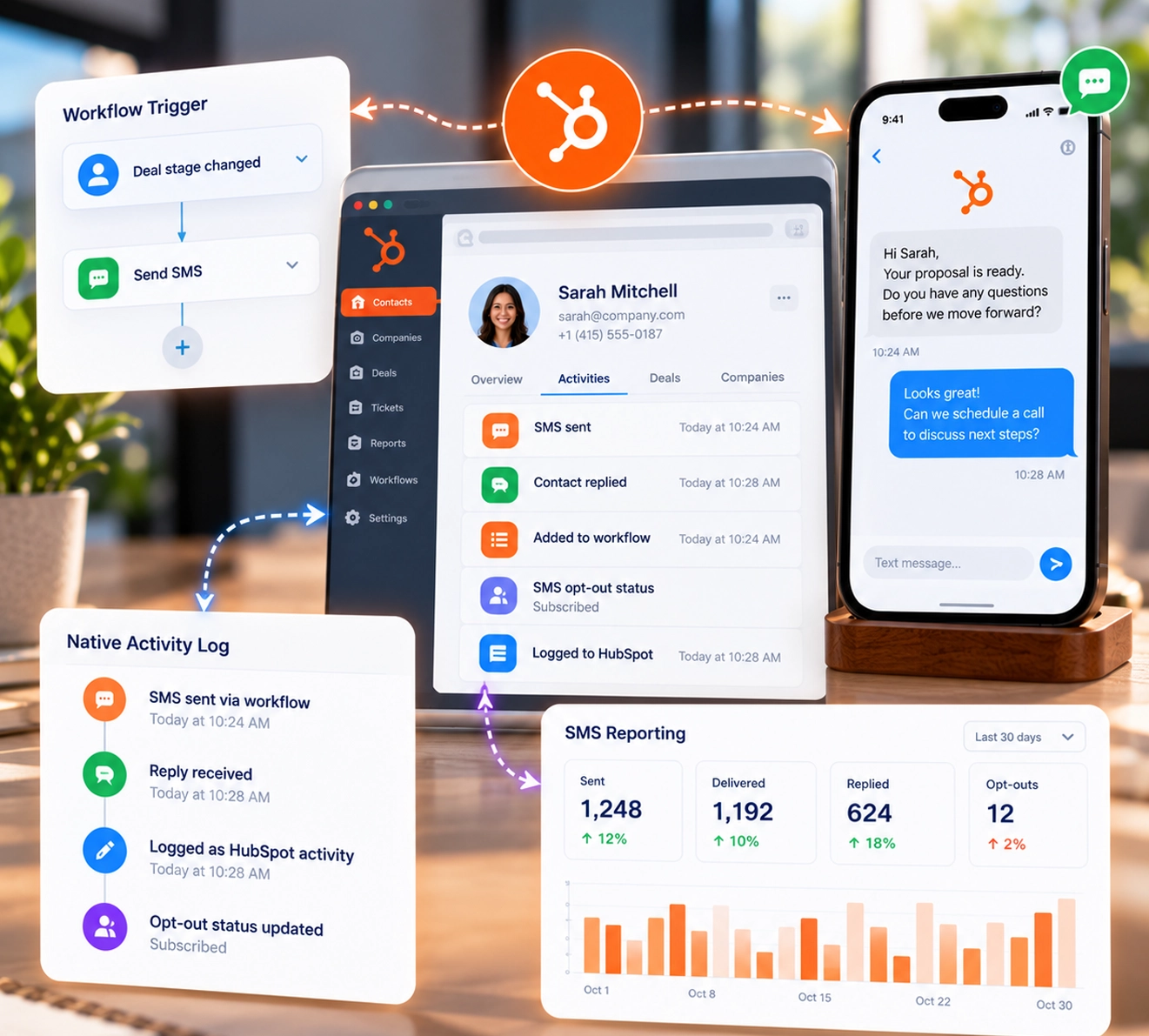

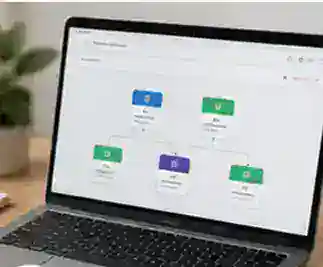
A contact, deal, ticket or company meets the workflow criteria you control.
It goes from one business number to every associated contact, with properties from the triggering record.
IQ Advanced Delivery confirms the message reached the phone, and failures carry an error code.
Replies log to the contact, and STOP replies update the Message IQ Opt-Out property.
Delivered, failed and received events power reports at the message or segment level.
Point every SMS workflow at the Message IQ Opt-Out property. Suppression then works the same in sales, marketing and service.
Build a native HubSpot report on failed messages and error codes. Fix bad numbers before the next campaign.
Measure how fast new leads get their first text, by owner and lead source. See HubSpot SMS for sales teams.
Write one set of texts for each pipeline stage so every rep's buyers hear the same thing. See deal stage SMS notifications.
Set individual, team and admin views so reps see their own threads and managers see their team's.
Keep every team on one business number with IQ Autoscaling, and forward calls to your main line.
| Report | HubSpot data to use | What it answers |
|---|---|---|
| Delivery health | Failed message events, grouped by error code, weekly | Which numbers or lists hurt deliverability? |
| Reply rate by owner | Received events on contacts, grouped by contact owner | Who gets responses, and who needs coaching? |
| Opt-out trend | Message IQ Opt-Out property, by date and source workflow | Which campaigns push people to opt out? |
| Time to first text | Workflow enrollment date vs first delivered event | How fast do new leads hear from you? |
| Stage velocity with SMS | Deals with delivered events vs without, by time in stage | Do texts move deals faster? |
| Ticket resolution with SMS | Tickets with status texts vs without, by time to close | Do status texts shorten resolution? |
Build these with HubSpot’s custom report builder. Event and property names vary by portal; map them to what Message IQ creates in yours.
Message IQ 3.0 puts text messaging alongside email and chat, triggers from any HubSpot object, and reports natively inside HubSpot’s own tools. Watch the two-minute walkthrough to see it live.
Text messages show up alongside email and chat, so support and service teams carry every conversation from one place.
Build a workflow off a company, deal, or ticket and send a personal text to every connected contact.
Delivered, failed, and received messages generate native HubSpot events for reports at the message or segment level.
Every outgoing message is scanned for reply-stop language, with required text added automatically when it’s missing.
New permissions required. The shared inbox connection needs your HubSpot account reconnected. Log into your Smart Ramp account and select Settings then Integrations to enable it.
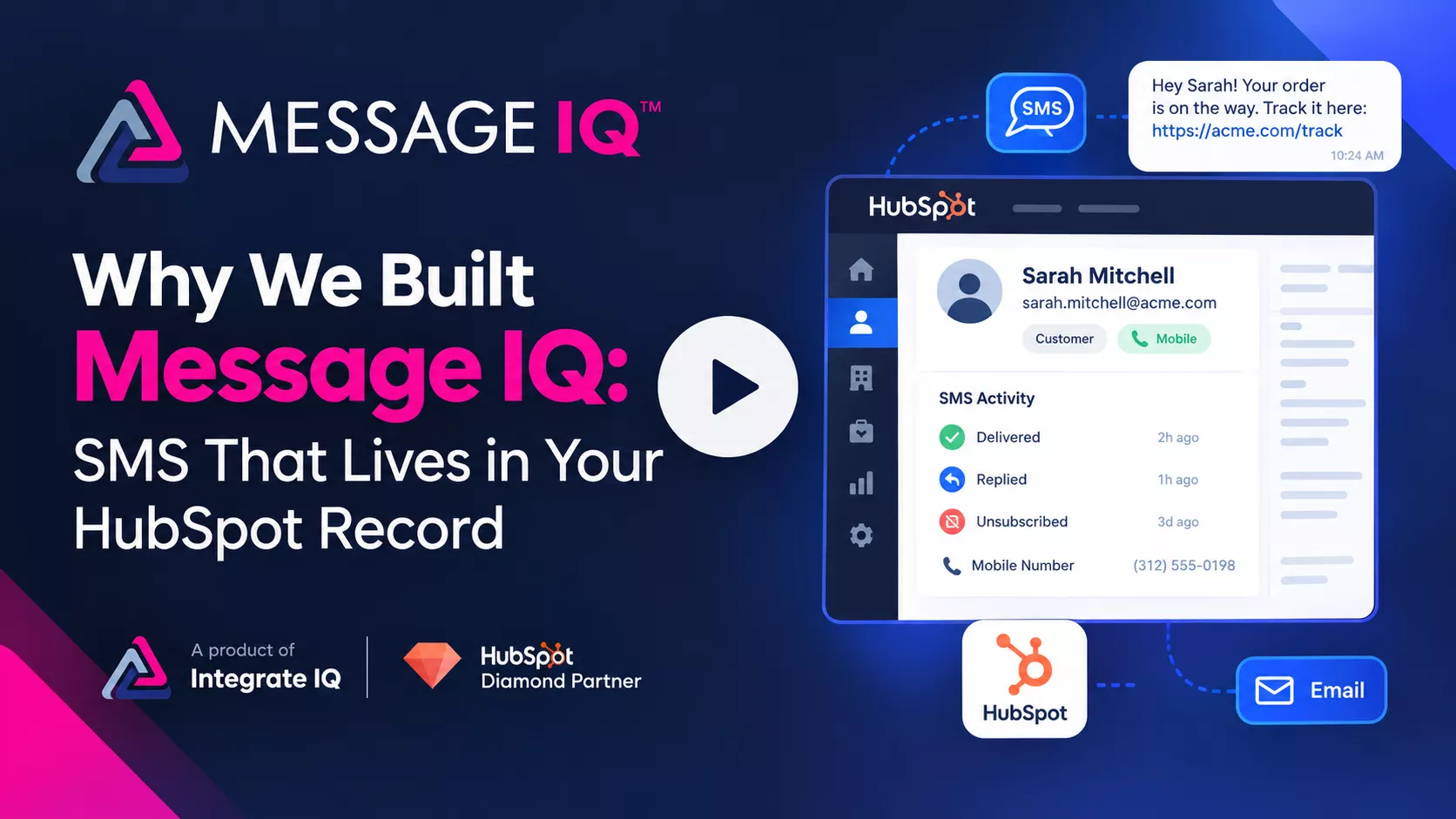
Email opens sit at 20–30%. Texts get read. Message IQ brings SMS into HubSpot, built to handle the compliance rules email never had to.
Want a personalized tour? Call or text (866) 293-4873
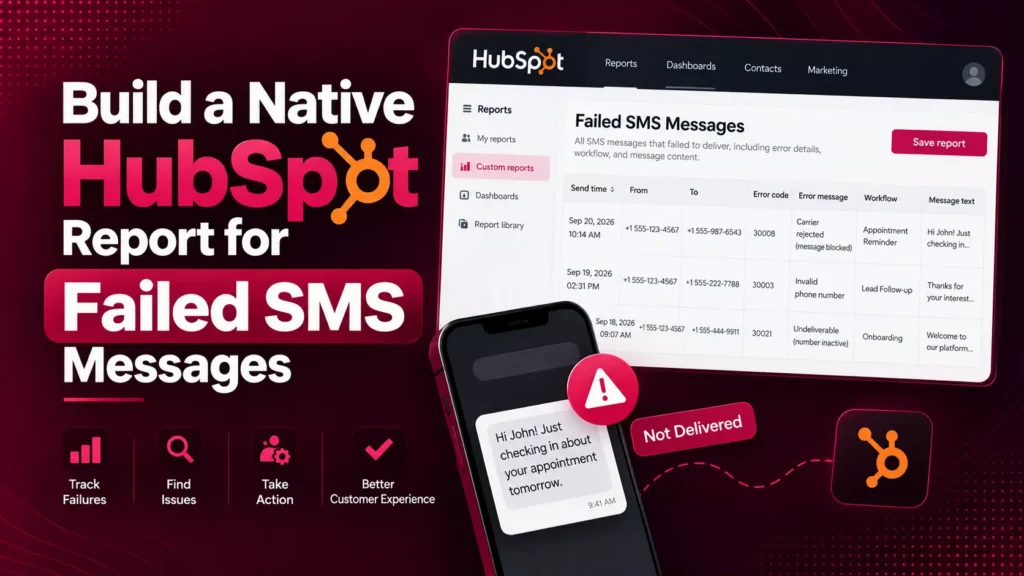
See how businesses use Message IQ and HubSpot SMS automation to improve customer communication, reduce missed opportunities, and create measurable business results.

How a National Pet Containment Company Used HubSpot SMS Automation to Shorten Sales Cycles, Reduce No-Shows, and Drive Service Plan Renewals For…

How an International Luxury Real Estate Brokerage Used HubSpot SMS Automation to Engage High-Value Leads Faster and Convert More Showings into Offers…
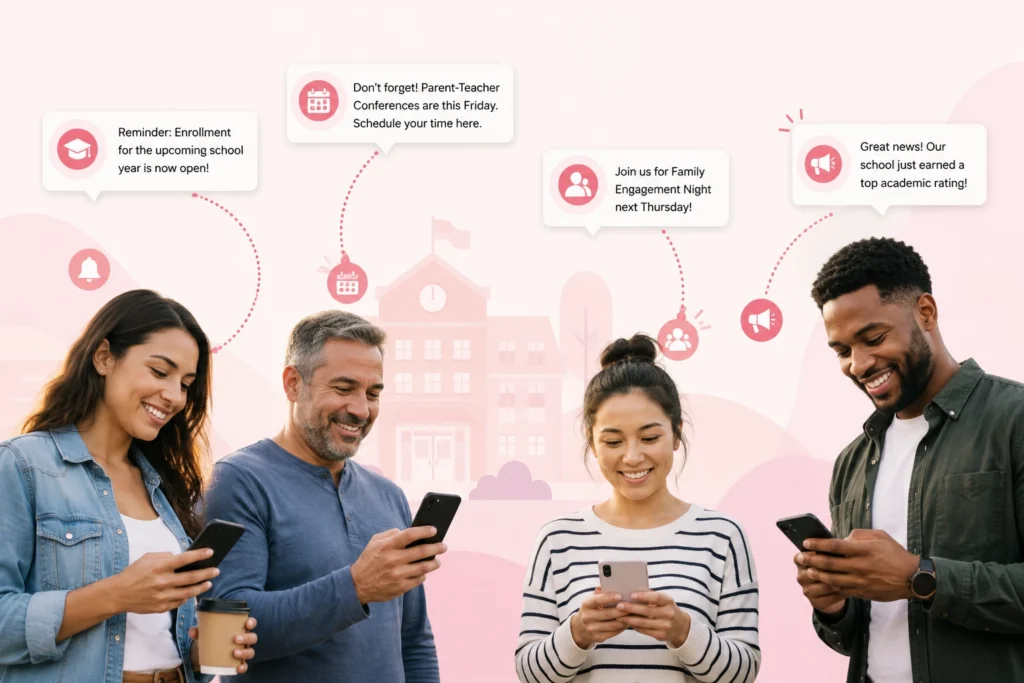
How a Charter School Network Used HubSpot SMS Automation to Fill Seats, Engage Families, and Strengthen Parent Communication This high-performing charter school…

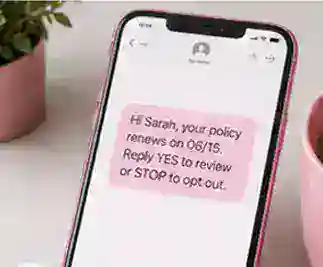
How a National Insurance Provider Used HubSpot SMS Automation to Increase Renewals, Reduce Call Volume, and Drive Open Enrollment Participation For more…
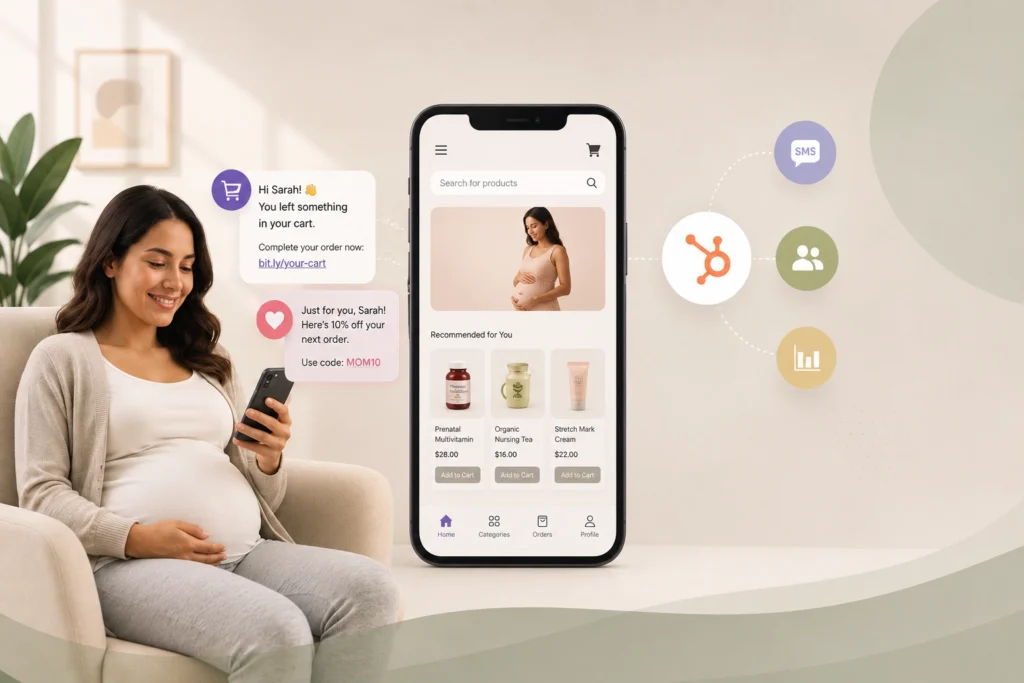
How a Maternal Health E-Commerce Brand Used HubSpot SMS Automation to Recover Lost Sales and Grow Customer Lifetime Value This online maternal…

A Top Auto Glass provider cut response times and no-shows with HubSpot SMS automation For nearly a decade, this mobile auto glass…
Explore more customer stories and discover how Message IQ fits into your CRM workflows.
Explore Case Studies →








| Scattered texting tools | Message IQ | |
|---|---|---|
| Where data lives | A separate dashboard per tool | Native HubSpot events and properties |
| Opt-outs | One list per tool, reconciled by hand | One Message IQ Opt-Out property |
| Phone numbers | Personal and per-team numbers | One business number with IQ Autoscaling |
| Reporting | Exports and spreadsheets | HubSpot reports and dashboards |
| Seats | Added team by team | Unlimited users on every plan |

 1
1
 2
2
 3
3
 4
4

Message IQ has increased engagement on the client's part, which is crucial for us as a deadline-driven business. Time is of the essence for us, and this has provided an additional layer of assistance, and I haven't had time to maximize its capability.

Message IQ allows me to proactively push notifications to clients, such as software updates, tips for optimizing Maxwell (askradar.ai), and special offers. People don't read emails, but they do read texts. And, this platform ensures opt-in, so we are verified and trusted as a sender to our clients.

Message IQ has enabled us to reach out to more leads more effectively. It has allowed our sales team to scale their pipeline quickly.
MessageIQ has allowed us to automate text messages in our workflows with little work on the front end. The ability to track clicks, replies and deliverability has been exceptionally helpful when reporting on workflow campaigns. Great support - team is easy to get in touch with. Must have app!
Message IQ has proven to be an invaluable complement to our email marketing campaigns. Our click rates are over 4× what they are with email, dramatically improving conversion with new leads.
1000 messages / Unlimited user
2500 messages / Unlimited user
10,000 messages / Unlimited users
Yes. Delivered, failed and received messages create native HubSpot events, and replies log to the contact timeline. You can report on them with HubSpot’s own reporting tools.
STOP, UNSUBSCRIBE, QUIT and CANCEL replies update the Message IQ Opt-Out property on the contact. Every workflow and list can filter on that one property, and Message IQ adds opt-out language when a message lacks it.
Yes. Message IQ 3.0 sends from contact, deal, ticket and company workflows and texts every contact associated with the triggering record.
Yes. Configure visibility sets individual, team and admin views, so reps see their own threads and managers see their team’s.
No. Every plan includes unlimited users and every feature. You pay for message volume, from 1,000 messages on Basic to 60,000 on High Volume.
Message IQ works with any HubSpot plan for one-to-one texting. Automated texts run through HubSpot workflows, so your plan needs workflow access for each object you trigger from.
Plans start at $49/month for 1,000 messages and scale to $1,999/month for 60,000, with unlimited users and every feature included. Month-to-month, cancel anytime.
Book a free 30-minute strategy call. We’ll map your opt-out property and build a delivery report in your HubSpot portal live. No credit card. No commitment.
Start with consent. Make the Message IQ Opt-Out property the one suppression rule in every SMS workflow and list, and retire older texting opt-out fields. Next, build a weekly failed-message report grouped by error code, so bad numbers get fixed at the source. Then add reply rate by contact owner and time to first text by lead source. Those reports answer most leadership questions about SMS without a spreadsheet. Use the ROI calculator to set a baseline.
Decide who owns each workflow type. Marketing owns list sends, sales owns lead and deal texts, and service owns ticket texts. Name workflows with a team prefix and keep templates in one place. Use Configure visibility so reps see only their own threads. List every use case in your 10DLC campaign, since carriers expect your messages to match what you registered. Review opt-out rates by workflow each month and pause any workflow that spikes.
A customer says they never agreed to texts. RevOps opens the contact record. The form submission shows the consent property, the timeline shows each text with its delivery event, and the opt-out property shows when they replied STOP. No later workflow texted them, because every SMS workflow filters on that property. The review takes minutes and never leaves HubSpot.
Enter your details to download the PDF instantly.
30-minute strategy call · Live two-way SMS demo · No credit card required
Check your inbox for the download link. Our team will reach out to schedule your free SMS strategy session.