
Shared inbox and help desk
Text messages show up alongside email and chat, so support and service teams carry every conversation from one place.
Message IQ 3.0 is out. Trigger SMS from deals, tickets, and companies, reported inside HubSpot.
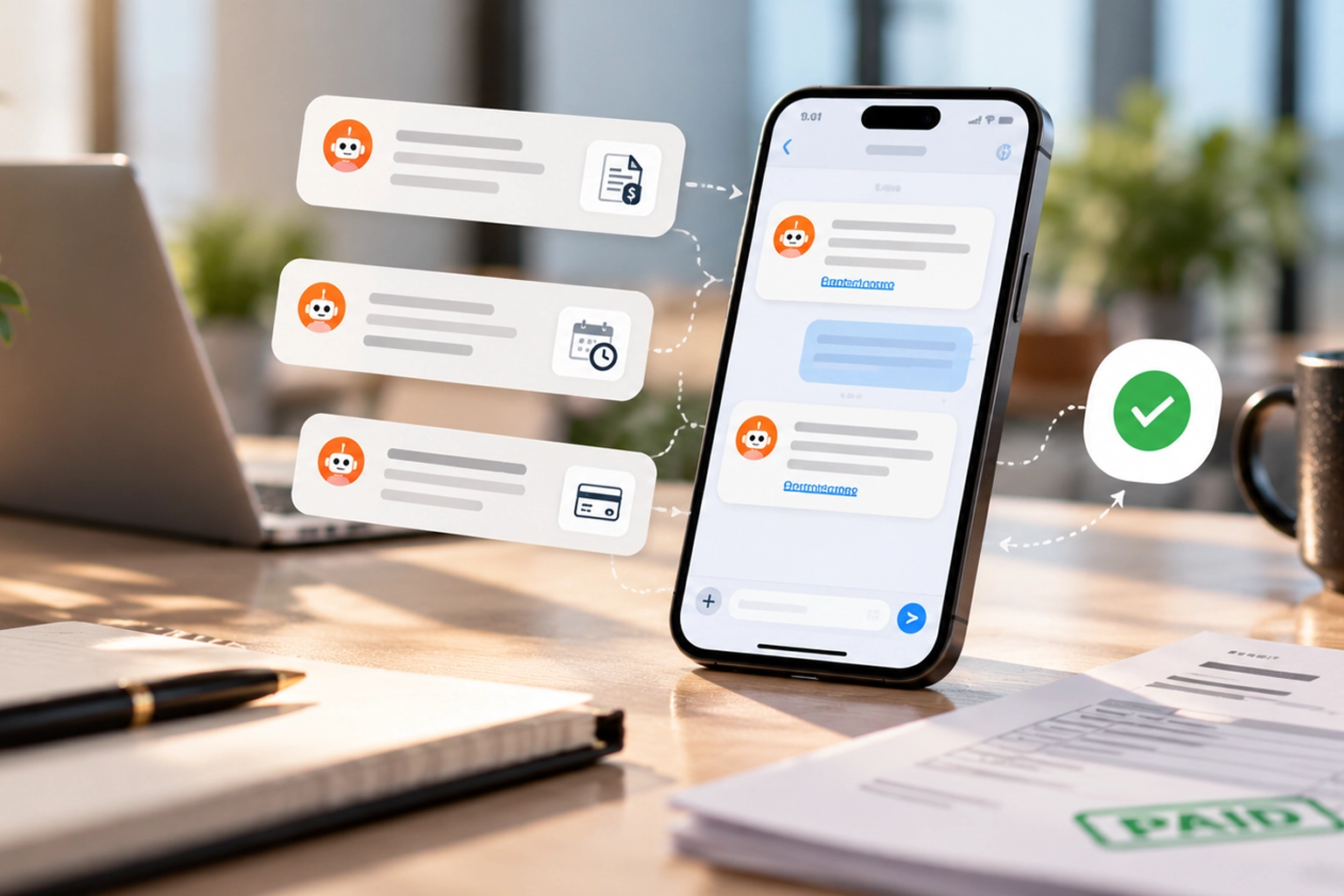
Message IQ texts customers before and after an invoice is due, straight from HubSpot, with the amount, due date and pay link filled in. Customers pay from their phone instead of finding the email three weeks later.
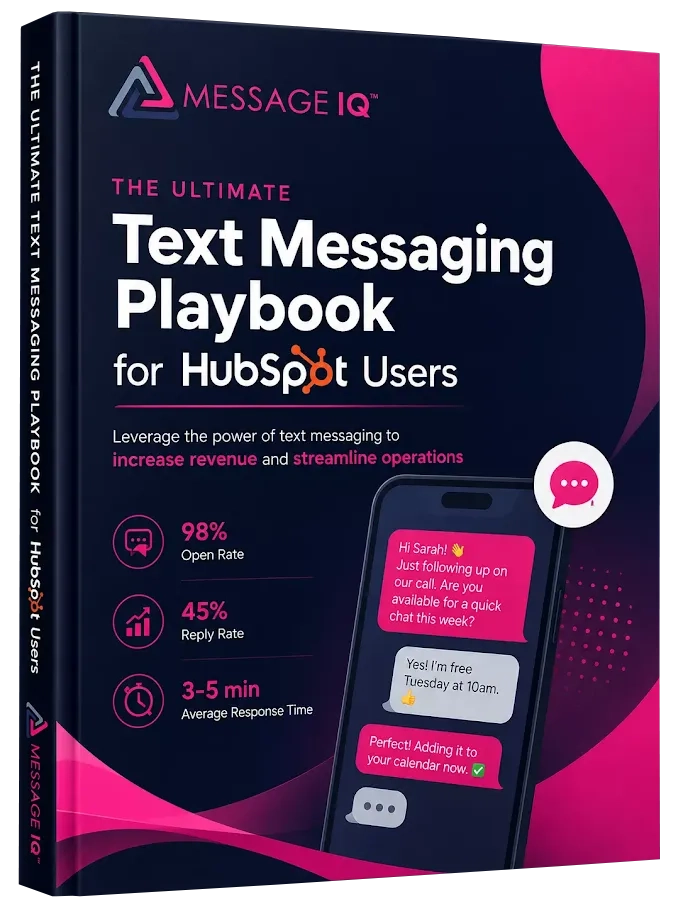
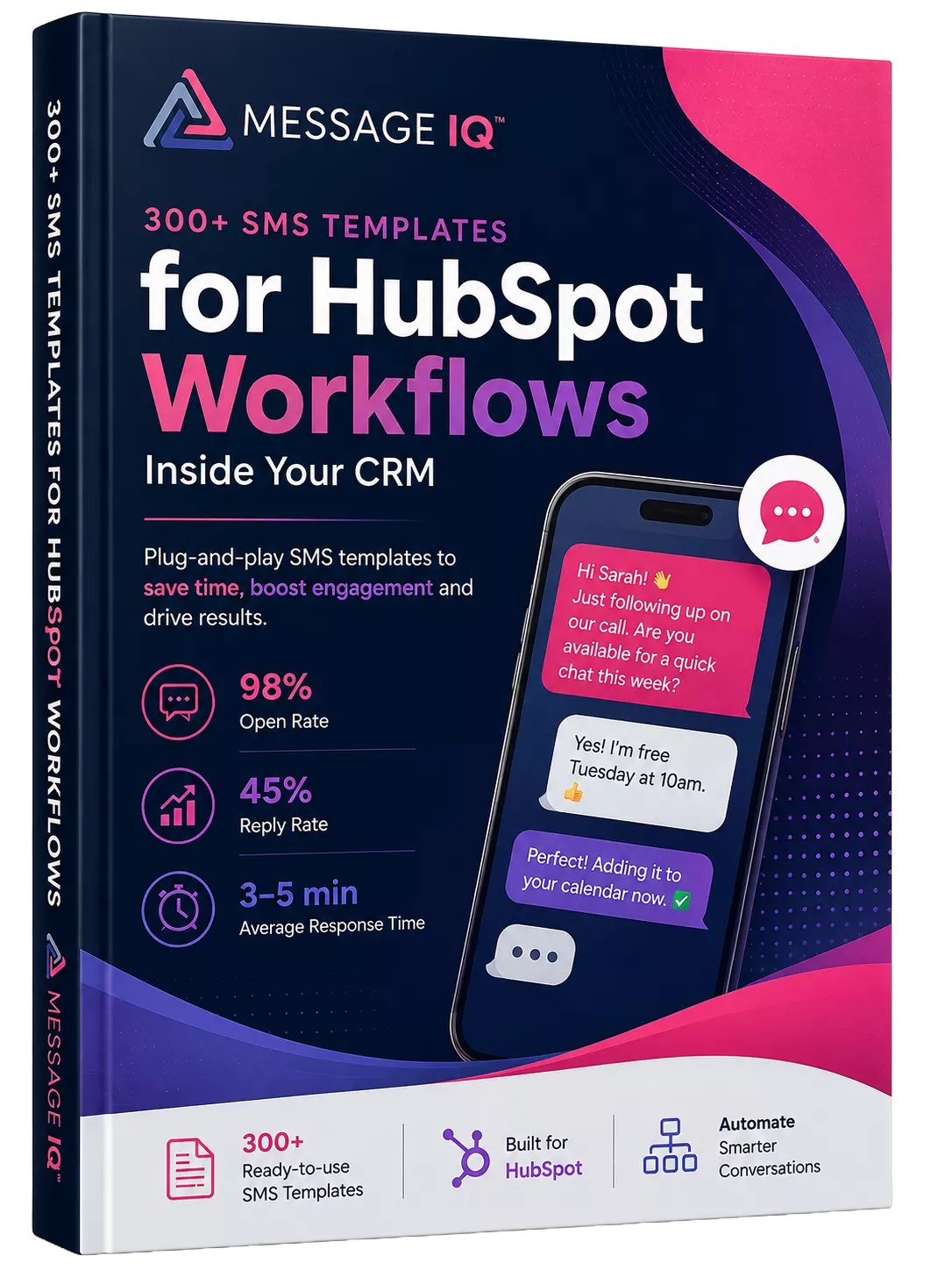
Discover how top HubSpot teams use SMS to boost engagement, close deals faster and streamline operations.
Instant download
Expert insights from certified HubSpot professionals
Ultimate Text Messaging Playbook








Stat cards
%
%
HubSpot SMS Payment
HubSpot SMS payment reminders are texts sent automatically before and after an invoice due date. A due date or payment status property on a HubSpot deal, company or contact triggers them. Each text states the amount, the date and a link to pay.
Most collections run on email, and overdue invoices usually mean the email went unread, not that the customer refused to pay. Finance chases by phone, sales gets dragged in, and cash sits in receivables for weeks.
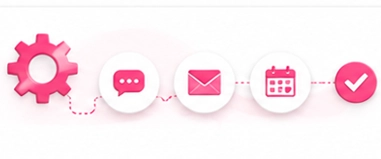
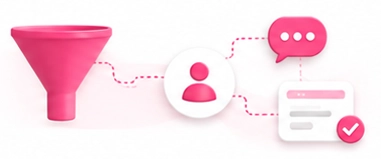
Message IQ adds a text to the payment workflows you already run in HubSpot. The customer sees the reminder within minutes and taps the link. Any reply lands on the record for your team to handle.


The due date, amount and pay link are stored on the deal or company record.
Delays run relative to the due date, during business hours.
Amount, due date and pay link fill the text from the triggering record.
Paid records exit; unpaid ones get the next reminder.
Replies log to the contact, and delivered, failed and received messages create native HubSpot events.
Text the amount, due date and pay link the day the invoice goes out. Customers who prefer their phone can pay immediately.
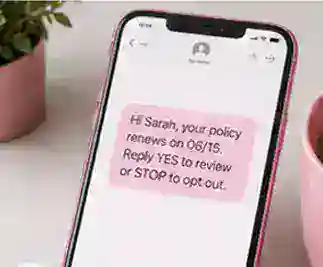
Three days before the due date, send a short reminder. Most late payments are simply forgotten ones.
A same-day text with the pay link catches customers before the invoice tips into overdue.
Branch on payment status and text unpaid accounts at 3 and 10 days past due. After that, create a HubSpot task for the account owner.
Confirm the payment and thank the customer. It closes the loop and cuts "did you get it?" emails.
Disputes and "can I pay next week?" replies land on the record, so finance answers in HubSpot instead of chasing by phone. For subscriptions, see renewal reminders.
| Timing | Copy-paste template |
|---|---|
| Invoice sent | Hi {{contact.firstname}}, your invoice for {{invoice_amount}} from {{company}} is due {{due_date}}. Pay securely: {{pay_link}} |
| 3 days before due | Reminder: {{invoice_amount}} is due {{due_date}}. Pay in one tap: {{pay_link}} |
| Due today | Hi {{contact.firstname}}, your {{invoice_amount}} payment is due today. Pay here: {{pay_link}}. Questions? Just reply. |
| 3 days overdue | Your invoice for {{invoice_amount}} is now past due. Pay here: {{pay_link}}, or reply if you need to talk options. |
| 10 days overdue | {{contact.firstname}}, we still show {{invoice_amount}} outstanding. Reply here or call {{owner.phone}} and we'll sort it out. |
| Paid | Thanks, {{contact.firstname}}! We received your payment of {{invoice_amount}}. |
Message IQ 3.0 puts text messaging alongside email and chat, triggers from any HubSpot object, and reports natively inside HubSpot’s own tools. Watch the two-minute walkthrough to see it live.
Text messages show up alongside email and chat, so support and service teams carry every conversation from one place.
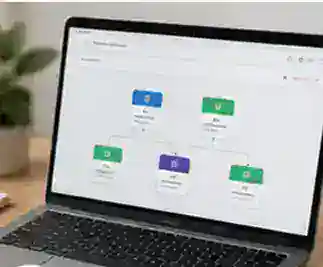
Build a workflow off a company, deal, or ticket and send a personal text to every connected contact.
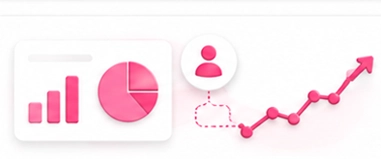
Delivered, failed, and received messages generate native HubSpot events for reports at the message or segment level.
Every outgoing message is scanned for reply-stop language, with required text added automatically when it’s missing.
New permissions required. The shared inbox connection needs your HubSpot account reconnected. Log into your Smart Ramp account and select Settings then Integrations to enable it.
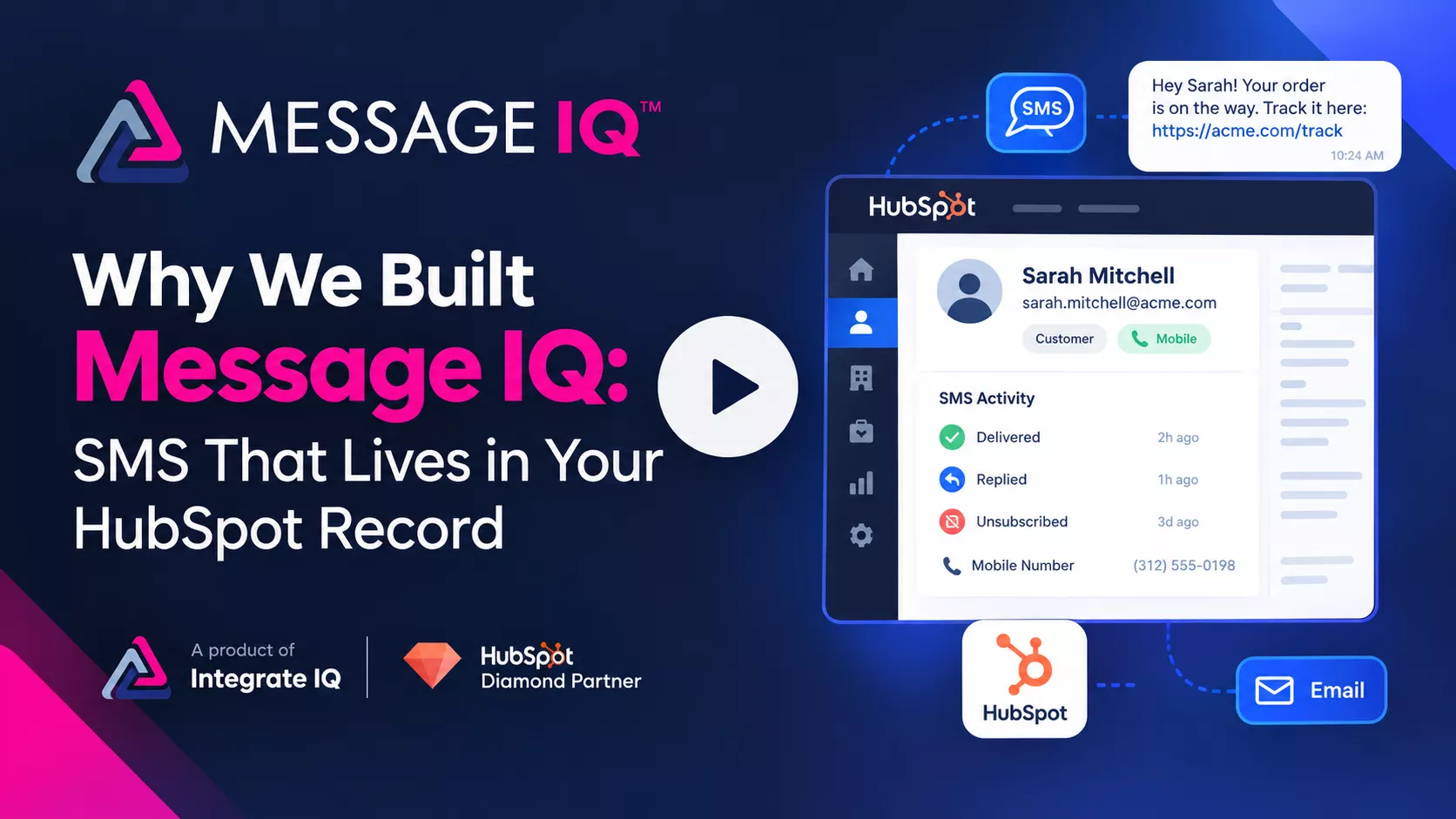
Email opens sit at 20–30%. Texts get read. Message IQ brings SMS into HubSpot, built to handle the compliance rules email never had to.
Want a personalized tour? Call or text (866) 293-4873
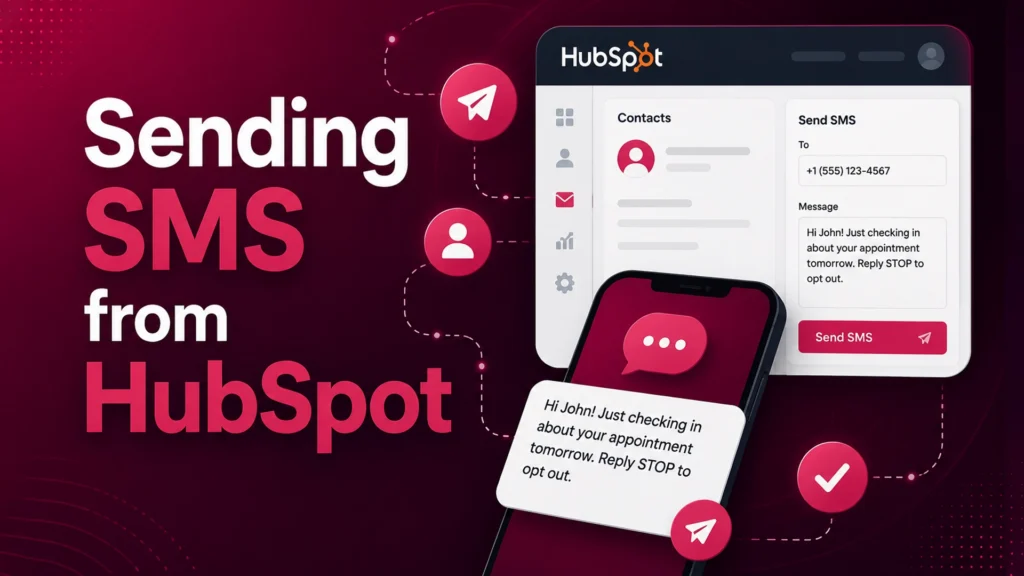
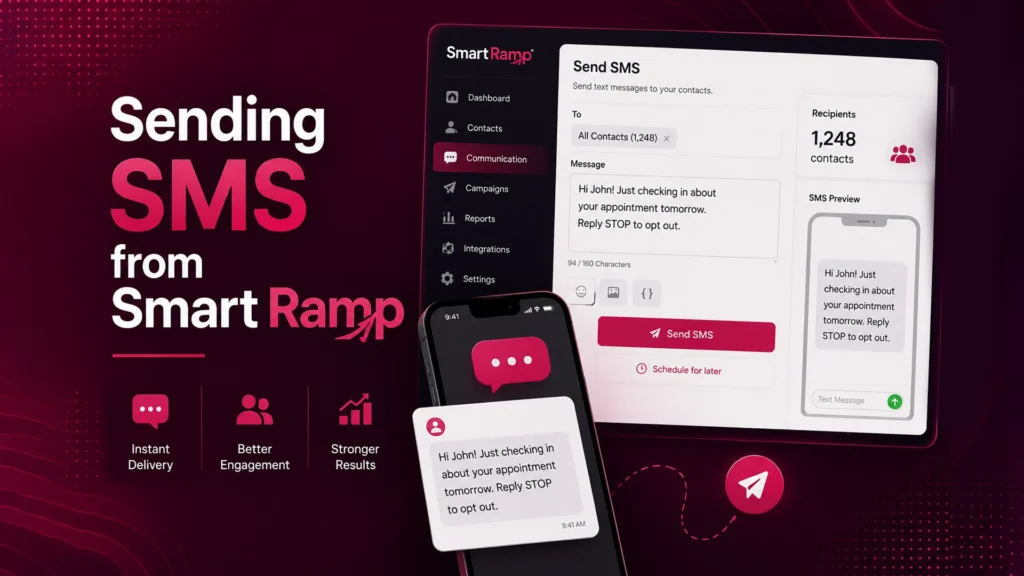
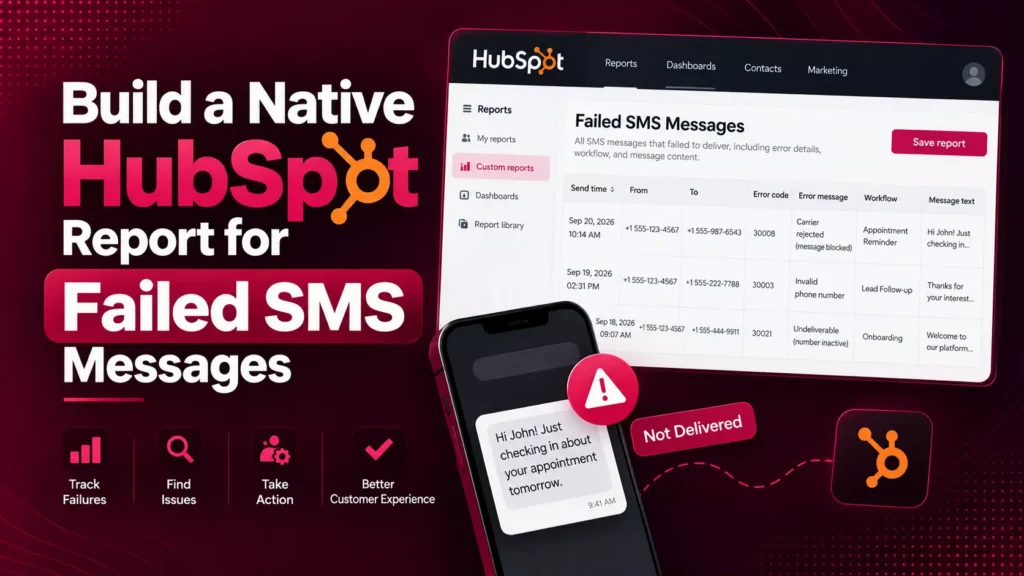
See how businesses use Message IQ and HubSpot SMS automation to improve customer communication, reduce missed opportunities, and create measurable business results.

How a National Pet Containment Company Used HubSpot SMS Automation to Shorten Sales Cycles, Reduce No-Shows, and Drive Service Plan Renewals For…
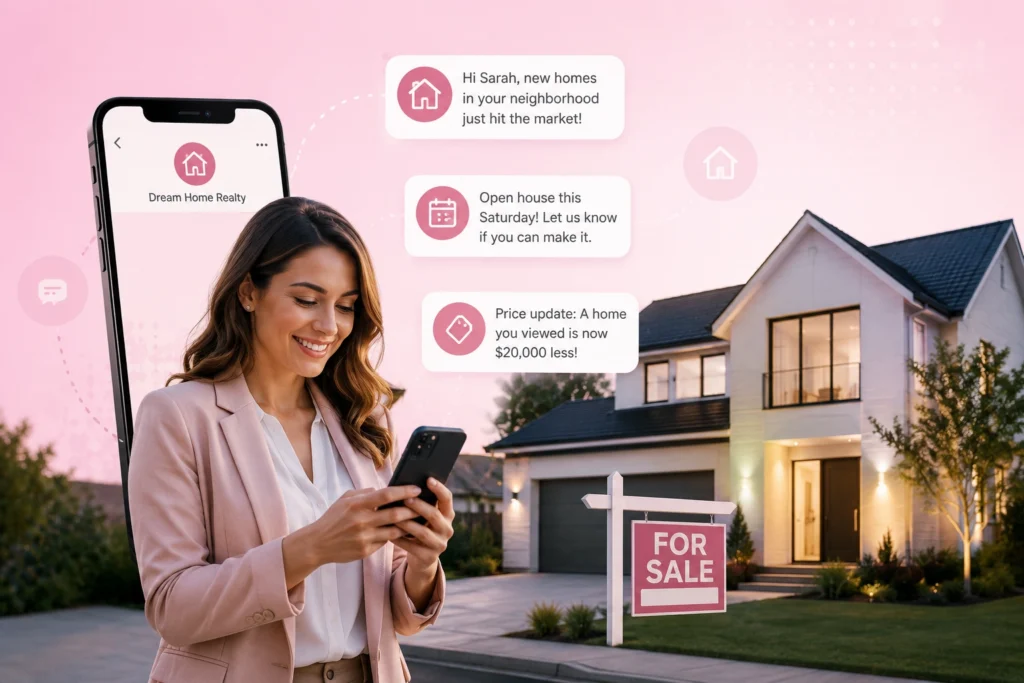
How an International Luxury Real Estate Brokerage Used HubSpot SMS Automation to Engage High-Value Leads Faster and Convert More Showings into Offers…
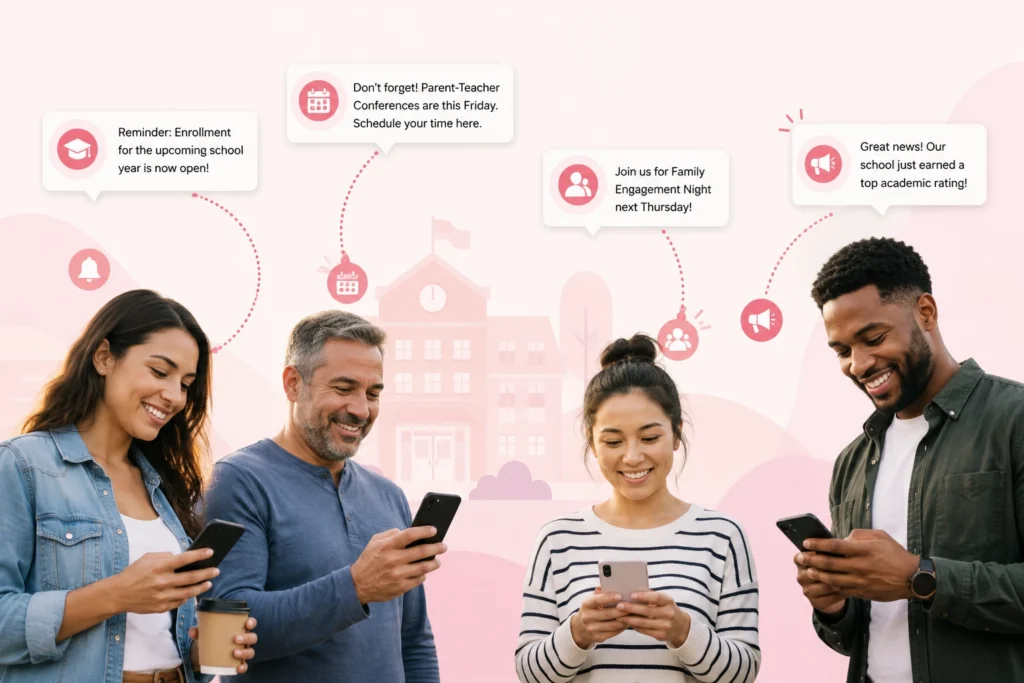
How a Charter School Network Used HubSpot SMS Automation to Fill Seats, Engage Families, and Strengthen Parent Communication This high-performing charter school…

How a National Insurance Provider Used HubSpot SMS Automation to Increase Renewals, Reduce Call Volume, and Drive Open Enrollment Participation For more…
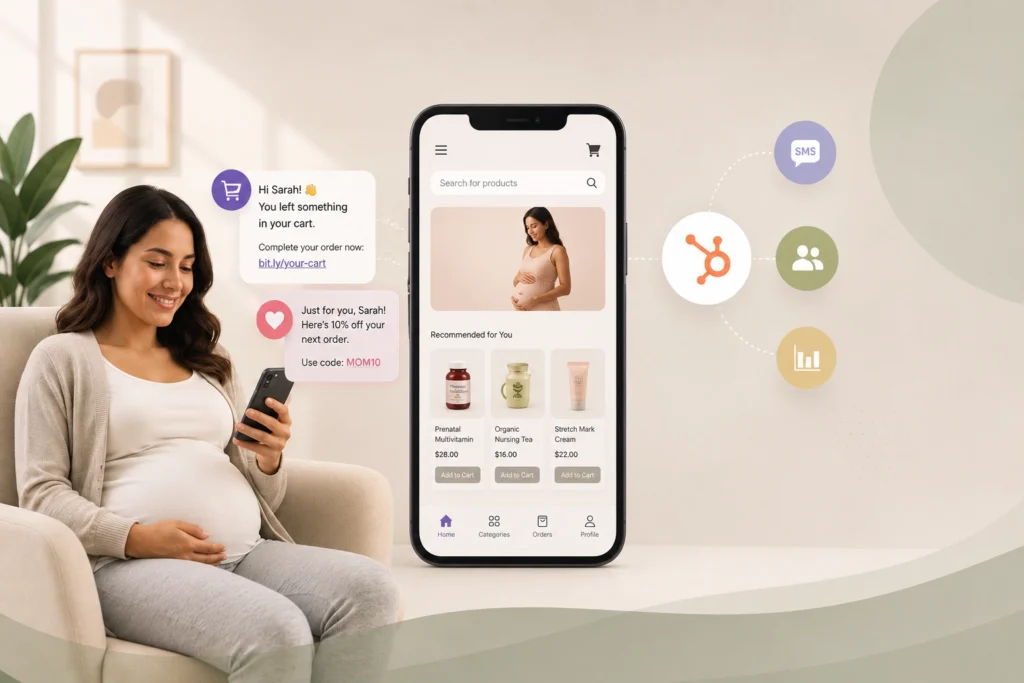
How a Maternal Health E-Commerce Brand Used HubSpot SMS Automation to Recover Lost Sales and Grow Customer Lifetime Value This online maternal…
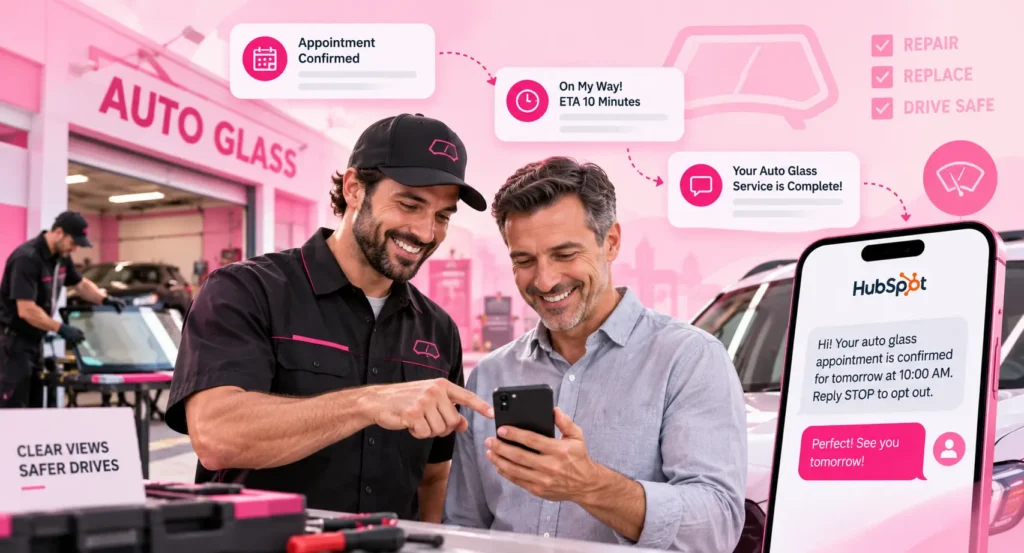
A Top Auto Glass provider cut response times and no-shows with HubSpot SMS automation For nearly a decade, this mobile auto glass…
Explore more customer stories and discover how Message IQ fits into your CRM workflows.
Explore Case Studies →



| Email-only reminders | With Message IQ texts | |
|---|---|---|
| Typical open rate | ~20% | 98% |
| Path to pay | Find the email, open the invoice | One tap on a tracked link |
| Customer questions | Separate email thread | Text reply, logged in HubSpot |
| Stops when paid | If your workflow checks | Payment status branch in the same workflow |
| Follow-up for overdue | Phone calls from finance | Timed texts, then an owner task |

 1
1
 2
2
 3
3
 4
4

Message IQ has increased engagement on the client's part, which is crucial for us as a deadline-driven business. Time is of the essence for us, and this has provided an additional layer of assistance, and I haven't had time to maximize its capability.

Message IQ allows me to proactively push notifications to clients, such as software updates, tips for optimizing Maxwell (askradar.ai), and special offers. People don't read emails, but they do read texts. And, this platform ensures opt-in, so we are verified and trusted as a sender to our clients.

Message IQ has enabled us to reach out to more leads more effectively. It has allowed our sales team to scale their pipeline quickly.
MessageIQ has allowed us to automate text messages in our workflows with little work on the front end. The ability to track clicks, replies and deliverability has been exceptionally helpful when reporting on workflow campaigns. Great support - team is easy to get in touch with. Must have app!
Message IQ has proven to be an invaluable complement to our email marketing campaigns. Our click rates are over 4× what they are with email, dramatically improving conversion with new leads.
1000 messages / Unlimited user
2500 messages / Unlimited user
10,000 messages / Unlimited users
Yes, with an SMS integration like Message IQ. Build a date-based workflow on your invoice due date property, add delays before and after the date, and use the Message IQ send SMS action at each step.
Yes. Message IQ pulls properties from the record that triggered the workflow, so the amount, due date and pay link can appear in the text. IQ Link Tracking shortens the link and records the click.
Message IQ sends texts from contact, deal, ticket and company workflows. Store the due date, amount and pay link as properties on the deal or company to drive payment reminders.
Add a branch that checks the payment status property before each text. Records marked paid exit the workflow, so customers never get a reminder after paying.
No. Reminders about an invoice the customer owes are transactional. Keep them free of promotions, and Message IQ adds opt-out language automatically.
Message IQ works with any HubSpot plan. Automated payment reminders run through HubSpot workflows, so your plan needs workflow access.
Plans start at $49/month for 1,000 messages and scale to $1,999/month for 60,000, with every feature and unlimited users included. Month-to-month, cancel anytime.
Contact Message IQ for a free consultation.
Five touches cover most invoices: on send, 3 days before due, on the due date, 3 days overdue and 10 days overdue. Stop texting after that and hand the account to a person with a HubSpot task. Use delays relative to the due date property and business-hours sending, so every invoice follows its own calendar and nothing lands at night.
Invoice reminders to existing customers are transactional, but tone still matters. State the amount and date plainly, give a way to pay and a way to reply, and avoid threats or urgency language. Businesses that collect consumer debts on behalf of others must also follow debt collection rules, so check with counsel. Message IQ handles opt-out language and STOP replies across every workflow.
Finance sends an invoice, and the deal’s due date, amount and pay link update. The customer gets a text with the pay link the same day. Three days before the due date a reminder goes out. The customer replies asking for a copy of the PO, and the reply lands in HubSpot for the account owner. On the due date the customer pays, the status flips to paid, and a thank-you text closes the loop.
Enter your details to download the PDF instantly.
30-minute strategy call · Live two-way SMS demo · No credit card required
Check your inbox for the download link. Our team will reach out to schedule your free SMS strategy session.