
HubSpot SMS Integration:
Built CRM-Native, Not Bolted On
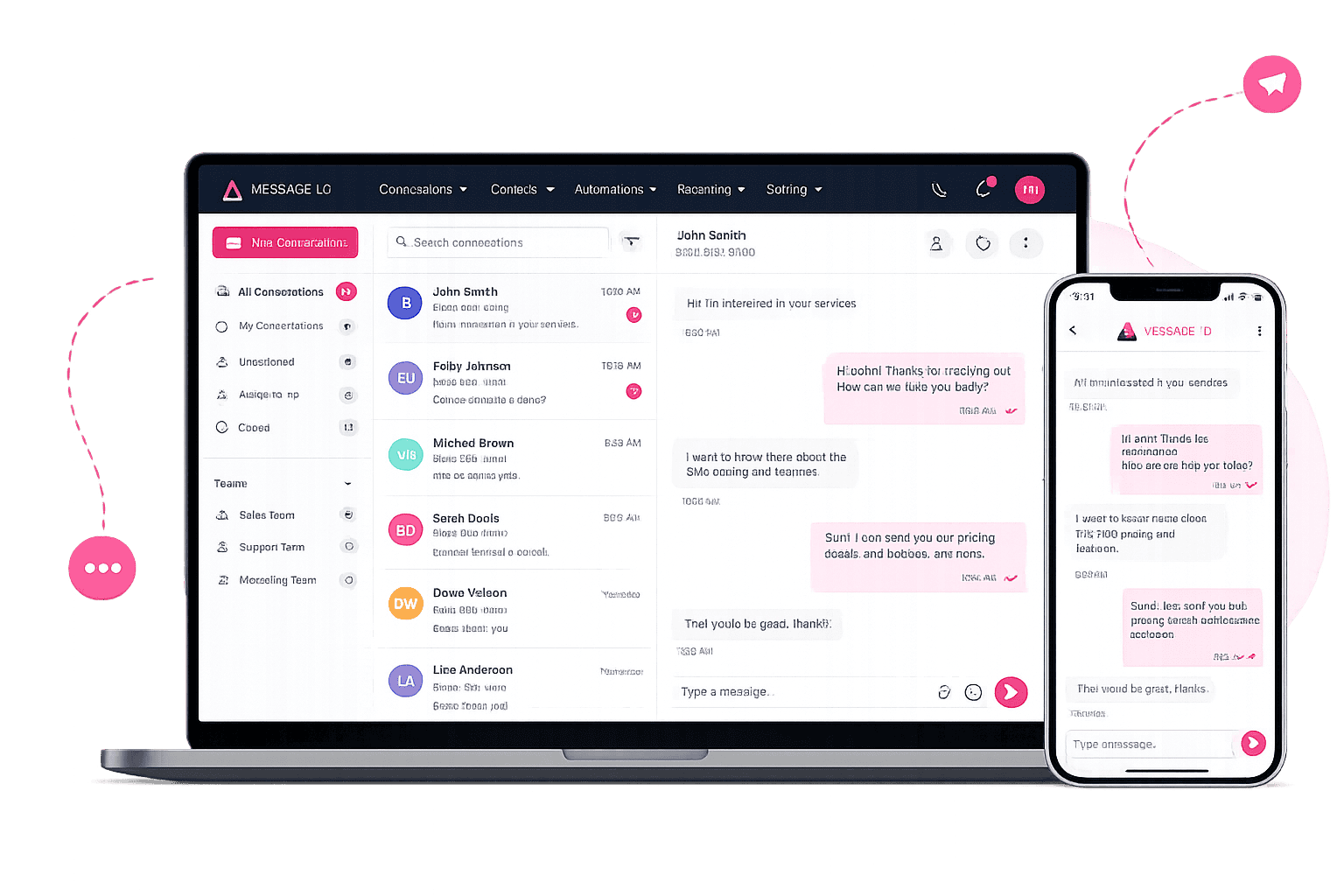
Send, receive, and automate SMS directly from HubSpot contact records, Active Lists, and workflows. Message IQ is the HubSpot SMS integration built inside HubSpot, backed by direct carrier delivery and a single business number that autoscales with your volume.
- 98% open rate
- 3 to 5 min average response
- Month-to-month, cancel anytime
Companies texting smarter with Message IQ








Get Your Free HubSpot SMS Strategy Session + Claim The Ultimate Text Messaging Playbook Instantly for FREE
Discover how top HubSpot teams use SMS to boost engagement, close deals faster and streamline operations.
Instant download
Expert insights from certified HubSpot professionals
Ultimate Text Messaging Playbook
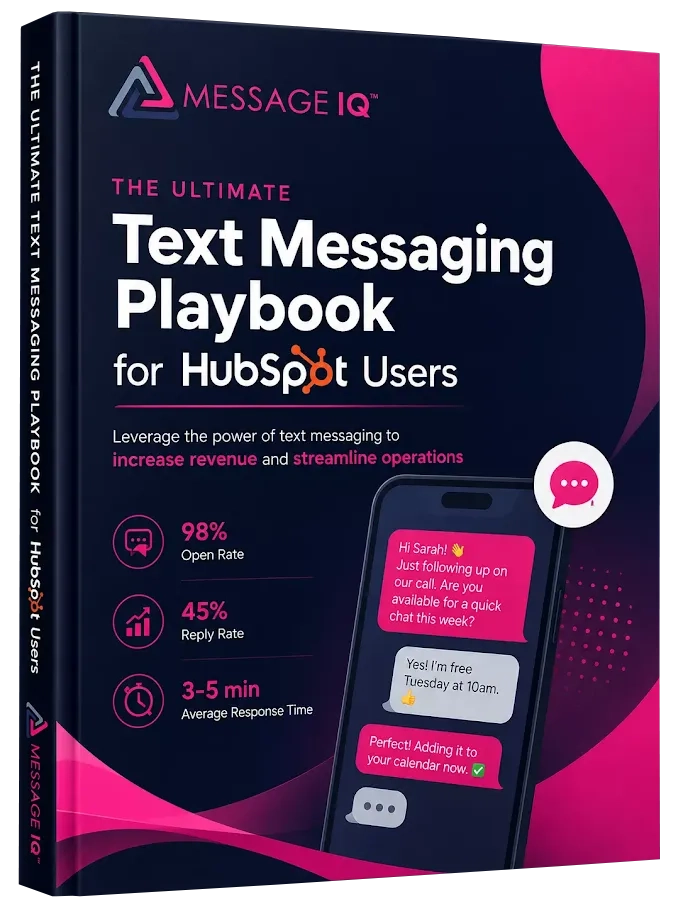
Claim Your Free Playbook + Demo
What Is a HubSpot SMS Integration?
A HubSpot SMS integration connects HubSpot to a text messaging platform so you can send, receive, and automate SMS using HubSpot contact records, properties, lists, and workflows. The best integrations add SMS as a native workflow action and write every message, reply, and opt-out back to HubSpot, so texting works like email instead of living in a separate tool.
| Message IQ at a glance | Details |
|---|---|
| Where you text from | HubSpot contact, deal, ticket, and company records, workflows, and lists, plus a web app and mobile app |
| Where replies land | HubSpot’s shared inbox and help desk, the contact timeline, and the Message IQ inbox |
| HubSpot plan needed | Any plan for one-to-one texting and list sends; a Professional-tier hub for workflow automation |
| Native HubSpot SMS add-on required? | No. Message IQ runs its own carrier delivery. |
| Countries | United States and Canada |
| Pricing | From $49/month for 1,000 messages, unlimited users, every feature on every plan |
| Contracts | Month-to-month, cancel anytime |
Configure Message IQ, the SMS and MMS app built natively for HubSpot
Message IQ Setup Guide: Send SMS & MMS Directly From HubSpot
How to Send Bulk SMS From HubSpot Using Message IQ
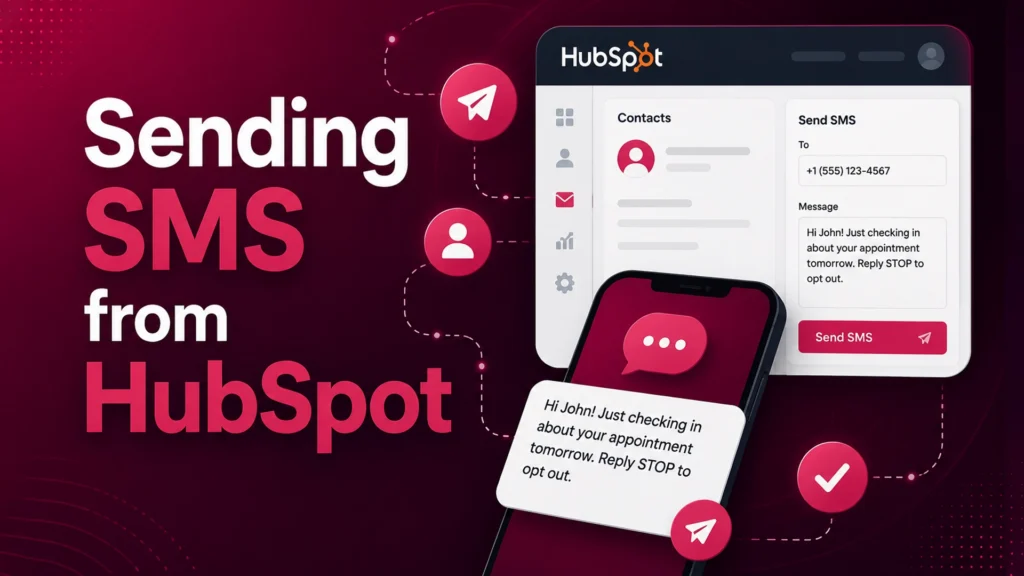
How to send SMS from HubSpot using Message IQ
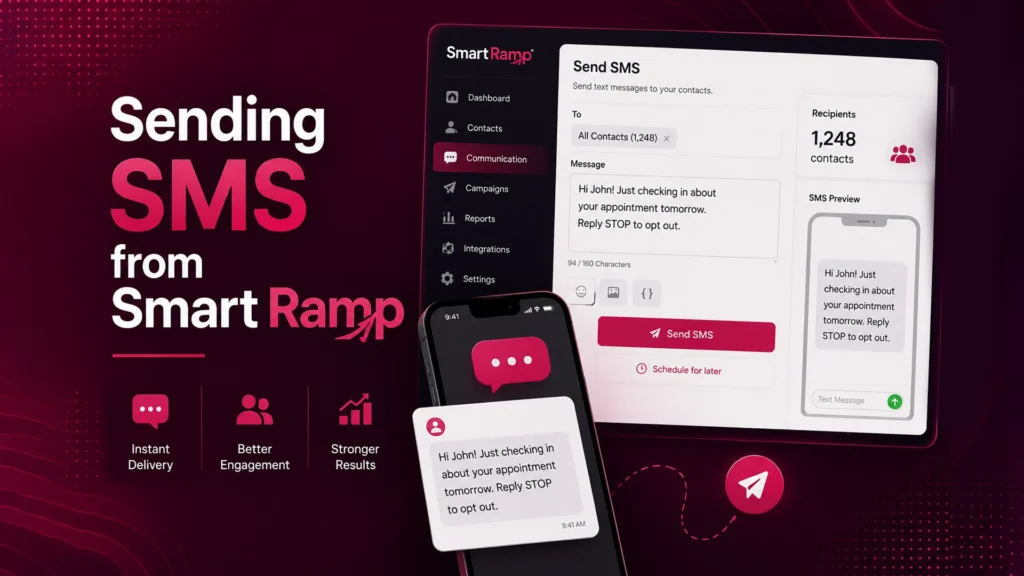
Message IQ - Sending SMS from Smart Ramp
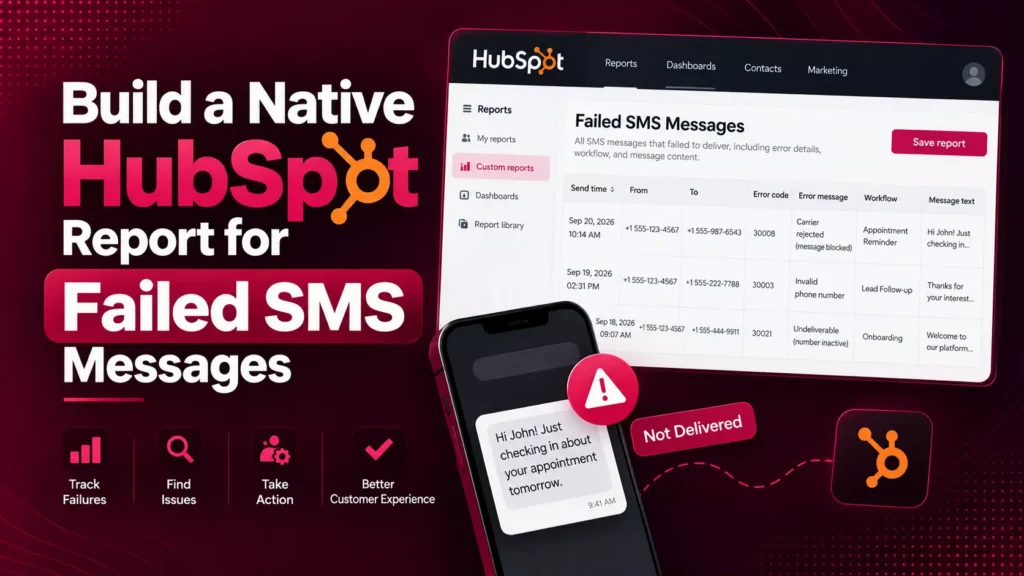
Build a Native HubSpot Report for Failed SMS Messages
What You Get
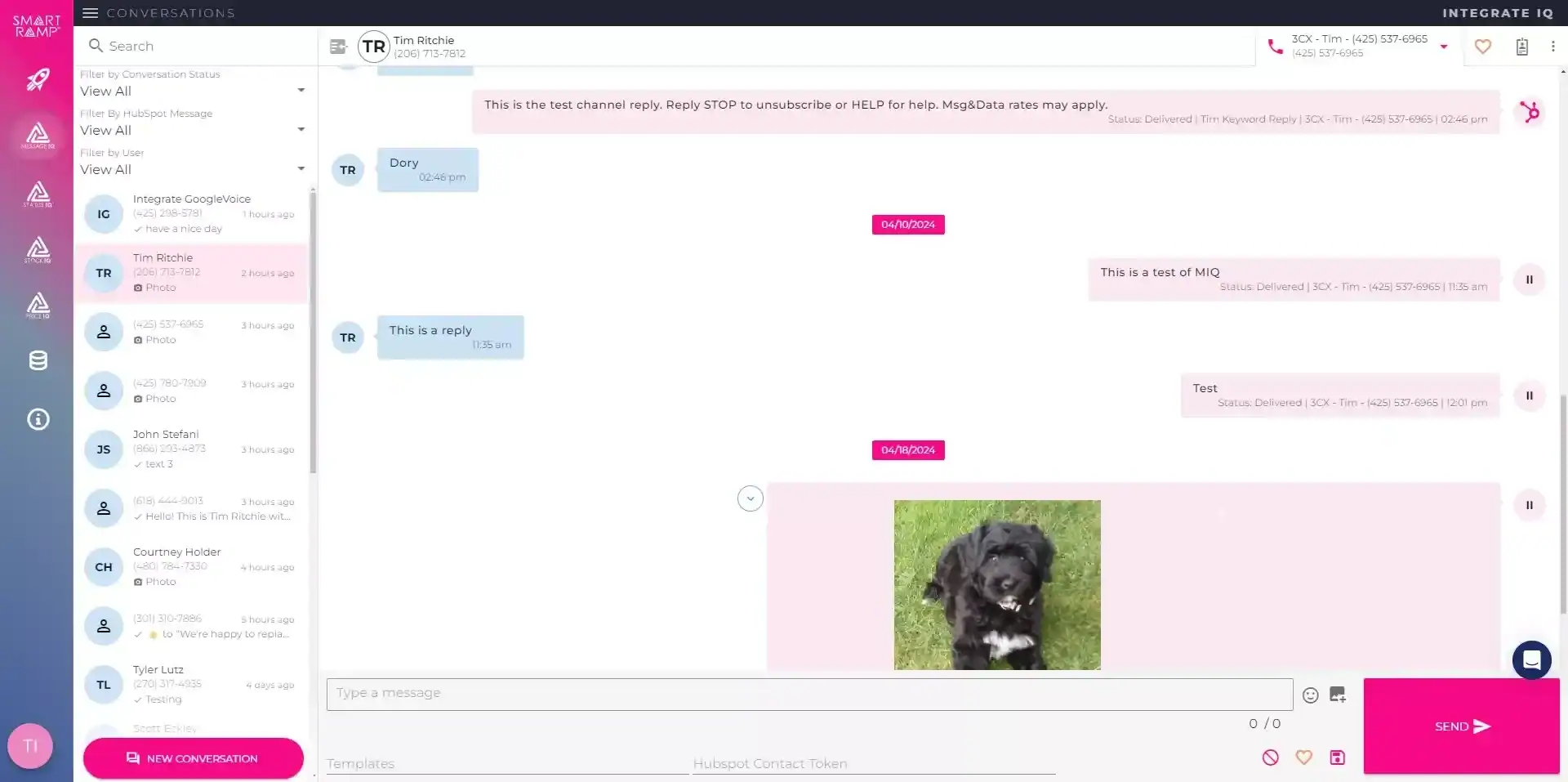
What you get with Message IQ
inside HubSpot
Six things generic SMS software can’t ship, because they don’t live where your team already works.
Why SMS Wins
%
SMS open rate, nearly 5x higher than email
%
of SMS messages are read within 3 minutes
minutes is the average time for SMS replies
%
of customers buy from the first company to respond
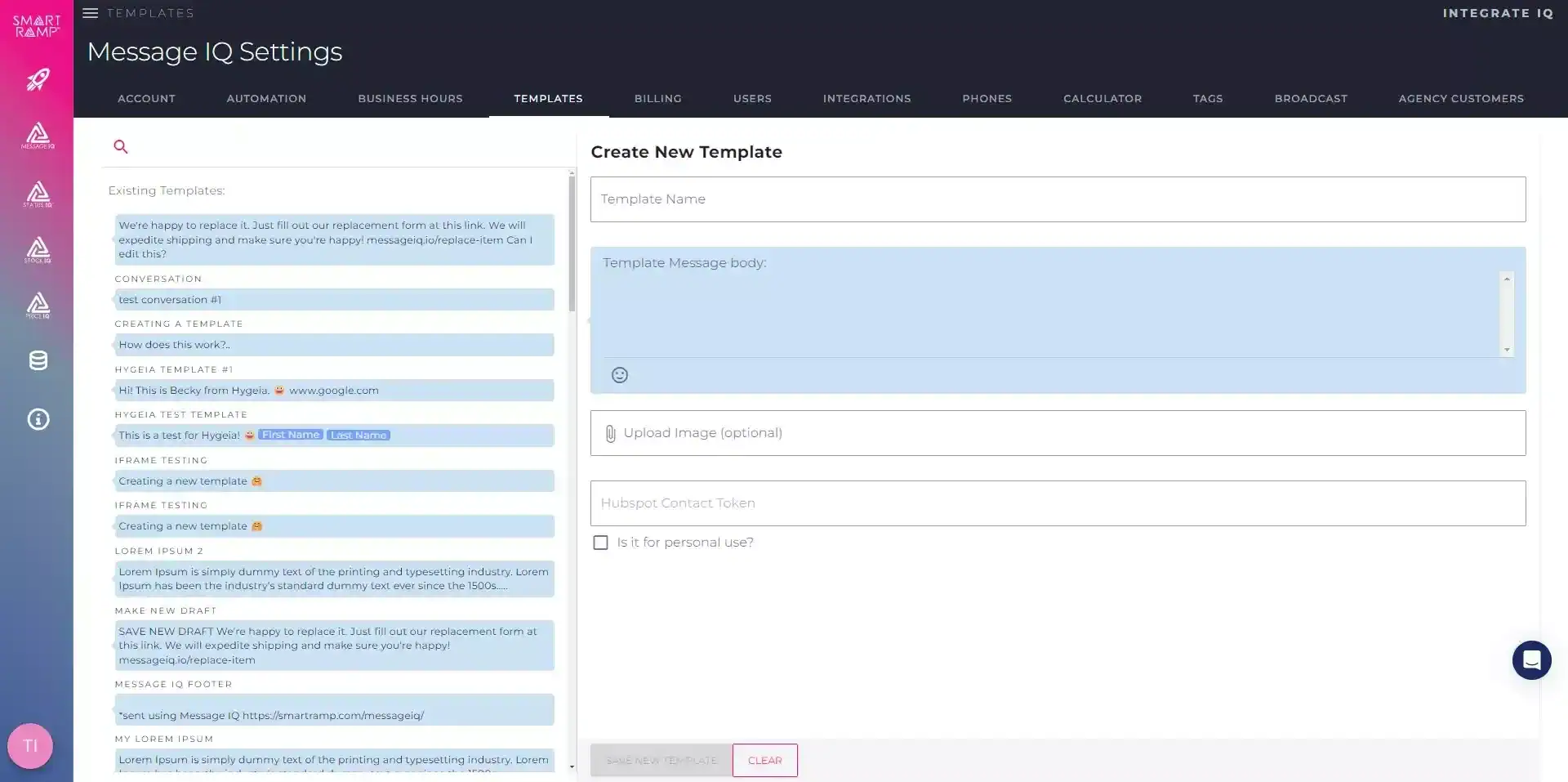
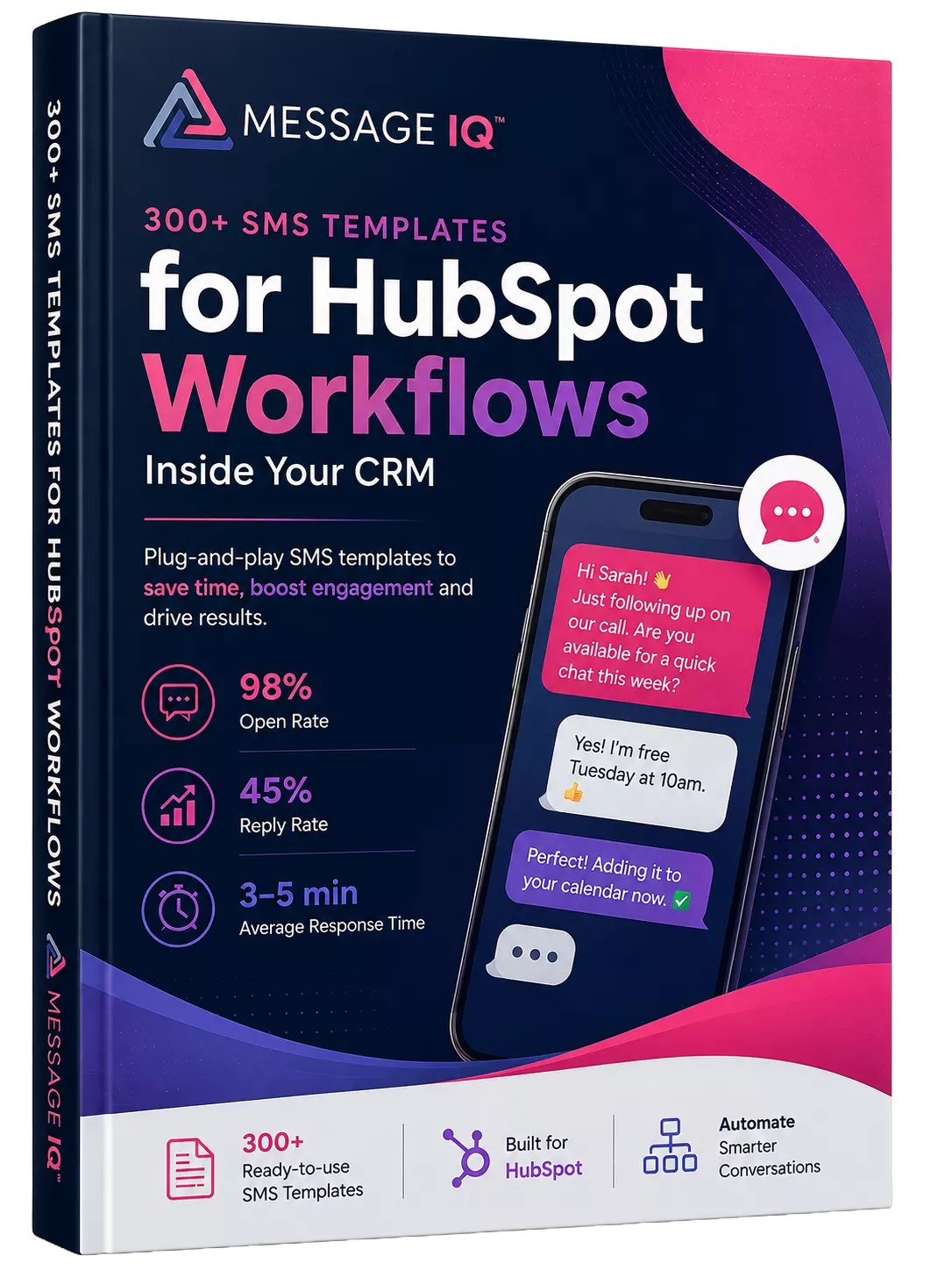
300+ SMS Templates for HubSpot Workflows Inside Your CRM
What Syncs Between Message IQ and HubSpot
Everything Message IQ sends or receives writes back to HubSpot, so your reports, workflows, and reps work from one record.
| Data | Where it lands in HubSpot | What you can do with it |
|---|---|---|
| Outbound texts and replies | Contact timeline | See full conversation history next to emails and calls |
| Inbound replies | HubSpot shared inbox, help desk, or custom inbox | Assign, answer, and close threads with the rest of your channels |
| Delivered, failed, and received status | Native HubSpot events | Build reports at the message or segment level |
| STOP, UNSUBSCRIBE, QUIT, CANCEL | Message IQ Opt-Out contact property | Suppress opted-out contacts in every workflow |
| Link clicks | Contact record, via IQ Link Tracking | Branch workflows on who clicked |
| Bounces and line type | Contact record | Clean landlines and bad numbers out of your lists |
SMS now lives inside HubSpot’s shared inbox, not a separate tool
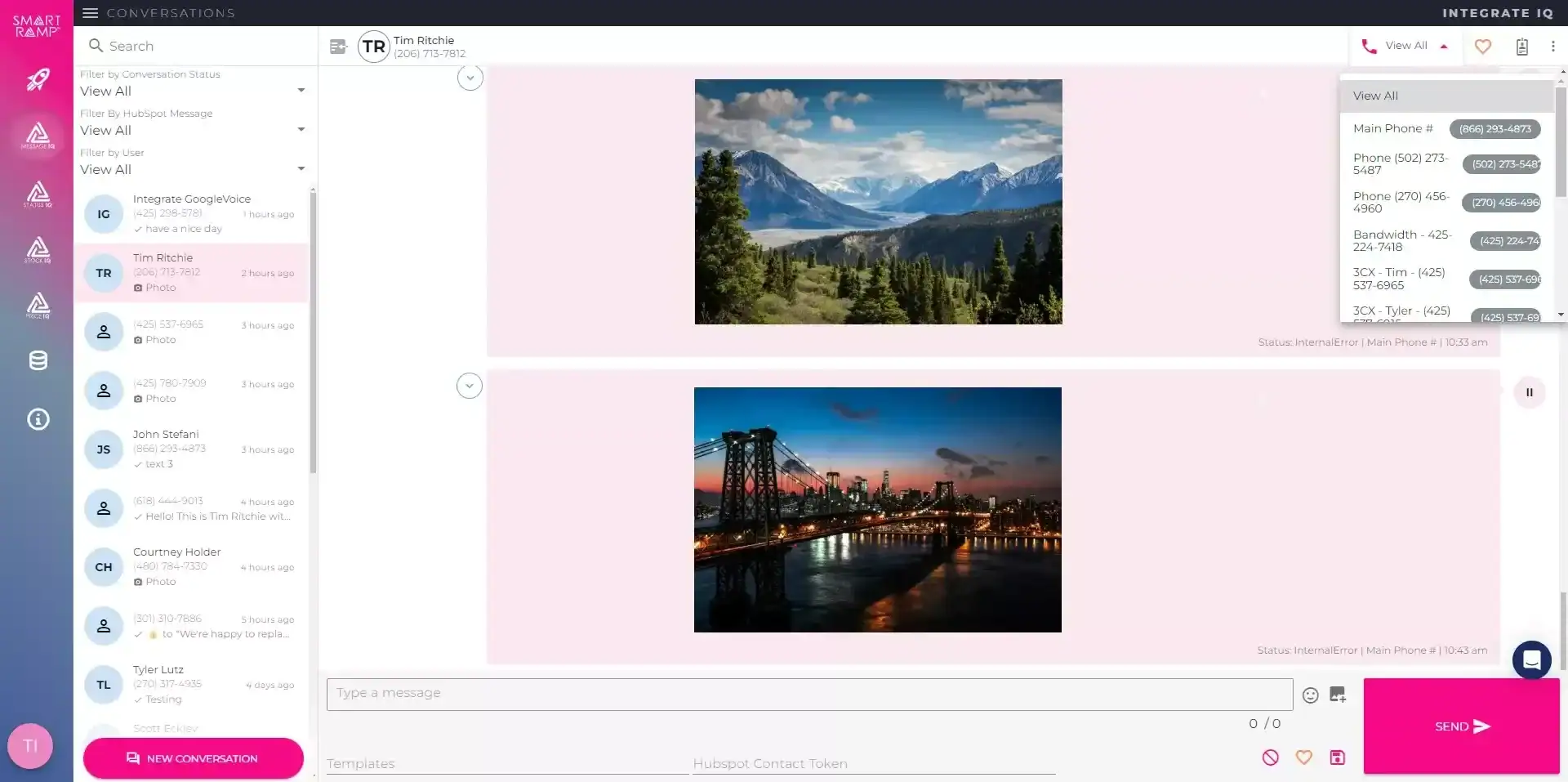
Message IQ 3.0 puts text messaging alongside email and chat, triggers from any HubSpot object, and reports natively inside HubSpot’s own tools. Watch the two-minute walkthrough to see it live.

Shared inbox and help desk
Text messages show up alongside email and chat, so support and service teams carry every conversation from one place.
Trigger from any object
Build a workflow off a company, deal, or ticket and send a personal text to every connected contact.
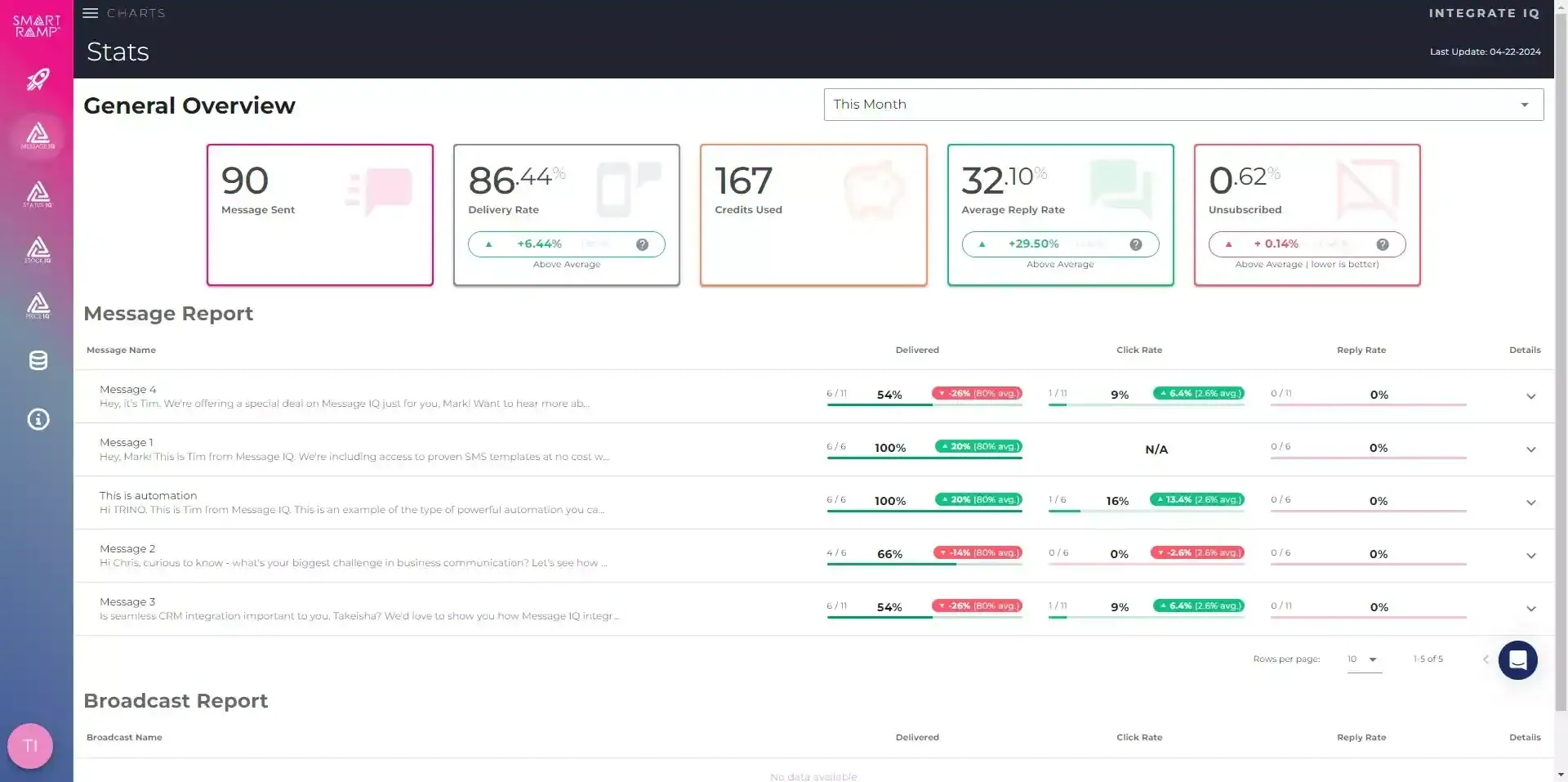
Reporting built into HubSpot
Delivered, failed, and received messages generate native HubSpot events for reports at the message or segment level.
Built-in compliance
Every outgoing message is scanned for reply-stop language, with required text added automatically when it’s missing.
New permissions required. The shared inbox connection needs your HubSpot account reconnected. Log into your Smart Ramp account and select Settings then Integrations to enable it.
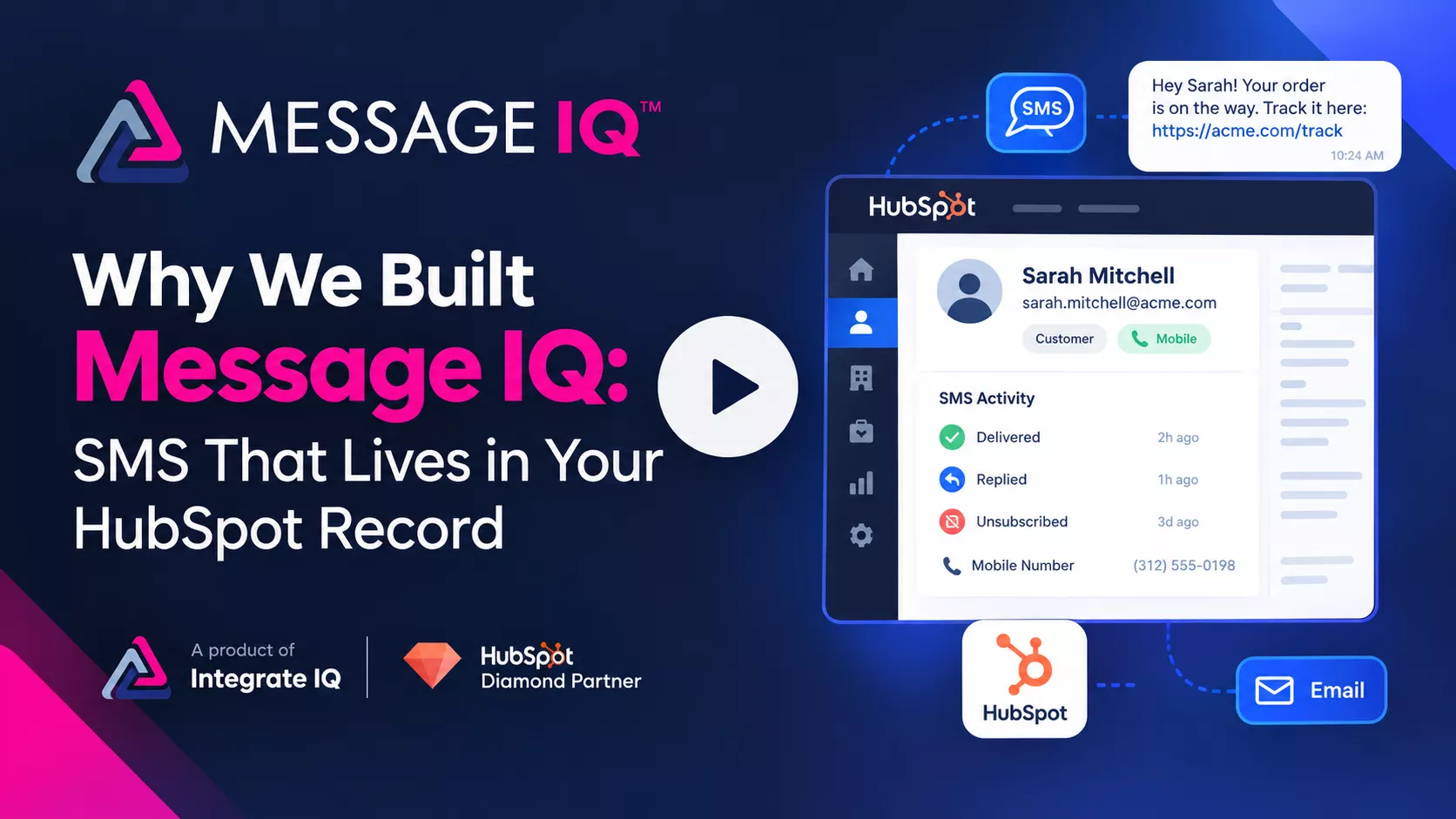
Why We Built Message IQ: SMS That Lives in Your HubSpot Record
Email opens sit at 20–30%. Texts get read. Message IQ brings SMS into HubSpot, built to handle the compliance rules email never had to.
- Carrier compliance checks built in, so campaigns don’t get suspended or blocked
- Delivers, bounces, unsubscribes, and line type sync straight to the contact record
Want a personalized tour? Call or text (866) 293-4873
Real Businesses. Real SMS Results.
See how businesses use Message IQ and HubSpot SMS automation to improve customer communication, reduce missed opportunities, and create measurable business results.

How a National Pet Containment Company Used HubSpot SMS
How a National Pet Containment Company Used HubSpot SMS Automation to Shorten Sales Cycles, Reduce No-Shows, and Drive Service Plan Renewals For…

How an International Luxury Real Estate Brokerage Used HubSpot
How an International Luxury Real Estate Brokerage Used HubSpot SMS Automation to Engage High-Value Leads Faster and Convert More Showings into Offers…
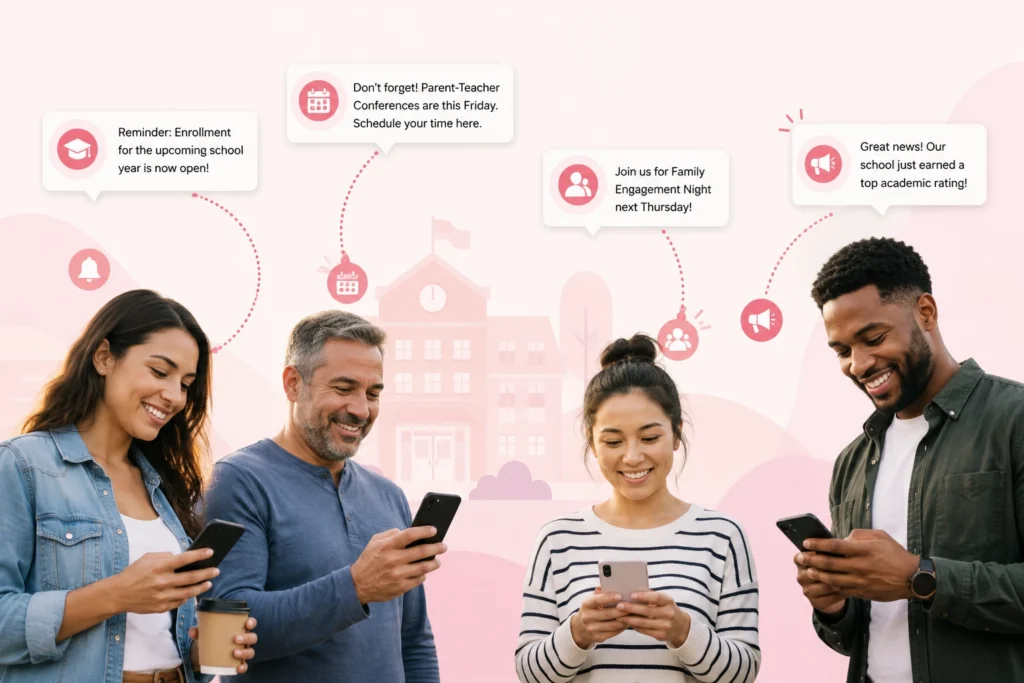
How a Charter School Network Used HubSpot SMS Automation
How a Charter School Network Used HubSpot SMS Automation to Fill Seats, Engage Families, and Strengthen Parent Communication This high-performing charter school…

How a National Insurance Provider Used HubSpot SMS Automation
How a National Insurance Provider Used HubSpot SMS Automation to Increase Renewals, Reduce Call Volume, and Drive Open Enrollment Participation For more…
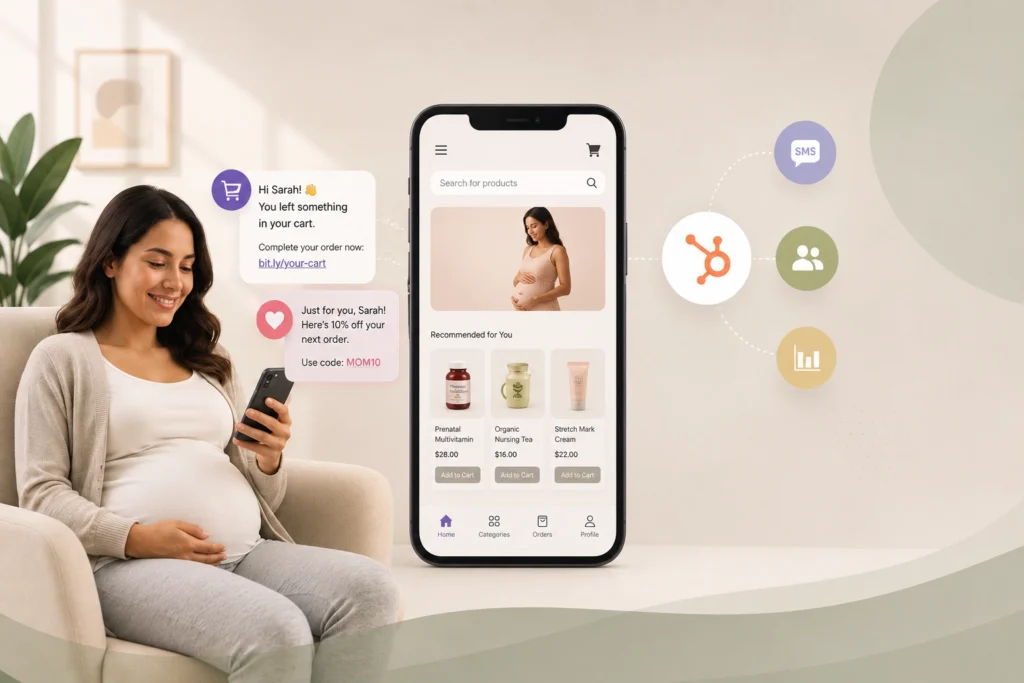
How a Maternal Health E-Commerce Brand Used HubSpot SMS Automation
How a Maternal Health E-Commerce Brand Used HubSpot SMS Automation to Recover Lost Sales and Grow Customer Lifetime Value This online maternal…

How a Leading Auto Glass Provider Cut Response Times and Reduced No-Shows with SMS Automation
A Top Auto Glass provider cut response times and no-shows with HubSpot SMS automation For nearly a decade, this mobile auto glass…
See What SMS Can Do For Your Business
Explore more customer stories and discover how Message IQ fits into your CRM workflows.
Explore Case Studies →What Makes Message IQ Different


Message IQ is a product of Integrate IQ, a HubSpot Diamond Partner with 300+ platform integrations delivered. SMS is not a side project for us, it’s the channel we’ve spent years watching teams try to make work inside HubSpot. Every workflow limitation, every deliverability gotcha, every compliance edge case has shaped how the product is built.

Two-way messaging, IQ Autoscaling, IQ Advanced Delivery, HubSpot integration, advanced reporting, MMS and opt-out management all ship on every tier from Basic to Enterprise Max. No gated features, no “talk to sales to unlock this.” The only difference between plans is message volume.
Cell phone carriers enforce unwritten deliverability rules that most SMS platforms don’t discuss. We work directly with the carriers which means we understand the rules and operate within them. Your messages get delivered and when they don’t, you see why.
Message IQ is built and supported by Integrate IQ, a HubSpot Diamond Partner that has delivered 300+ platform integrations. Our team doesn’t just sell software. We handle HubSpot onboarding, CRM migration, workflow architecture and custom integrations for the same customers who use Message IQ.
HubSpot SMS Integration Use Case
How Teams Use Message IQ Inside HubSpot


When a deal closes, a HubSpot workflow triggers a short SMS asking for a review or referral. Reviews come in faster than email campaigns produce and the conversation logs to the original contact record so every touchpoint stays connected.
Why Teams Choose Message IQ
Message IQ vs. HubSpot’s Native SMS Add-On
HubSpot sells its own Marketing SMS Add-On, and it works well for marketing campaigns to opted-in lists. Teams pick Message IQ when sales and service need to text too, or when they don’t run Marketing Hub Professional. Here’s the difference:
| Factor | HubSpot Marketing SMS Add-On | Message IQ |
|---|---|---|
| HubSpot plan required | Marketing Hub Professional or Enterprise | Any HubSpot plan |
| Starting cost | $75/month for 1,000 segments, plus the Marketing Hub plan | $49/month for 1,000 messages |
| Who you can text | Opted-in marketing contacts | Any contact with SMS consent |
| Objects you can trigger from | Marketing Hub workflows | Contact, deal, ticket, and company workflows |
| Phone numbers | One marketing number per account | One autoscaling business number shared by the team |
| Replies | Conversations inbox | HubSpot shared inbox and help desk, contact timeline, Message IQ inbox |
| Countries | US and Canada (+1 numbers) | US and Canada |
| Contracts | Billed with your HubSpot subscription | Month-to-month, cancel anytime |
See the full HubSpot SMS pricing breakdown for segment math and registration fees.
Which HubSpot Plans and Hubs Work With Message IQ?
Message IQ works on every HubSpot plan, including free CRM, for one-to-one texting from records and sends to lists. Automating texts inside workflows requires a Professional-tier hub, because HubSpot only offers workflows and custom workflow actions on Professional and Enterprise. You need Professional only on the hub you automate in:
| You want to automate texts from | HubSpot hub you need at Professional or above |
|---|---|
| Contacts (lead response, nurture, reminders) | Marketing Hub, Sales Hub, or Service Hub |
| Deals (stage changes, stalled deals, closed won) | Sales Hub |
| Tickets (status updates, support follow-up) | Service Hub |
| Companies (account-wide updates to every associated contact) | Marketing Hub, Sales Hub, or Service Hub |
You don’t need Marketing Hub Professional or HubSpot’s SMS add-on to run sales or service texting with Message IQ.
From Zero to Texting
Your Entire Database
1
Select and Purchase a Plan
Choose the plan that fits your message volume
2
Connect Your HubSpot Portal
Connect your HubSpot portal in one click
3
Submit Brand Applications
Submit brand and campaign applications (white-glove support included)
4
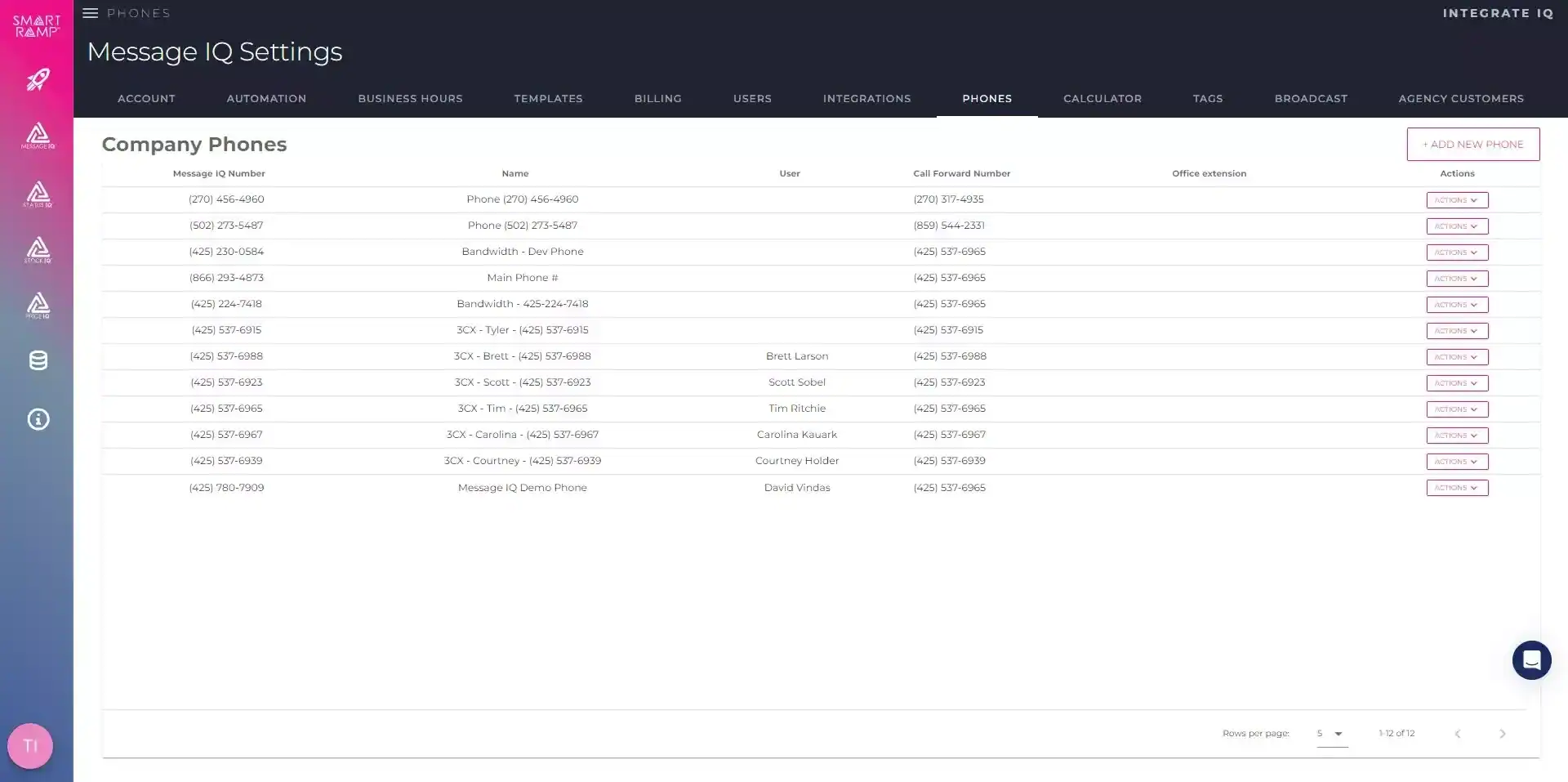
Configure Your Number
Configure your business phone number
5
Map Workflows
Map workflows and contact properties
6
Go Live
Go live and start sending
Choose Your Plan
The only difference between plans is how many messages you send. Everything else is included everywhere.
Basic
$49/per month
- 1,000 messages per month
- Unlimited Users
- Every feature included
Pro
$99/per month
- 2,500 messages per month
- Unlimited Users
- Every feature included
GROWTH
$399/per month
- 10,000 Messages
- Unlimited Users
- Every feature included
Scale
$999/per month
- 30,000 Messages
- Unlimited Users
- Every feature included
High Volume
$1,999/per month
- 60,000 messages: $1,999/mo
- 100,000 messages: $2,999/mo
- Custom volumes above that
ENTERPRISE
$6,875/per month
($0.0275 overage)
- 250K Messages
- Unlimited Users
- Every feature included
ENTERPRISE PLUS
$11,500/per month
($0.023 overage)
- 500K Messages
- Unlimited Users
- Every feature included
ENTERPRISE MAX
$15,000/per month
($0.015 overage)
- 1M Messages
- Unlimited Users
- Every feature included

Reviews from 
Game-Changer for Communication Open Rates
Message IQ has increased engagement on the client's part, which is crucial for us as a deadline-driven business. Time is of the essence for us, and this has provided an additional layer of assistance, and I haven't had time to maximize its capability.

A.
Banking/Financial ServicesGreat platform for client engagement and retention
Message IQ allows me to proactively push notifications to clients, such as software updates, tips for optimizing Maxwell (askradar.ai), and special offers. People don't read emails, but they do read texts. And, this platform ensures opt-in, so we are verified and trusted as a sender to our clients.

Bunde, N.
Technology - SoftwareVery Robust and Easy to Use! Extremely Effective.
Message IQ has enabled us to reach out to more leads more effectively. It has allowed our sales team to scale their pipeline quickly.
Ops, D.
Consulting/AdvisorySimple integration & easy to use
MessageIQ has allowed us to automate text messages in our workflows with little work on the front end. The ability to track clicks, replies and deliverability has been exceptionally helpful when reporting on workflow campaigns. Great support - team is easy to get in touch with. Must have app!
Augsburger, L.
Electronics4× Higher Click Rates Than Email
Message IQ has proven to be an invaluable complement to our email marketing campaigns. Our click rates are over 4× what they are with email, dramatically improving conversion with new leads.
Brett Nakfoor
CEO, Hygeia BabyFrequently Asked Questions
How does Message IQ integrate with HubSpot?
Do I need a separate login from HubSpot to use Message IQ?
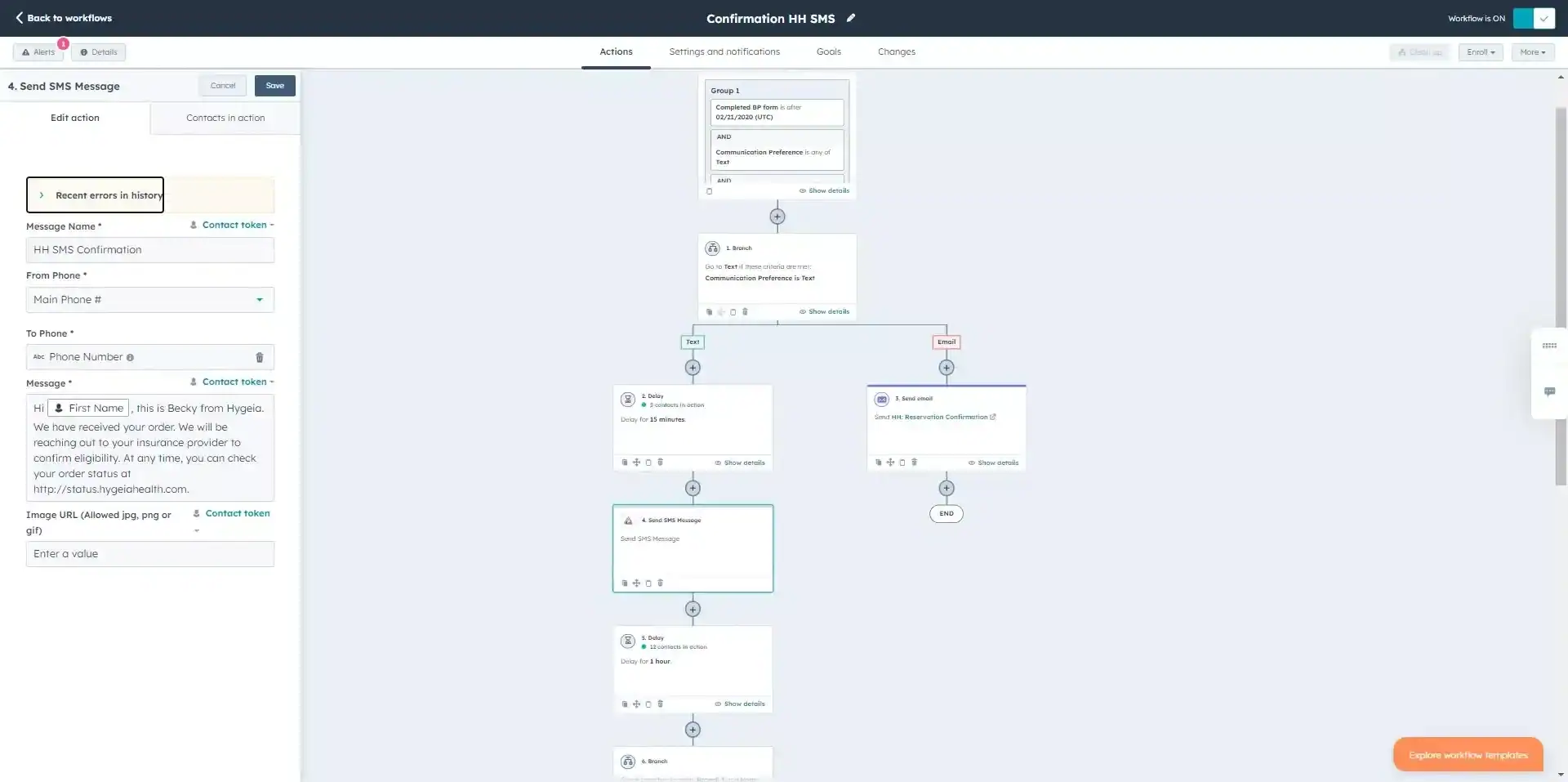
Can I send SMS from a HubSpot workflow?
Does Message IQ support two-way texting?
Is Message IQ listed in the HubSpot App Marketplace?
What about compliance with TCPA, 10DLC, and opt-out keywords?
Can I send MMS with images or GIFs?
What does it cost? Are there contracts?
Plans start at $49 per month for 1,000 messages, with higher tiers at $99, $399, $999, and $1,999 depending on volume, and enterprise plans from $6,875 per month for 250,000 messages up to $15,000 per month for 1 million. Every plan is month-to-month with no contracts and no cancellation penalties. See the pricing page for full tier details.
Does the integration work in Canada?
What kind of support do I get after signup?
Do I need HubSpot’s SMS add-on to use Message IQ?
Which HubSpot objects can trigger a text?
See How SMS Marketing
Software Works Inside Your CRM
Book a free SMS marketing strategy call. 30 min. Live demo.
See SMS marketing automation in action.
- No credit card required
- 30-minute strategy call
- Live two-way SMS demo