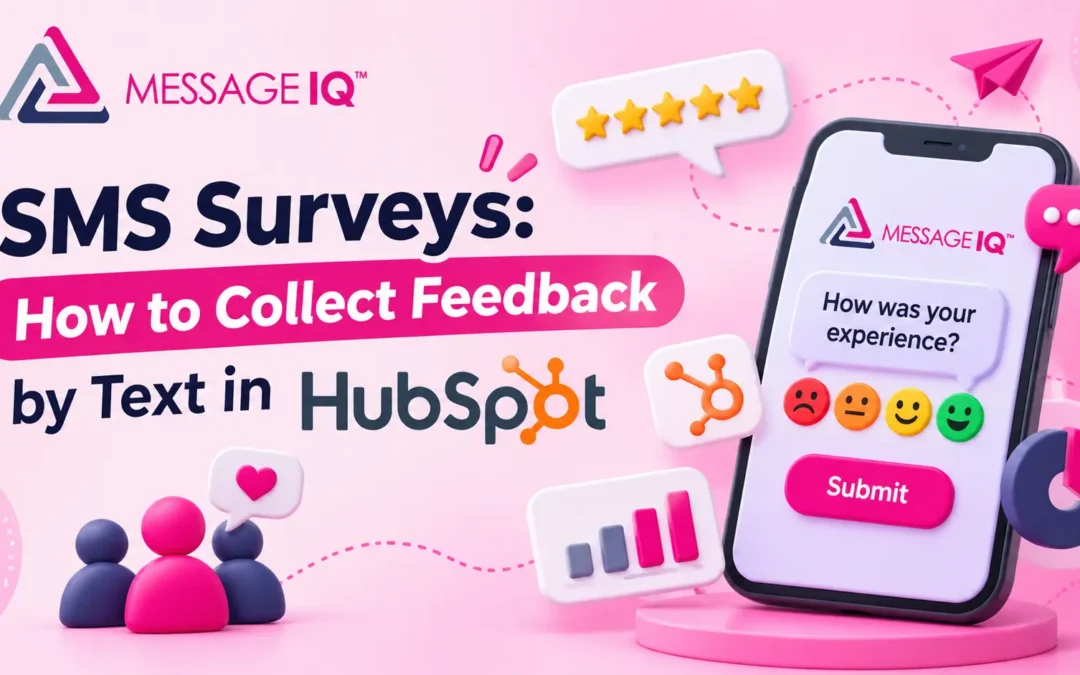
Email surveys get ignored. Customers delete them, filter them or open them a week later, when the experience is long forgotten. SMS surveys reach people while the visit, delivery or support call is still fresh, and a one-number reply takes seconds.
An SMS survey is a short set of questions you send by text message to collect customer feedback. It works in two ways: customers reply with a number or a word, like a 0 to 10 score, or they tap a link to a short online survey. Businesses use text message surveys for NPS, customer satisfaction (CSAT), post-visit feedback and quick polls.
This guide covers both survey types, how to build them with HubSpot workflows, question templates and the rules to follow.
Two ways to run SMS surveys
| Reply-based survey | Link-based survey | |
|---|---|---|
| How it works | Customer replies with a number or word | Customer taps a link to a short form |
| Best for | One question: NPS, CSAT, yes or no | Several questions or open comments |
| Effort for the customer | One reply | Open the link, then answer |
| Where answers go | The text reply logs to the contact, and a workflow saves the score | The form saves answers to HubSpot properties |
| Watch out for | Replies that aren’t a clean number | Fewer people finish than reply |
Many teams combine them: ask for a score by reply, then text a link only to people who want to say more.
How to build a reply-based SMS survey in HubSpot
Here’s a post-ticket CSAT survey built with HubSpot workflows and a two-way texting app.
- Create properties. Add a number property, such as “Latest CSAT score,” and a date property for when it was answered.
- Set the trigger. Build a ticket-based workflow that enrolls when a ticket closes. Add a short delay, like two hours, so the text doesn’t land the second the ticket closes.
- Check consent. Add a branch that only continues for contacts who’ve agreed to receive texts.
- Send the survey text. For example: “Hi {first name}, how did we do on your request? Reply 1 (poor) to 5 (great).”
- Wait for the reply. Use a reply-based trigger or a delay step, then branch on the reply.
- Save the score. Copy the reply into the CSAT property. Add a branch for replies that aren’t 1 to 5, and send one short “Please reply with a number from 1 to 5” text.
- Act on low scores. For a 1 or 2, create a task for the ticket owner and send a follow-up: “Sorry we missed the mark. A team member will reach out today.”
- Thank everyone else. For a 4 or 5, send a thank-you, and consider a review request link.
Our guide to SMS reply tracking in HubSpot covers reply-based triggers and keyword branches step by step.
How to build a link-based SMS survey
- Build the survey as a HubSpot form or feedback survey with 2 to 5 questions.
- Shorten the link and add tracking, so you can see who opened it.
- Send the text from a workflow: “Hi {first name}, got 60 seconds? Tell us about your visit: {link}”
- Map answers to properties so you can report on them in HubSpot.
- Follow up once with people who didn’t open the link, then stop.
SMS survey question templates
NPS: Hi {first name}, how likely are you to recommend {company} to a friend? Reply 0 (not likely) to 10 (very likely).
CSAT: How satisfied were you with your {service} today? Reply 1 (very unhappy) to 5 (very happy).
Post-visit: Thanks for visiting {company}, {first name}! Did we solve what you came in for? Reply YES or NO.
Delivery: Did your order arrive in good shape? Reply YES or NO, and we’ll fix any problem fast.
Event: Thanks for joining {event}! Rate it from 1 to 5. Reply with a number.
Open feedback: What’s one thing we could do better? Just reply here.
Follow-up to a low score: Thanks for being honest. What went wrong? Your reply goes straight to our team.
Keep each one under 160 characters so it sends as one segment. Our free SMS character counter checks length and flags characters that shrink the limit.
Get Your Ultimate HubSpot Text Messaging Playbook for FREE
Discover how top HubSpot teams use SMS to boost engagement, close deals faster and streamline operations.
Instant download
Expert insights from certified HubSpot professionals
Ultimate Text Messaging Playbook

SMS survey best practices
- Ask one question per text. Every extra question cuts responses.
- Send soon after the moment. Within a few hours of the visit, delivery or ticket close.
- Name your business so the customer knows who’s asking.
- Make the answer obvious. “Reply 1 to 5” beats “How would you rate us?”
- Limit frequency. Don’t survey the same contact more than once in 30 days. Track the last survey date on the contact.
- Close the loop. Reply to low scores fast. That’s where the value is.
- Respect opt-outs. Survey texts follow the same consent and opt-out rules as other business texts. See SMS opt-out rules.
Reporting on SMS survey results in HubSpot
Once scores save to properties, you can build reports like:
- Average CSAT by ticket owner or team
- NPS by customer segment or plan
- Low scores this week, with links to each contact
- Survey response rate, comparing surveys sent with scores received
Running SMS surveys with Message IQ
Reply-based surveys need two-way texting that logs replies to HubSpot and can trigger workflows. Message IQ adds an SMS action to HubSpot workflows on contacts, deals, tickets and companies, and every reply lands on the contact timeline and in the shared inbox. That covers the full survey loop: send, capture the reply, save the score and alert the team. For more ideas, see customer support via SMS.
Frequently asked questions
What is an SMS survey?
An SMS survey is a short survey sent by text message. Customers answer by replying with a number or word, or by tapping a link to a short online form.
Do SMS surveys get better response rates than email?
Texts are usually read faster than email, so SMS surveys often get quicker answers. Results vary by audience, so test both channels with the same question and compare response rates.
How many questions should an SMS survey have?
One question per text works best. If you need more detail, ask a score question first, then text a short survey link to people who want to add comments.
Can I send SMS surveys from HubSpot?
Yes. Use a HubSpot workflow to send the survey text, capture the reply with a two-way texting app, save the score to a contact property and create tasks for low scores.
Do I need consent to send SMS surveys?
Yes. Only text customers who’ve agreed to receive texts from you, include opt-out instructions, and honor opt-out replies like STOP.
See how much revenue SMS could add to your HubSpot stack
Five inputs. Industry-backed benchmarks. Get your projected annual SMS revenue in under 30 seconds.
Calculate My SMS ROI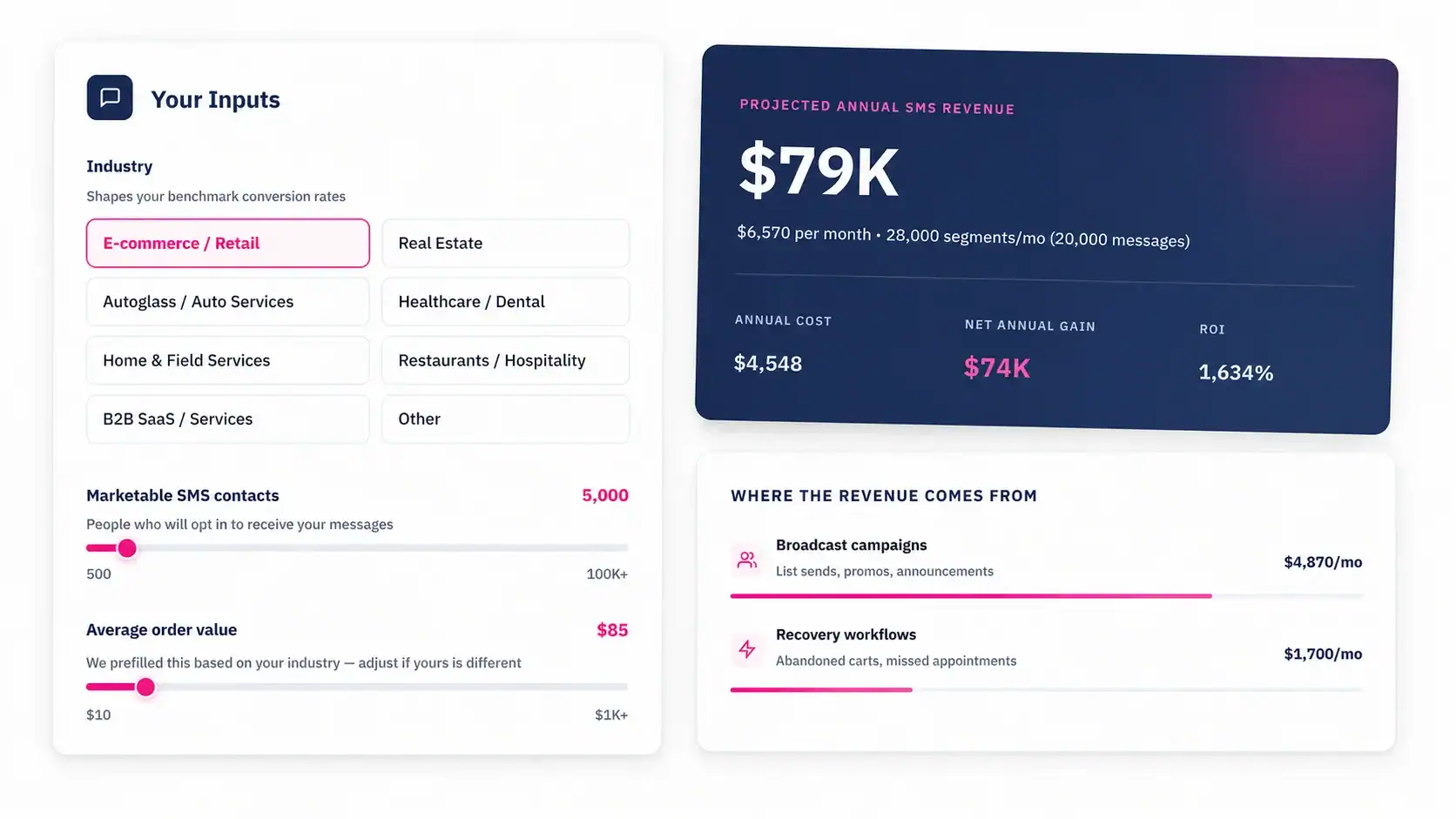
Turn feedback into action
The best SMS survey is one question, sent at the right moment, with a fast response to anyone unhappy. Message IQ runs the full loop inside HubSpot, from $49 a month with unlimited users. See plans.