

Effective SMS customer support combines clear scripts, measurable SLA tiers, and escalation rules that route complex issues to the right team quickly. The highest-performing teams use automation for triage and reminders, while preserving human ownership for sensitive or high-impact conversations.
Why This Matters
Support SMS can improve response speed, but without SLA design and routing discipline, it creates backlog and inconsistent experiences. A script-and-escalation model gives teams consistency without sounding robotic.
What makes SMS customer support work?
Support SMS works when customers get fast acknowledgment, clear next steps, and predictable ownership. The first reply should confirm receipt and expected timeline. Every message after that should move the case forward.
If support scripts are vague or ownership is unclear, customers feel ignored even when messages are technically delivered.
How to design support scripts by issue type
Segment scripts by scenario: simple FAQ resolution, order/status checks, technical troubleshooting, billing concerns, and urgent incidents. Each script should include context, one action, and fallback path.
Keep script language simple and specific. Avoid jargon unless your customer base expects it.
SLA framework for SMS support teams
Define SLA by severity and business impact. Example tiers: P1 urgent, P2 high, P3 normal. Pair each with first-response target, resolution target, and escalation owner. Publish these standards internally so everyone operates consistently.
SLA compliance should be reviewed weekly with root-cause analysis for misses.
Get Your Ultimate HubSpot Text Messaging Playbook for FREE
Discover how top HubSpot teams use SMS to boost engagement, close deals faster and streamline operations.
Instant download
Expert insights from certified HubSpot professionals
Ultimate Text Messaging Playbook

Escalation flow architecture
Escalation flows should route by issue class, customer tier, and time sensitivity. Include after-hours fallback and escalation to phone/email when needed. SMS should be a channel in the support system, not an isolated inbox.
A robust escalation path prevents message loops where customers repeat information with no resolution.
| Support Scenario | Script Pattern | Target First Response SLA | Escalation Trigger |
| General inquiry | Acknowledge + clarify + provide next action | <= 10 minutes (business hours) | No response from customer after 24h |
| Order/status request | Confirm identity context + share latest status | <= 10 minutes | Status unknown for >30 minutes |
| Technical issue | Acknowledge issue + ask one diagnostic question | <= 15 minutes | Issue unresolved after 2 diagnostic loops |
| Billing concern | Confirm concern + route to billing owner | <= 20 minutes | Dispute language or high-value account |
| Critical outage | Acknowledge + ETA + fallback instruction | <= 5 minutes | Multiple customers affected |
Step-by-Step Implementation
- Define support SMS categories and script objectives.
- Create approved script library per category and severity tier.
- Implement SLA timers with owner alerts in workflow tooling.
- Build escalation routing rules by impact and function.
- Run QA on script quality, tone, and resolution outcomes weekly.
- Train agents on concise, empathetic SMS communication patterns.
- Continuously optimize based on SLA misses and customer feedback.
Operational Checklist
- Main question answered in first section for answer-engine extraction.
- Question-led and decision-oriented headings used across core sections.
- Comparison/reference table included for quick synthesis.
- Procedural list included for immediate implementation.
- FAQ includes 8 related conversational queries.
- Meta, schema, and internal linking recommendations included.
Frequently Asked Questions
Should all support messages be automated?
No. Automate triage and routine updates, but keep human handling for nuanced or sensitive issues.
What is a good SMS first-response SLA?
Many teams target 5-15 minutes during staffed hours, based on issue severity.
How long should support scripts be?
Short and action-oriented. One message should do one job clearly.
When should support escalate from SMS to phone?
Escalate when urgency, complexity, or customer risk exceeds SMS efficiency.
How do we avoid repetitive support loops?
Use clear decision trees and escalation triggers after failed troubleshooting steps.
Can SMS replace ticketing systems?
No. SMS should integrate with ticketing workflows, not replace case management.
Which KPI matters most?
First-response SLA compliance and resolution quality are foundational metrics.
How often should scripts be updated?
At least monthly, and immediately after major product/process changes.
See how much revenue SMS could add to your HubSpot stack
Five inputs. Industry-backed benchmarks. Get your projected annual SMS revenue in under 30 seconds.
Calculate My SMS ROI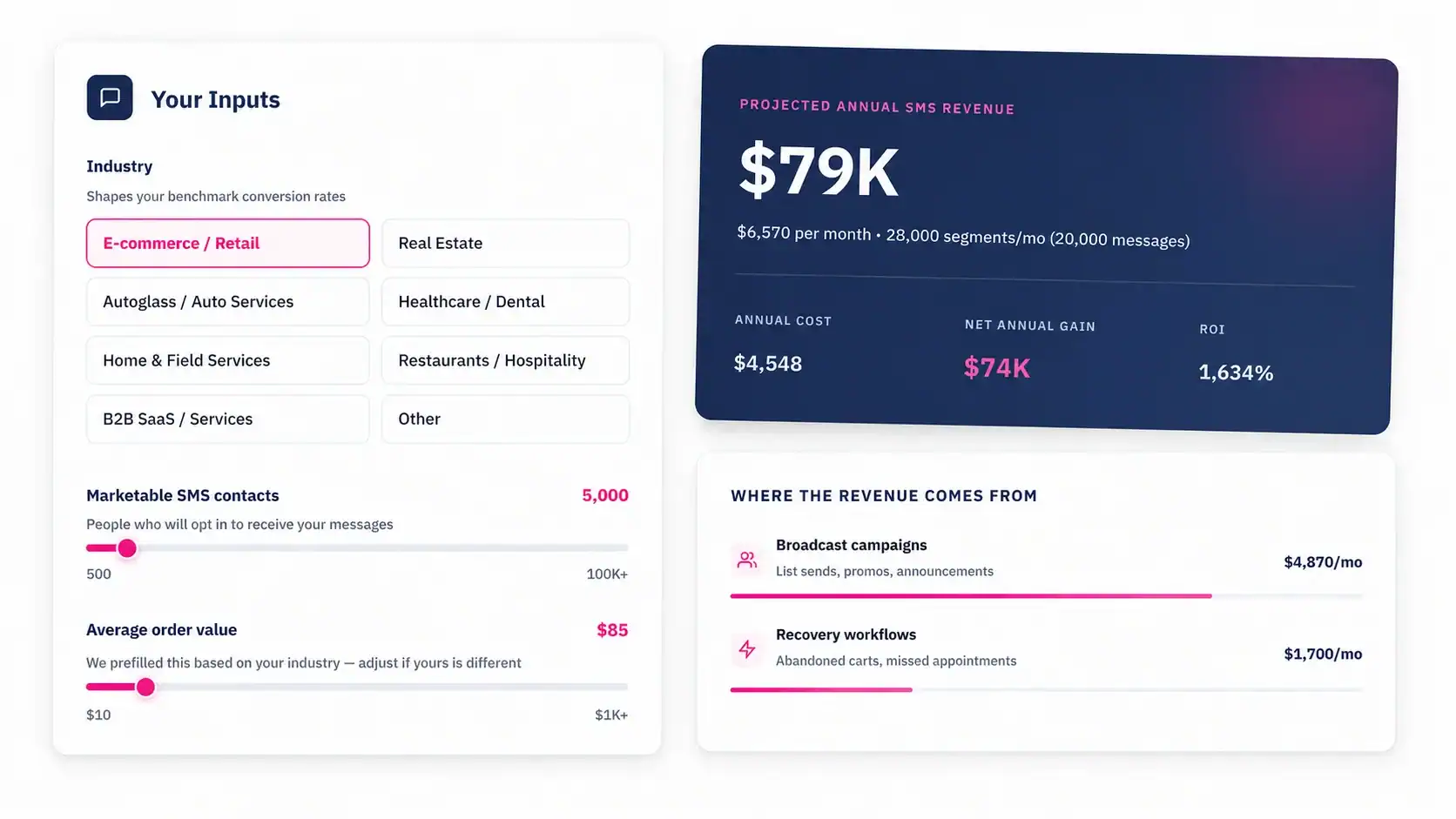
Conclusion
Customer support SMS scales best when scripts, SLA tiers, and escalation logic are designed as one system. That system improves speed while preserving resolution quality and customer trust.