
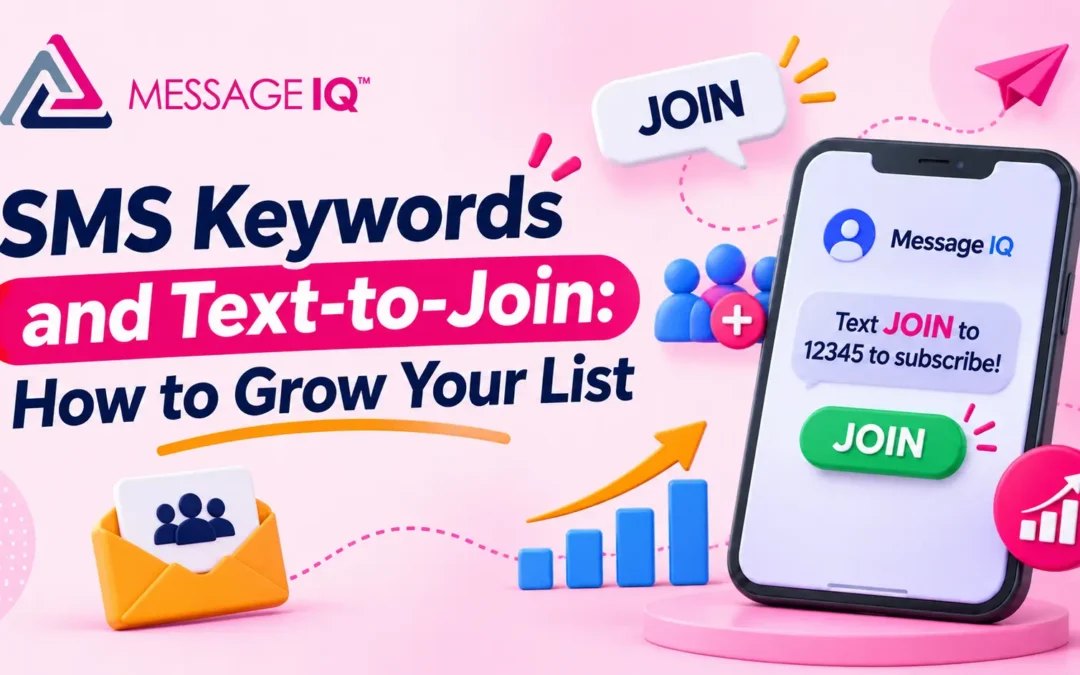
“Text VIP to 555-0100” is the fastest opt-in you can offer. No form, no app, no typing an email address. The customer sends one word, gets a confirmation, and they’re on your list with consent on record.
Text-to-join is an SMS opt-in method where a person texts a keyword, like JOIN or VIP, to your business number to subscribe to your texts. SMS keywords are the words your number recognizes and responds to automatically, including opt-in words like JOIN, opt-out words like STOP, and help words like HELP.
This guide covers how text-to-join works, how to pick keywords, the confirmation message carriers expect, where to promote your keyword and how to run it with HubSpot.
How text-to-join works
- You promote a keyword and number, such as “Text DEALS to 555-0100 for weekly offers.”
- The customer texts the keyword. That message is their request to join.
- Your number replies automatically with a confirmation that names your business, says what they’ll get and how often, and explains HELP and STOP.
- You record the opt-in, with the date, time, keyword and phone number.
- You start sending only the kind of texts you described.
Because the customer starts the conversation, text-to-join creates a clear consent record. Keep that record, since it’s your proof if anyone questions consent later.
Types of SMS keywords
| Keyword type | Examples | What it does |
|---|---|---|
| Opt-in | JOIN, VIP, DEALS, START | Subscribes the sender and sends a confirmation |
| Opt-out | STOP, QUIT, END, REVOKE, OPT OUT, CANCEL, UNSUBSCRIBE | Unsubscribes the sender. These are required |
| Help | HELP, INFO | Replies with your business name and contact details |
| Campaign | SPRING, OPENHOUSE, RSVP | Tracks which ad, event or flyer drove the sign-up |
| Reply | YES, C, R | Confirms or reschedules inside an existing conversation |
How to choose a good keyword
- Keep it short. One word, 3 to 8 letters.
- Make it easy to spell. Avoid words people often misspell or that autocorrect changes.
- Match the offer. DEALS for discounts, VIP for loyalty, RSVP for events.
- Avoid opt-out words. Never use STOP, END or CANCEL-like words as a sign-up keyword.
- Use a different keyword per channel if you want to know which flyer, sign or ad worked best.
- Accept variations. Treat “deals,” “Deals” and “DEALS ” the same.
The confirmation message carriers expect
Your first reply after someone texts your keyword should include five things, in line with carrier and industry messaging guidelines:
- Your business name
- What they signed up for
- How often you’ll text
- “Msg & data rates may apply”
- How to get help and how to stop
Example:
{Business}: You’re in! Expect up to 4 deal alerts a month. Msg & data rates may apply. Reply HELP for help, STOP to cancel.
Without the business name, that text is 113 characters. A single SMS segment holds 160 standard characters, so your business name can run up to about 47 characters and still fit in one segment. Check yours with our SMS character counter.
Get Your Ultimate HubSpot Text Messaging Playbook for FREE
Discover how top HubSpot teams use SMS to boost engagement, close deals faster and streamline operations.
Instant download
Expert insights from certified HubSpot professionals
Ultimate Text Messaging Playbook
12 places to promote your keyword
- In-store signs and counter cards
- Receipts and packing slips
- Your website header or footer
- Email newsletters and signatures
- Social media posts and bios
- Event screens and name badges
- Print ads and direct mail
- Vehicle wraps and yard signs
- Menus and table tents
- Invoices and statements
- Podcast and radio reads
- Your hold message and voicemail greeting
Always pair the keyword with what people get and how often, such as “Text DEALS to 555-0100 for up to 4 offers a month. Msg & data rates may apply.” For more list-building ideas, see 15 ways to collect phone numbers for SMS marketing.
Compliance rules for text-to-join
- Register your number. US business texting from a standard number needs A2P 10DLC registration, and your registration should describe your keyword opt-in. See our 10DLC guide.
- Send only what you promised. If they joined for weekly deals, don’t add daily texts.
- Honor opt-outs fast. All seven FCC opt-out words must stop your texts, and new FCC rules take effect November 25, 2026. See SMS opt-out rules.
- Keep records of every opt-in and opt-out.
How to run text-to-join with HubSpot
To make text-to-join useful, each new subscriber needs to land in HubSpot with consent recorded:
- Capture the inbound text with a two-way texting app connected to HubSpot.
- Create or update the contact using the phone number.
- Set SMS consent and save the keyword and opt-in date to contact properties.
- Add the contact to a list for that program, such as “SMS – Deals.”
- Start a welcome workflow, for example a thank-you offer a day later.
Message IQ logs inbound texts to HubSpot and supports reply keywords in workflows, so you can branch on words like YES, C or R. Our SMS reply tracking guide shows keyword branches in HubSpot step by step.
Frequently asked questions
What is text-to-join?
Text-to-join is an opt-in method where a person texts a keyword to a business number to subscribe to its texts. The business replies with a confirmation that explains what they’ll get and how to stop.
What are SMS keywords?
SMS keywords are words your business number recognizes and answers automatically. They include opt-in words like JOIN, opt-out words like STOP and help words like HELP.
Do I need a short code for text-to-join?
No. Many businesses run text-to-join on a registered 10DLC or toll-free number. Short codes cost more and mainly suit very high volume.
What should a text-to-join confirmation message say?
Your business name, what the person signed up for, how often you’ll text, “Msg & data rates may apply,” and how to reply HELP or STOP.
Is text-to-join enough consent for marketing texts?
A keyword opt-in is strong evidence of consent when your promotion clearly explained what people would receive. Keep a record of each opt-in, and have counsel review your wording.
See how much revenue SMS could add to your HubSpot stack
Five inputs. Industry-backed benchmarks. Get your projected annual SMS revenue in under 30 seconds.
Calculate My SMS ROI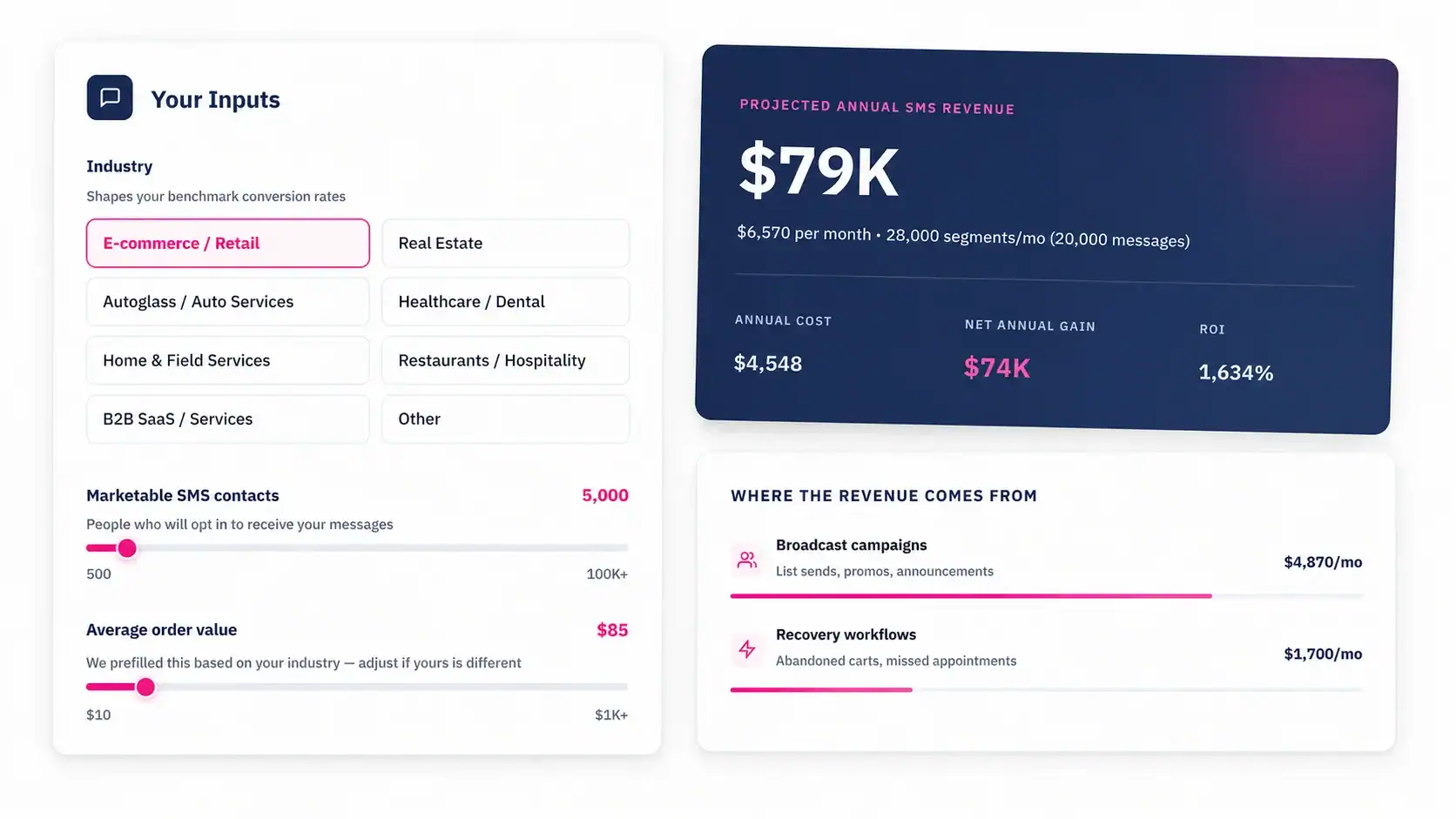
Start growing your list
Pick one keyword, write a clear confirmation, and promote it everywhere customers already see you. Then make sure every new subscriber lands in HubSpot with consent on record.
Message IQ runs two-way SMS inside HubSpot from $49 a month with unlimited users. See plans.