
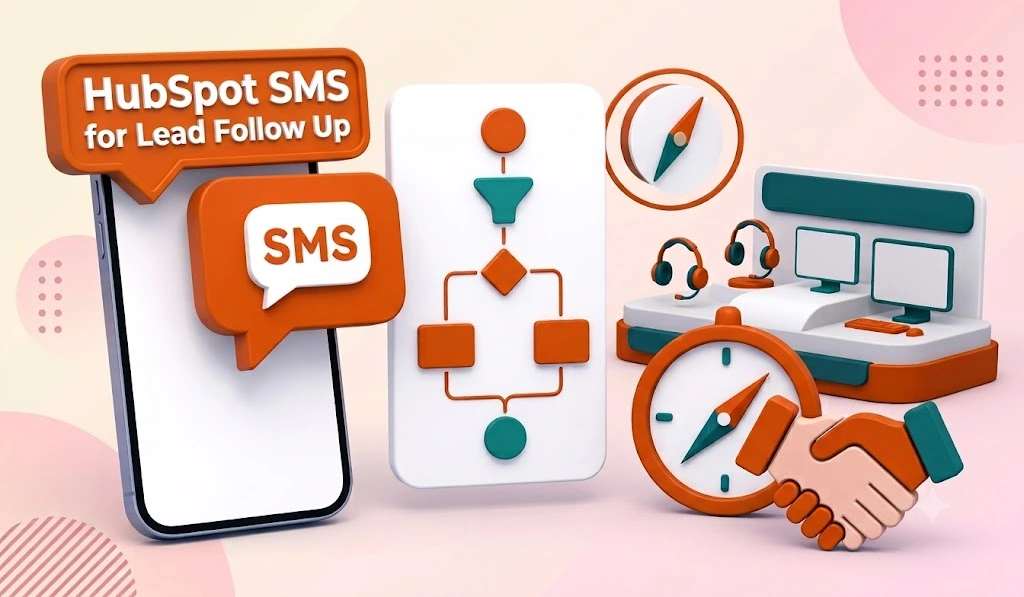
A lead that hears from you in 5 minutes is dramatically more likely to convert than one that hears from you in 30. The often-cited InsideSales research put the difference at 21x for qualification, and every sales team that tracks speed-to-lead sees the same pattern in their own numbers. HubSpot SMS for lead follow up exists to win that window, because email can’t. Roughly 20% of emails get opened at all, while 98% of text messages get opened, most within minutes of landing.
Book a Free Demo
The problem: HubSpot has no native texting engine, and reps working leads manually will never beat a workflow that fires in 90 seconds. Message IQ adds two-way SMS as a native action inside HubSpot workflows, so your follow-up runs on autopilot and every reply lands in a shared team inbox. We’re built by Integrate IQ, a HubSpot Diamond Solutions Partner and this guide covers the exact follow-up system we deploy: the timing, the workflow build, the triggers most teams miss, and the templates.
What Is HubSpot SMS for Lead Follow Up?
HubSpot SMS for lead follow up means using HubSpot workflows to automatically send text messages to new leads after a trigger event: a form submission, a missed call, a lead score threshold, or a lifecycle stage change. Since HubSpot can’t send texts on its own, an integrated SMS platform supplies the “Send SMS” workflow action and logs every message and reply to the contact timeline. The result is follow-up that fires in seconds instead of whenever a rep gets around to it.
What Is SMS Follow-Up Automation?
SMS follow-up automation is a set of rules that sends a text when a contact takes an action, waits, checks whether they replied, and stops the moment they do. It replaces a rep remembering to text back with a system that never forgets. Every automated follow-up runs on four parts:
- Trigger: the event that starts it, such as a form fill, missed call, new lead, or no-show.
- Send: a template text with personalized fields from the contact record.
- Wait and check: a delay, then a branch on whether the contact replied.
- Exit: the contact leaves on reply, opt-out, or the final message.
Lead follow-up is the highest-value use because speed decides conversion. The same structure powers other SMS marketing follow-ups: quote follow-up after a proposal, no-show recovery after a missed demo or webinar, and post-purchase check-ins. Swap the trigger and the templates. The logic stays the same.
The Follow-Up Windows That Decide Whether a Lead Converts
Speed matters more than message quality in the first hour. A mediocre text sent in 2 minutes outperforms a perfect email sent in 2 hours, because the lead is still on your website, still thinking about their problem, and probably still holding their phone. Wait a day and they’ve filled out three competitor forms.
Here’s the cadence structure that performs across the sales teams we work with:
- Within 90 seconds of the trigger: first text. Introduce the rep, ask one low-friction question.
- 1 hour later, if no reply: second touch offering a specific next step, like a booking link or pricing.
- Day 2: value-add follow-up. Answer the question they probably have instead of asking for their time again.
- Day 5 or 6: break-up text. Give them a graceful exit and an open door. These get a surprising number of replies from leads who went quiet.
Four texts over a week, each one exiting the sequence the moment the lead replies. Past that point, a human takes over and automation steps back. Blasting a lead with texts for three weeks doesn’t nurture anything except opt-outs.
How to Build a HubSpot SMS Lead Follow-Up Workflow (Step by Step)
The core speed-to-lead build takes about 20 minutes in HubSpot’s workflow editor once Message IQ is installed. Here’s the structure:
- Enrollment trigger: Contact submits your “Request a Demo” or “Get a Quote” form, AND contact property “SMS opt-in” is true.
- Action: Message IQ sends the first SMS via the Send SMS workflow action, using your speed-to-lead template. The message fires within 90 seconds of the form hitting HubSpot.
- Delay: Wait 1 hour.
- Branch logic: If contact replied → assign to a rep with the Rotate Record to Owner action and exit the workflow. If no reply → send follow-up SMS #2.
- Delay: Wait 1 day, then branch again. Replied → rep takes over in the shared inbox. Silent → send the day-2 value text.
- Final step: Day 5 break-up text, then update a contact property like “SMS sequence complete” so your reporting can track sequence performance.
Set the workflow’s suppression list to exclude anyone whose SMS subscription status is opted out. And connect your rep assignment before launch, because an instant text followed by a two-day wait for a human contradicts the whole point.
The branch-and-exit logic is the piece most teams get wrong. If contacts keep receiving automated texts after they’ve replied, you’ve built a spam cannon, not a follow-up system. We covered enrollment triggers, re-enrollment, and exit conditions in more depth in our guide to SMS automation in HubSpot.
How to Trigger a Text When a New Lead Is Added in HubSpot
Form fills aren’t the only way leads enter HubSpot. Chat, imports, ad integrations, and reps adding contacts by hand all create leads that a form-based trigger misses. To text every new lead, trigger on the lead itself, not the source:
- Create a contact-based workflow.
- Set the enrollment trigger to Lifecycle stage is Lead, or use a contact-created event trigger if your team doesn’t use lifecycle stages.
- Add a second filter: SMS opt-in is true. This keeps imported and manually added contacts from getting texts they never agreed to.
- Make the Message IQ Send SMS action the first step, with no delay in front of it.
- Reuse the branch-and-exit logic from the build above.
When you turn the workflow on, HubSpot asks whether to enroll contacts who already meet the criteria. Say no unless you want every existing lead in your portal to get a text at once.
How to Send an Internal SMS From a HubSpot Workflow
HubSpot retired its native Send internal SMS workflow action, so a workflow can’t text your own reps out of the box anymore. You have three options:
- In-app notification (native): the Send in-app notification action pushes an alert to the HubSpot mobile app. It’s the fastest native option, as long as reps have the app installed with notifications on.
- SMS app workflow action: some SMS integrations add a workflow action that texts a fixed number, like a rep’s cell. Confirm your provider supports internal numbers before you build around it.
- Webhook: on Data Hub (formerly Operations Hub) Professional, a webhook or custom code action can call an SMS API to text the owner.
For speed-to-lead, put both alerts in the same workflow: the lead gets the Message IQ text within 90 seconds, and the owner gets a notification with the lead’s name, the form they submitted, and a link to the record. The rep acts without searching, and nobody waits on a human to notice the lead.
Get Your Ultimate HubSpot Text Messaging Playbook for FREE
Discover how top HubSpot teams use SMS to boost engagement, close deals faster and streamline operations.
Instant download
Expert insights from certified HubSpot professionals
Ultimate Text Messaging Playbook
5 Lead Follow-Up Triggers Beyond the Form Fill
Most articles stop at “text new form submissions.” Your CRM knows a lot more about lead intent than that. These triggers all work as workflow enrollment conditions with Message IQ connected to your HubSpot portal:
- Missed call. A lead who called and hit voicemail is the hottest lead you’ll get today. Trigger a text within a minute: “Sorry we missed you, text us here and we’ll sort it out.”
- Lead score threshold. When a contact’s HubSpot score crosses your MQL line, fire a text from the assigned rep instead of dropping the lead into another email nurture.
- High-intent page visit. Pricing page or case study views make strong enrollment criteria when paired with an existing opt-in. Reference what they looked at.
- Email non-engagement. Three unopened emails in a sequence is a signal, and the signal says change channels. A single text often revives a lead your email nurture already lost.
- Reassignment or stale-lead recovery. When a lead sits untouched for 14 days, a workflow can text a re-engagement message and simultaneously create a task for the owner.
Every one of these keeps working after hours too. A lead who fills out your form at 9 PM gets a text at 9:01 PM, and your rep walks into a warm conversation the next morning. That’s the practical difference between two-way SMS and a broadcast blast, and it’s why we made two-way texting the default for sales teams rather than an upgrade.
Lead Follow-Up SMS Templates You Can Copy
Pull merge tags from your HubSpot contact properties. Keep the first message under 160 characters and always include opt-out language on the first text of any new sequence.
Use case: Speed-to-lead, first touch after form fill
“Hi {{first_name}}, thanks for reaching out to {{company}}. I’m {{rep_name}} and I’ll be your point of contact. What’s the best time for a quick call today?” (156 chars)
Use case: 1-hour no-reply follow-up
“Hi {{first_name}}, {{rep_name}} here from {{company}}. Still happy to help with your inquiry. Reply 1 for pricing or 2 to book a call.” (134 chars)
Use case: Missed call recovery
“Hi {{first_name}}, sorry we missed your call to {{company}}. Text us here and we’ll get you an answer faster than hold music ever could.” (137 chars)
Use case: High-intent page visit
“{{first_name}}, saw you checked out our pricing page. Anything I can clarify? I’m around for the next hour if you want quick answers. {{rep_name}}” (147 chars)
Use case: Day-5 break-up text
“Hi {{first_name}}, I’ll stop nudging after this one. If timing’s off, no problem. Reply anytime and we’ll pick it back up. {{rep_name}}, {{company}}” (148 chars)
Notice what these don’t do: pitch. Early follow-up texts earn a reply by being useful and easy to answer. We collected more sequences by scenario in our roundup of SMS follow-up strategies that work.
TCPA Compliance for Lead Follow-Up Texts
Follow-up texts to leads sit closer to the marketing end of the TCPA spectrum than appointment reminders do, which means consent standards are stricter and mistakes are more expensive. Violations run $500 to $1,500 per message, multiplied across every text in an automated sequence.
Three requirements before any workflow fires:
- Written opt-in consent. Add a checkbox to every lead form: “I agree to receive text messages from {{company}} about my inquiry. Msg & data rates may apply. Reply STOP to opt out.” An unchecked pre-ticked box doesn’t count, and neither does burying consent in your privacy policy. Our guide to TCPA consent language for SMS has compliant copy you can paste into HubSpot forms.
- Instant opt-out handling. A STOP reply must suppress every active workflow for that contact immediately. Message IQ processes opt-outs automatically and syncs the subscription status back to HubSpot, so a suppressed lead can’t sneak into your next sequence.
- 10DLC registration. US carriers block unregistered automated traffic outright. Complete your A2P 10DLC brand registration before launch, and Message IQ walks you through it during onboarding.
Gate every SMS workflow’s enrollment on the opt-in property and you’ve handled 90% of the risk.
SMS vs Email for Lead Follow Up in HubSpot
Both channels belong in your follow-up motion. They just do different jobs.
| Factor | SMS Follow-Up | Email Follow-Up |
|---|---|---|
| Open rate | 98% | ~20% |
| Typical response time | Minutes | Hours to days |
| Best window | First hour through first week | Ongoing nurture, weeks 2+ |
| Content depth | One question, one link | Case studies, decks, long-form proof |
| Reply behavior | Conversational, two-way | Often one-way, low reply rates |
| Risk profile | Higher regulatory bar, opt-in required | Lower bar, CAN-SPAM applies |
The pattern that wins: SMS opens the conversation while intent is hot, email carries the heavy content once the conversation exists. Running both from the same HubSpot workflow means neither channel drops the lead. We put the full data comparison in HubSpot SMS vs email if you want to pressure-test the split.
FAQ: HubSpot SMS for Lead Follow Up
Can HubSpot send follow-up texts to leads natively? No. HubSpot workflows handle the triggers, timing, and branching, but the platform has no built-in SMS engine. An integration like Message IQ adds the Send SMS action to the workflow editor and logs every message and reply to the contact timeline.
How fast should the first follow-up text go out? Within 5 minutes of the trigger, and ideally within 90 seconds. Lead qualification odds fall off a cliff after the first half hour, so build the send as the first workflow action with no delay step in front of it.
How many follow-up texts should I send a lead? Three to four texts over 5 to 7 days, with the sequence exiting the moment the lead replies. More than that burns goodwill and drives opt-outs. If a lead stays silent after the break-up text, move them into a slower email nurture instead.
Do I need consent before texting a lead who filled out my form? Yes. A form fill alone doesn’t establish SMS consent under the TCPA. Add an explicit opt-in checkbox to the form, store the consent in a HubSpot property, and use that property as an enrollment requirement in every SMS workflow.
What happens when a lead replies to an automated follow-up text? With Message IQ, the reply lands in a shared team inbox inside HubSpot, the contact exits the automated sequence via branch logic, and a rep continues the conversation manually. Every message in the exchange logs to the contact record automatically.
Can I trigger follow-up texts from lead score or deal stage changes? Yes. Any HubSpot property change works as an enrollment trigger, including lead score thresholds, lifecycle stage updates, and deal stage moves. Score-based triggers are especially effective because they fire at the exact moment a lead becomes worth a rep’s attention.
Your Leads Reply to Whoever Texts First
Every hour a form fill sits untouched, the odds of a conversation shrink and a competitor’s odds grow. A 20-minute workflow build fixes that permanently. Message IQ plugs two-way SMS for lead follow up straight into your HubSpot workflows, handles opt-in and opt-out compliance automatically, and routes every reply to your team’s shared inbox.
Start your first HubSpot SMS follow-up workflow free. Plans start at $49/mo.
See how much revenue SMS could add to your HubSpot stack
Five inputs. Industry-backed benchmarks. Get your projected annual SMS revenue in under 30 seconds.
Calculate My SMS ROI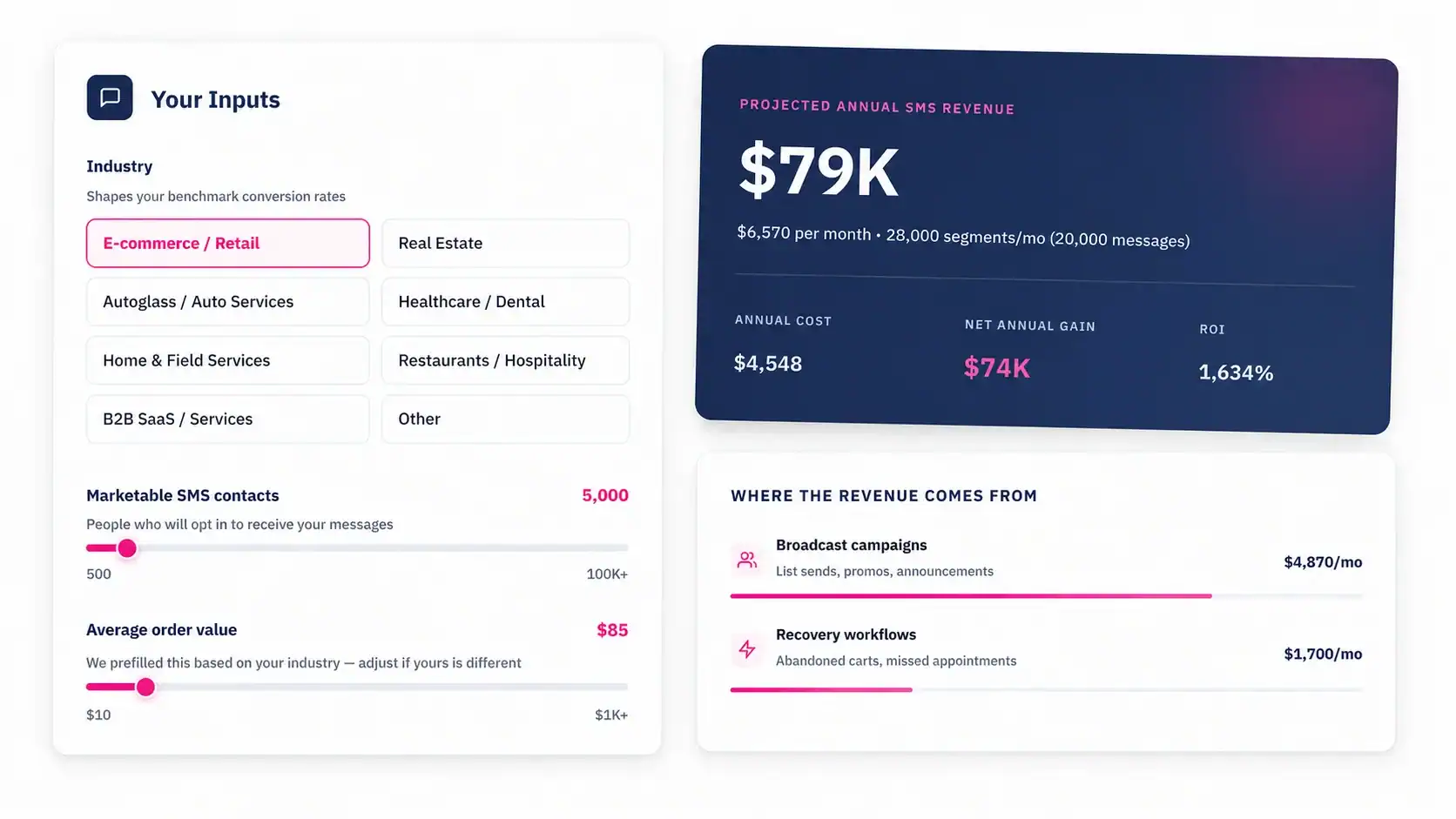
Talk to an Expert