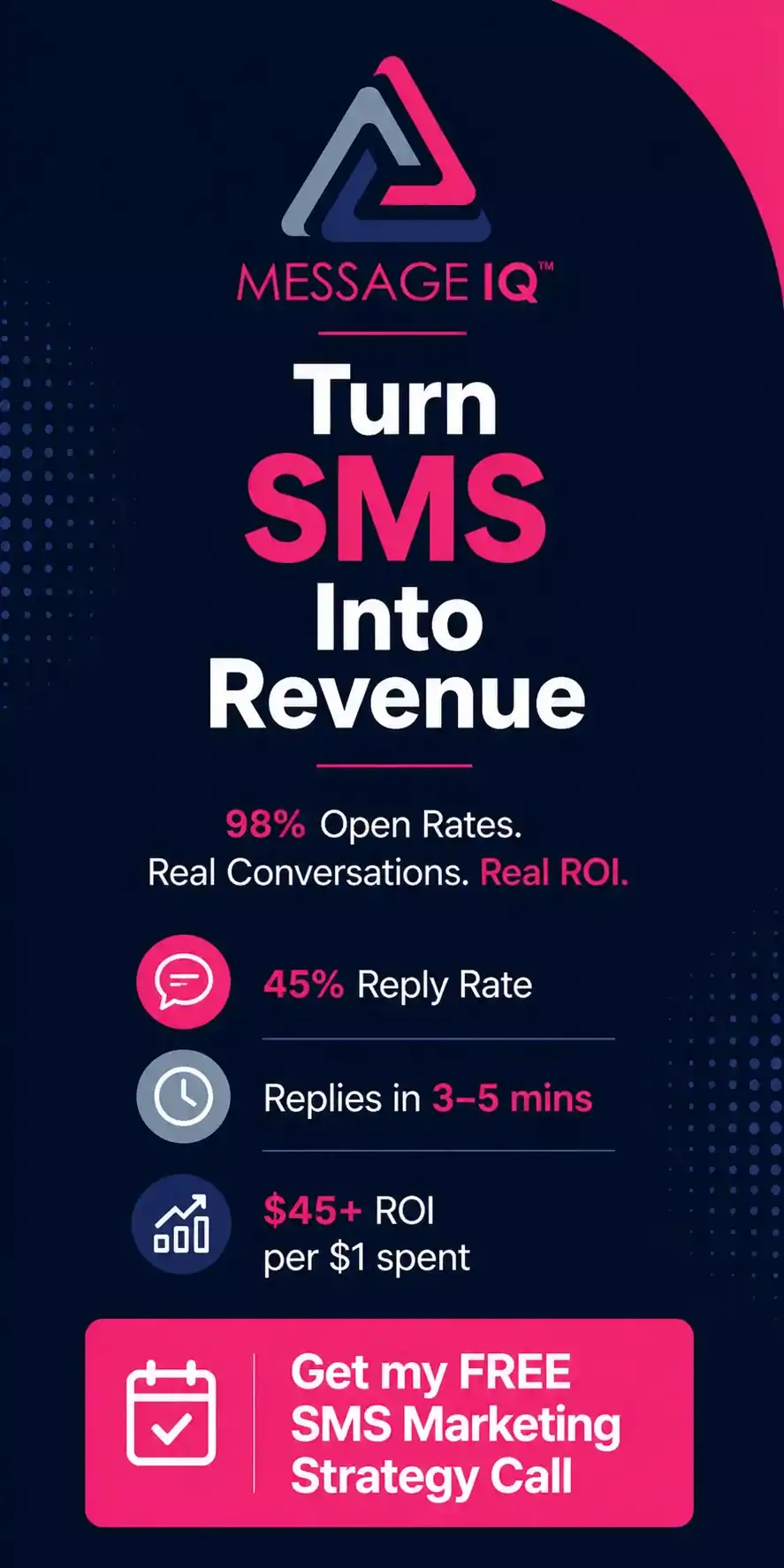


In 2026, enterprise brands’ costs to get new customers went up a lot, so retention is now the metric that really drives profitable growth. Still, most enterprise teams are using email to run retention campaigns, even though about 80% of messages sent this way are never read. About 20% of emails are opened, but 98% of SMS messages are opened. This means that a well-timed, personalised text message gets through when an email chain gets lost.MessageIQ lets enterprise teams run those personalised text message campaigns right inside HubSpot. This means that retention workflows are triggered automatically by real CRM data instead of by hand-made lists.
This article explains in detail how big companies set up personalised SMS retention programs, the HubSpot workflow logic that makes them work, and the templates that your team can use this week.
What Is Personalised SMS Marketing for Businesses?
Sending personalised SMS marketing messages means sending text messages that change based on how each customer behaves, where they are in their lifecycle, or CRM data, instead of sending a single message to everyone on a list. At the enterprise level, this means using a platform that pulls contact properties, purchase history, or engagement signals from your CRM and fills in each message automatically. This way, 50,000 customers get a text that sounds like it was written just for them.
Why Personalisation at Scale Is Important for Keeping Customers
Generic SMS blasts make people opt out. Messages that are tailored to each person make money.
Enterprise brands that run high-volume text campaigns without personalising them see opt-out rates go above 5% for each campaign. That’s not just a problem with delivery; it’s also a problem with carrier filtering. In 2026, carriers will keep an eye on complaint rates and will slow down or block senders who keep sending opt-out signals. Besides being able to deliver messages, there’s a simple business fact: customers who get messages that are relevant to them spend more and leave less.
Here is what the data shows for enterprise SMS retention programs:
- Personalised re-engagement texts get three times as many clicks as generic broadcast messages.
- Customers who reply to a loyalty milestone text message within 24 hours are 40% more likely to buy again.
- Enterprise teams that use CRM-triggered SMS to remind customers to renew their subscriptions have an average churn rate that is 15–20% lower than those that only use email.
The reason personalised text message marketing works better than email for keeping customers is timing. Email workflows start on time. When the behaviour happens, SMS fires. A customer who just reached a loyalty tier gets a text message within 90 seconds, not a batch email two days later.
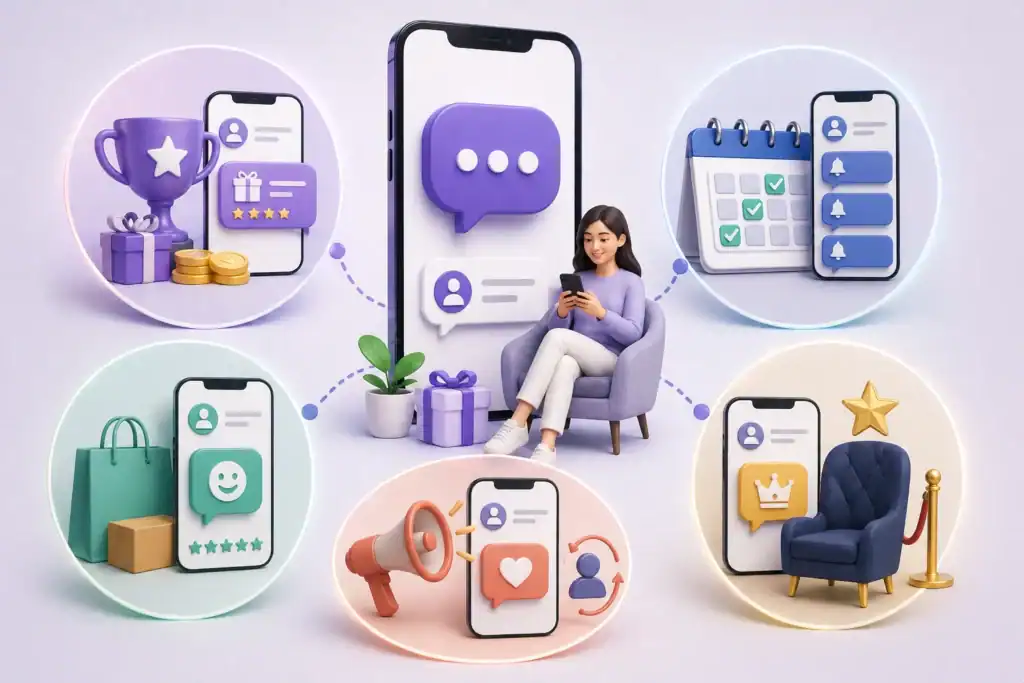
5 Ways Big Companies Use Personalised SMS to Keep Customers
1. Notifications for Loyalty Milestones
When a customer reaches a certain number of points, unlocks a new tier, or earns a reward, they get a personalised SMS right away. The message includes their name, the reward they will get, and a link to redeem it. This closes the gap between the loyalty event and the customer’s action, which is where most business programs lose interest.
2. Sequences for Renewal and Re-engagement
Businesses that offer subscriptions and SaaS teams send personalised SMS messages to remind customers of upcoming renewals 30, 14, and 7 days before they are due. Based on the customer’s usage data, each message changes. For example, a customer who is very engaged gets a reward for renewing early, while a customer who is not very engaged gets a resource or offer to show value before they decide to renew.
3. Check-ins After You Buy
Sending a text message 3 to 5 days after a big purchase with a simple question like “How’s the onboarding going, {{first_name}}?” gets more people to respond than email surveys. SMS customer service turns what would be a quiet time after a purchase into an active conversation that finds problems before they lead to cancellations.
4. Campaigns to Win Back Customers Who Have Stopped Buying
A personalised SMS win-back sequence starts when a contact hasn’t logged in or made a purchase in 60, 90, or 120 days. These messages mention the last time the customer interacted with the business (“We noticed you haven’t logged in since your March campaign, {{first_name}}”) and offer an incentive that is only available for a limited time. SMS win-back messages get through to customers in a way that re-engagement emails can’t. With a 98% open rate, the message gets seen even if the customer has stopped reading your emails.
5. VIP Programs for Customers
Customers who are worth a lot expect a different kind of service. Enterprise brands send personalised SMS messages to their best customers to give them early access, exclusive deals, and introductions to their account managers. With a shared team inbox, the right person can see the reply and respond, not just a generic auto-reply. MessageIQ’s shared inbox is made for this: sales and support teams can see all of their two-way conversations in one place, so VIP customers always get a real answer.
Setting Up HubSpot Workflows: How to Keep Personalised SMS
MessageIQ works natively with HubSpot workflows, so every retention trigger comes from real CRM data, like contact properties, lifecycle stage, deal stage, custom properties, or list membership. This is how a loyalty milestone retention workflow works:
Workflow: Notification of Loyalty Tier Upgrade
- Enrollment trigger: The property “Loyalty Points” reaches 500 (or whatever limit you set).
- Action: MessageIQ sends a personalised SMS through HubSpot workflow action that says, “{{first_name}}, you’ve just hit Gold status! Your exclusive 20% reward is ready: [link]. Reply HELP if you have any questions.”
- Delay: Wait 48 hours.
- Branch logic: If the contact clicks the link, they will be added to the VIP nurture sequence. If they don’t click, MessageIQ will send a follow-up SMS saying, “Your Gold reward expires in 5 days, {{first_name}}. Tap here to redeem: [link].”
- Action: Add the SMS conversation to the contact timeline in HubSpot so that all reps can see it.
Workflow: Sequence of Renewal Reminders (SaaS / Subscription)
- Enrollment trigger: The “Contract End Date” for the contact property is 30 days from today.
- Action: MessageIQ sends an SMS that says, “Hi {{first_name}}, your {{company}} plan will renew in 30 days. If you want to go over your plan with your account manager {{rep_name}}, reply to this message.”
- Delay: Wait 16 days (the 14th day).
- Branch logic: If the contact replies, mark them as “Renewal Engaged” in HubSpot and let the rep know. If they don’t reply, send them a second SMS with a summary of their usage.
- Delay: Wait seven days (the seven-day mark).
- Action: Send a final SMS with a direct link to renew and an incentive to renew early.
Check out our guide to SMS automation in HubSpot for a full explanation of how to set these up in HubSpot.
Custom SMS Retention Templates
You can use these right in your MessageIQ HubSpot workflows. Change the link and offer details for your program.
Use case: Unlocking a loyalty milestone
“{{first_name}}, you just reached Gold status with us! Your special reward is waiting: [link]. If you have any questions, just reply. — {{rep_name}}” (149 chars)
Use case: Reminder for renewal (14 days out)
“Hey {{first_name}}, your {{company}} plan will renew in 14 days. Do you want to look over your options or lock in early? Reply and we’ll take care of it. — {{rep_name}}” (169 chars)
Use case: Get back a customer who has stopped buying
“{{first_name}}, it’s been a while! We’ve added features you’ll want to see. Here’s 20% off your next order, valid 72 hours: [link]” (131 chars)
Use case: Check-in after buying
“Hey {{first_name}}, I’m just checking in on your recent order. Is everything coming as planned? Reply here and we’ll fix any problems right away.” (145 chars)
For more pre-written text, check out our full collection of SMS text message templates.
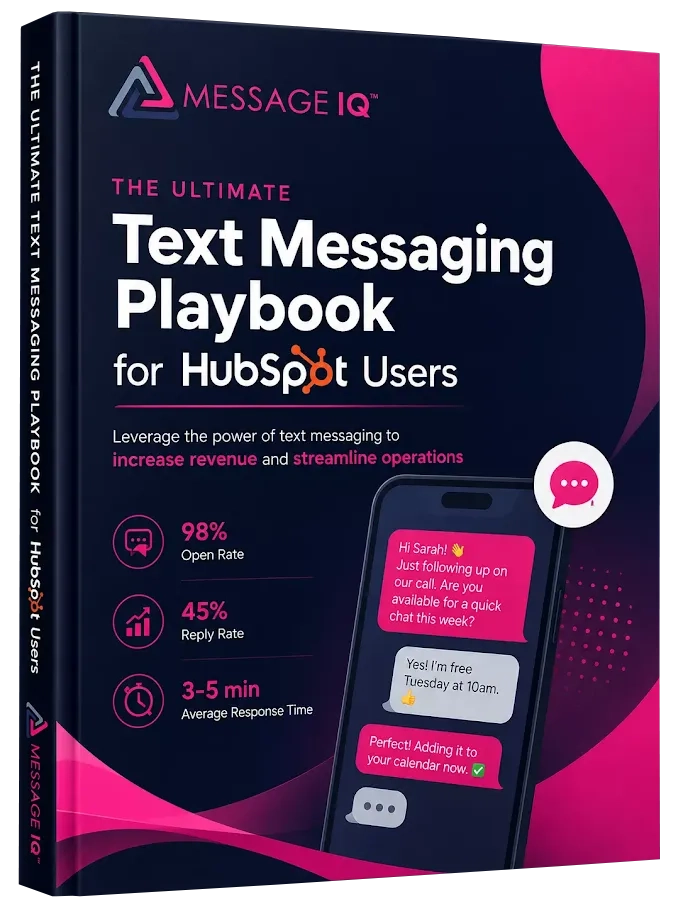
Get Your Ultimate HubSpot Text Messaging Playbook for FREE
Discover how top HubSpot teams use SMS to boost engagement, close deals faster and streamline operations.
Instant download
Expert insights from certified HubSpot professionals
Ultimate Text Messaging Playbook
SMS vs. Email for Keeping Customers
Both channels should be part of an enterprise retention stack, but they do different things. Here’s how they stack up for the specific retention use cases listed above:
| Retention Use Case | SMS | |
| Loyalty milestone alert | Best — instant, high open rate | Slower, frequently missed |
| Renewal reminder (30 days) | Good complement | Strong for detailed plan info |
| Renewal reminder (7 days) | Best — urgency lands via text | Often filtered or ignored at this stage |
| Win-back for lapsed customers | Best — cuts through email fatigue | Low open rate for lapsed contacts |
| VIP outreach | Best — personal, two-way | Can feel templated |
| NPS / survey request | Strong — response rate 3x higher | Low completion rate |
| Product update / newsletter | Weak — too much content for SMS | Correct channel |
The main idea is that SMS is good for handling urgency, timing, and two-way conversation. Email is good for in-depth writing, keeping records, and content that isn’t time-sensitive. See SMS vs. email for HubSpot marketers for a more detailed look at when each channel wins.
TCPA Compliance for Business SMS Retention Plans
Because they send so many texts, enterprise brands are at the most risk of breaking the rules in SMS marketing. A single large-scale campaign that doesn’t follow the rules can lead to regulatory action and carrier suspension, both of which are costly and take a long time to fix.
The most important rule is that every customer who gets an SMS from your retention program must have given written permission to get marketing texts. Your CRM must keep a record of that consent. Requests to opt out must be honoured right away and logged. In 2026, every carrier will closely watch how opt-out requests are handled.
For business teams, the three compliance requirements that pose the greatest risk are:
- A2P 10DLC registration: Before you can send any SMS campaigns, you need to register your brand and all of your SMS campaigns with a provider that is approved by 10DLC. Numbers that aren’t registered get filtered or blocked. For the whole process, check out our A2P 10DLC brand registration guide.
- Documented opt-in consent: Written consent is required; verbal consent does not count. Every SMS contact in your HubSpot contact records should have the opt-in source, date, and consent language.
- Handling opt-outs: STOP messages must cause immediate removal from all SMS sends. MessageIQ has built-in TCPA-compliant opt-in/opt-out management, which means that when someone opts out of a text conversation, the HubSpot contact record is automatically updated.
Read our SMS compliance checklist for marketing teams to get a full list of things you need to do before starting any business retention campaign.
How to Create an Enterprise Personalised SMS Retention Program: Step by Step
- Check the quality of your CRM data. Personalisation only works if your contact properties are filled out and stay the same. Before you make workflows, make sure that the fields that your SMS messages will use (like loyalty points, contract dates, and rep assignment) are clean in HubSpot.
- Break up your retention triggers. Identify the times in the customer lifecycle when personalised SMS is most useful, such as when they upgrade their tier, when their renewal window opens, when they check in after making a purchase, and when they reach the lapse threshold. Make a different workflow for each trigger.
- Sign up your brand and campaigns for 10DLC. Before sending a lot of messages, enterprise senders need to register their brand and send in campaign use cases. MessageIQ takes care of this process on the platform.
- Make your HubSpot workflows. Use the formats for enrolment triggers above. You don’t need any code to connect MessageIQ as the SMS action in HubSpot. Before going live, test with people inside the company. To set up HubSpot segmentation, read this guide on how to make SMS segments in HubSpot.
- Set up reply routing in your shared inbox. Enterprise programs let people talk to each other. Choose which team is in charge of each type of reply: sales for renewal talks, support for problems after a purchase, and CS for questions about loyalty. Then set up MessageIQ to route messages to the right team.
- Measure, improve, and do it again. For each workflow, keep track of the response rate, opt-out rate, and downstream conversion (renewal rate, repeat purchase, NPS score). Change the timing, wording, and offer of your messages based on what the data shows.
Questions That Come Up a Lot
What does “personalised SMS marketing” mean for big businesses?
Sending personalised SMS marketing messages at the enterprise level means sending messages that change based on the contact information you have in your CRM, such as their name, purchase history, loyalty tier, contract stage, or level of engagement. Instead of manually segmenting customers, CRM-triggered workflows do it automatically, so thousands of customers get a message that fits their needs.
How does MessageIQ work with HubSpot to keep people coming back?
MessageIQ works with HubSpot workflows as a first-party action, not a Zap or a webhook. This means that your HubSpot enrolment triggers, contact properties, branch logic, and delay steps determine exactly when and to whom each SMS is sent. Every response goes to the shared MessageIQ inbox and is automatically added to the HubSpot contact timeline. For information on how to set up the integration, see the HubSpot SMS integration guide.
Is personalised SMS marketing legal for businesses to send?
Yes, it can be done, but you need to get written permission from every contact, register your brand with A2P 10DLC, and set up automated opt-out handling that updates your CRM right away. MessageIQ has built-in TCPA-compliant opt-in/opt-out, which lowers the risk of noncompliance for businesses that send a lot of messages.
What is a reasonable opt-out rate for personalised SMS for businesses?
Well-targeted personalised retention messages have opt-out rates of less than 0.5% per send on average. Messages that aren’t personalised often get 2–5% of the time. The difference is that when a customer gets a message that is relevant to them, they are much less likely to opt out. The quickest way to tell if your personalisation is working (or not) is to keep an eye on the opt-out rate for each workflow.
How fast can a business team start using MessageIQ?
Most business teams on HubSpot get their first workflow up and running in less than a week. Setting things up includes registering your brand, getting a phone number, connecting to HubSpot, and building your workflow. IntegrateIQ, a HubSpot Diamond Solutions Partner, made MessageIQ. The integration has been tested in production on hundreds of HubSpot portals. Plans start at $49/mo.
What is the difference between personalised SMS and broadcast SMS for keeping customers?
With Broadcast SMS, you send the same message to a whole list on a set schedule, like a weekly promotional blast. Personalised SMS sends a message based on a certain action or change in data for a specific customer, and the message content changes to fit that person. Personalised SMS always beats broadcast for retention programs because it reaches customers when it matters to them, not when it’s convenient for the marketing calendar.
See how much revenue SMS could add to your HubSpot stack
Five inputs. Industry-backed benchmarks. Get your projected annual SMS revenue in under 30 seconds.
Calculate My SMS ROI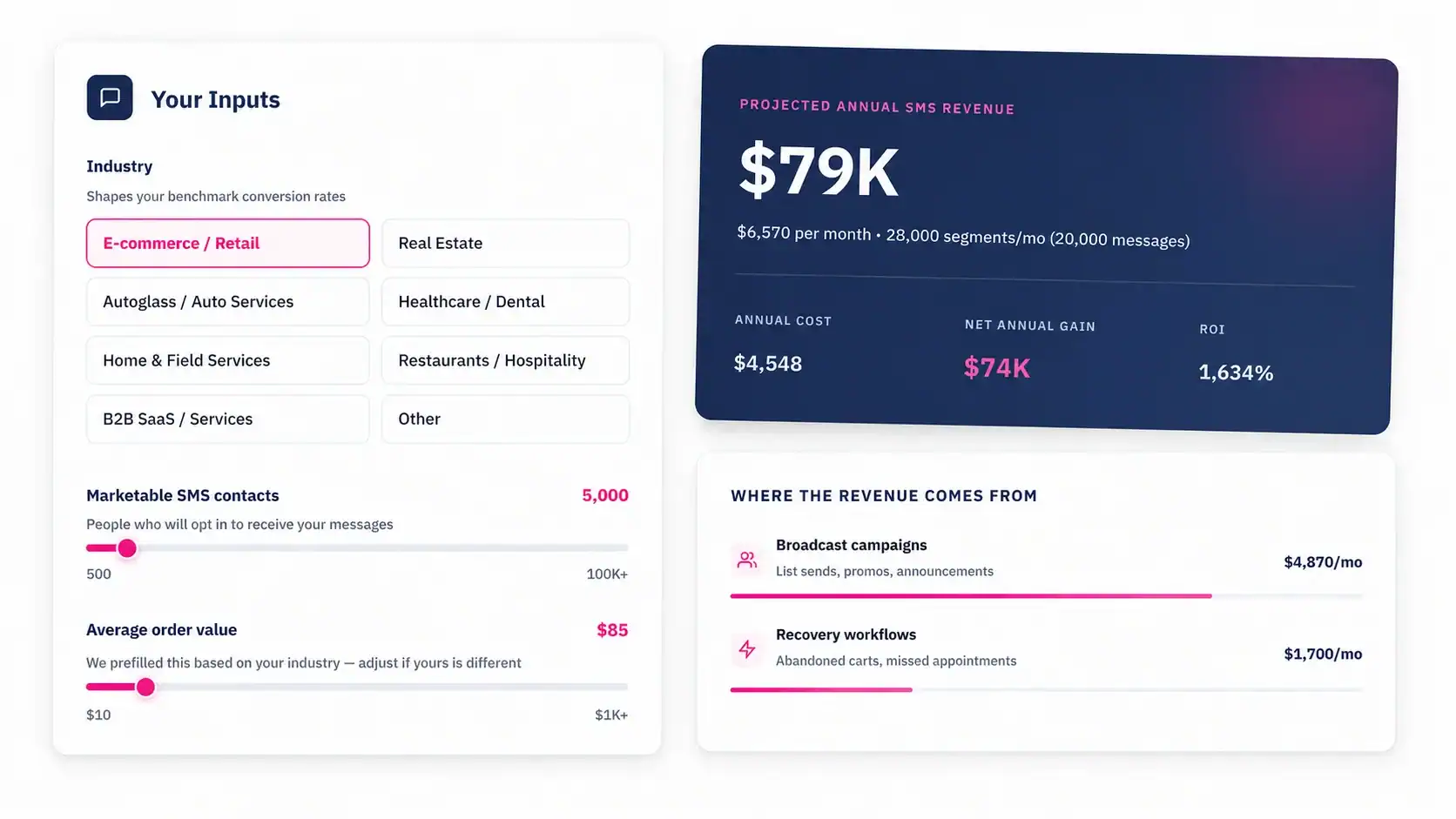
Start Using HubSpot’s Personalised SMS Retention
You’re missing out on response rates and revenue if your business’s retention program relies on email for things like renewals, loyalty milestones, or win-back campaigns that need to be done quickly. People open SMS. Two-way SMS gets a response.
MessageIQ lets you send personalised text message marketing directly through your HubSpot workflows. It has built-in compliance, a shared team inbox, and a setup time of days instead of months. Plans start at $49 a month.
See how MessageIQ works inside HubSpot and send your first personalised retention workflow this week.