
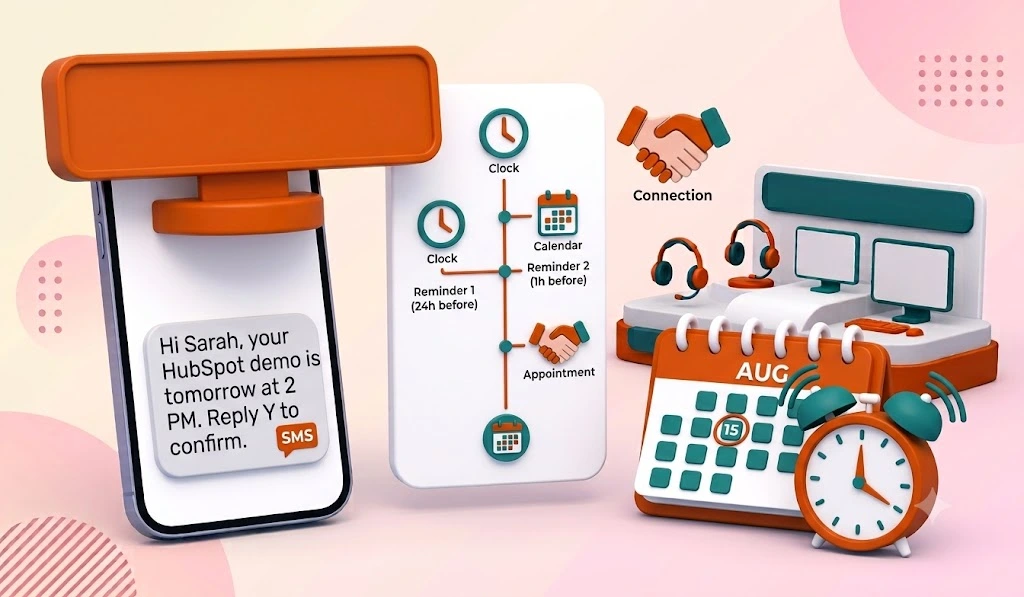
Half of all missed appointments happen because people simply forget. Not because they changed their mind, not because they found a competitor. They forgot. SMS appointment reminders in HubSpot fix that problem better than any other channel, because 98% of text messages get opened vs roughly 20% for email, and most people read a text within minutes of receiving it.
Book a Free Demo
There’s just one catch: HubSpot doesn’t send SMS reminders natively. You need an integration to do it, and the setup has a few traps that cost HubSpot admins hours if nobody warns them. We built Message IQ as a two-way SMS platform that lives inside HubSpot workflows, and we’ve helped hundreds of teams wire up reminder sequences. This guide walks through the full setup, the templates, the compliance side, and the stuff that breaks.
What Are SMS Appointment Reminders in HubSpot?
SMS appointment reminders in HubSpot are automated text messages triggered by HubSpot workflows before a scheduled meeting, service call, or consultation. Because HubSpot has no built-in texting engine, they run through an integrated SMS platform that adds a “Send SMS” action to your workflow builder. A typical setup sends a confirmation text at booking, a reminder 24 hours out, and a final nudge 1 to 2 hours before the appointment.
Why HubSpot Can’t Do This Natively (and What That Means for You)
HubSpot gives you meeting scheduling, calendar sync, and email reminders out of the box. Texting is the missing piece, and HubSpot’s own community forums are full of threads asking for it. Users on those threads report spending 6+ hours trying to hack reminders together with Zapier and calendar add-ons.
Three specific HubSpot limitations make DIY approaches painful:
- Meeting date and time aren’t easy trigger properties. The native meetings tool doesn’t expose a clean “meeting start time” property that any workflow can center on, so most teams create a custom date property or rely on their SMS platform to read booking data directly.
- Centered date workflows think in days, not hours. HubSpot’s date-centered delays work in day increments at fixed times. A “2 hours before the meeting” reminder needs a tool that handles the timing logic itself.
- Reschedules don’t re-enroll contacts automatically. If a prospect moves their meeting and your workflow doesn’t account for it, they get a reminder for the old time. That’s worse than no reminder at all.
A purpose-built integration solves all three. Message IQ was built by Integrate IQ, a HubSpot Diamond Solutions Partner, specifically because our team kept rebuilding this exact workflow for clients and got tired of duct tape. You can see how the HubSpot integration works here.
How to Set Up SMS Appointment Reminders in HubSpot (Step by Step)
The whole build takes about 30 minutes once your SMS integration is installed and your A2P 10DLC registration is approved. Here’s the workflow structure we deploy most often:
- Enrolment trigger: Contact property “Appointment Date” is known OR contact submits your meeting booking form. Use a contact-based workflow centred on the Appointment Date property.
- Action: Message IQ sends a booking confirmation SMS immediately via the HubSpot workflow action. This first text does double duty: it confirms the slot and reinforces the SMS opt-in.
- Delay: Wait until 1 day before the Appointment Date value, set to send at 10:00 AM in your portal’s time zone.
- Action: Message IQ sends the 24-hour reminder SMS with a confirm/reschedule prompt.
- Branch logic: If contact replied “C” or “confirm” → set contact property “Appointment Confirmed” to Yes and end. If no reply → send a final reminder SMS 2 hours before the appointment.
- Post-appointment branch: If the meeting outcome property equals “No Show” → enroll in a recovery workflow that texts a rebooking link within 1 hour.
Two setup notes that save headaches. First, HubSpot uses your account’s business timezone for delay steps, so check your regional settings before you blame the tool for weird send times. Second, filter enrollment to contacts where “SMS opt-in” is true. More on that in the compliance section.
If you want to go deeper on triggers, branches, and re-enrollment settings, we broke down the full logic in our guide to SMS automation in HubSpot.
The Reminder Cadence That Reduces No-Shows
Timing matters as much as the message. The cadence we see perform best across service businesses, sales teams, and healthcare clinics:
- At booking: instant confirmation text
- 24 hours before: reminder with confirm/reschedule option
- 1 to 2 hours before: short final nudge
- After a no-show: rebooking text within the hour, while the miss is still fresh
Teams running this three-touch sequence routinely cut no-show rates by 30 to 50%. One reminder helps. A sequence with a reply option performs dramatically better, because two-way texting lets people reschedule instead of ghosting.
What Breaks in HubSpot SMS Reminder Workflows (and How to Fix It)
Nobody writes about this part, so here it is.
Reschedules send stale reminders. Fix: set your workflow’s re-enrollment trigger to fire whenever the Appointment Date property changes. The contact drops back in with fresh timing.
Contacts booked manually never enroll. Form-based triggers only catch self-booked meetings. If reps log meetings manually, center the workflow on the date property itself, not the form submission.
Messages get filtered by carriers. Unregistered traffic gets throttled or blocked. Complete your A2P 10DLC brand registration before launch, not after your first campaign mysteriously underdelivers.
Landline numbers eat your credits. Add a branch that checks phone number validity, or use a platform that flags non-mobile numbers before sending.
Replies go nowhere. A broadcast-only tool sends the reminder and then goes deaf. When a client replies “can we do 3pm instead?”, someone needs to see it. Message IQ routes every reply into a shared team inbox inside HubSpot, so every conversation is two-way by default and nothing lands in a void.
SMS Appointment Reminder Templates You Can Steal
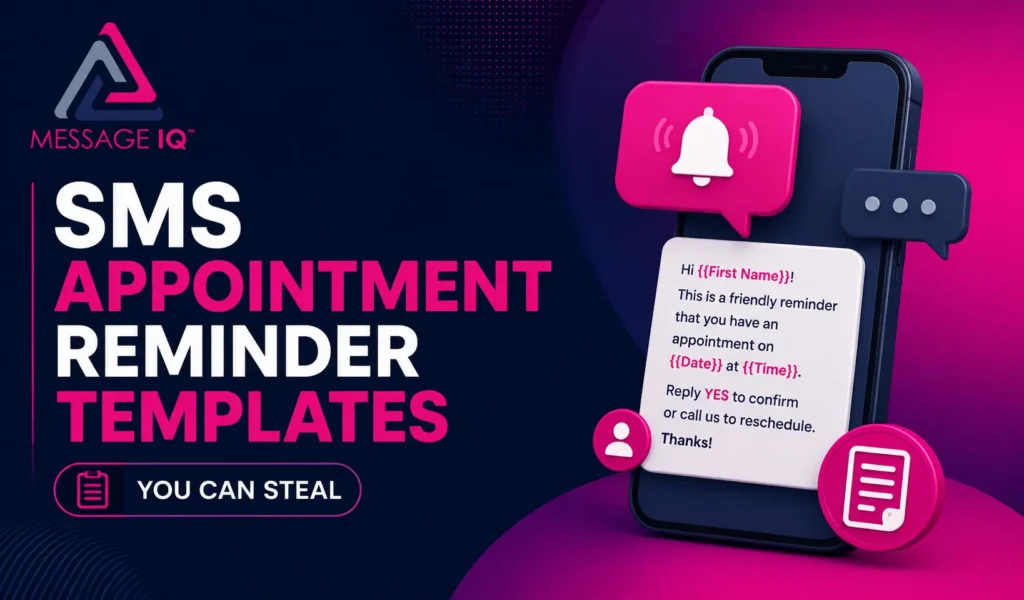
Pull the merge tags straight from your HubSpot contact properties. Keep messages under 160 characters where you can to avoid multi-segment charges.
Use case: Booking confirmation
“Hi {{first_name}}, you’re booked with {{rep_name}} on {{appointment_date}} at {{appointment_time}}. Reply STOP to opt out.” (123 chars)
Use case: 24-hour reminder with confirmation
“Hi {{first_name}}, this is a reminder of your appointment with {{company}} tomorrow at {{appointment_time}}. Reply C to confirm or R to reschedule.” (147 chars)
Use case: 2-hour final nudge
“{{first_name}}, your appointment with {{company}} starts at {{appointment_time}} today. Running late or need to move it? Just reply to this text.” (146 chars)
Use case: No-show recovery
“Hi {{first_name}}, we missed you today. Want to grab a new time with {{rep_name}}? Reply YES and we’ll send over a few slots.” (125 chars)
Want more variations by industry, including healthcare and home services? We keep a full library of appointment reminder SMS templates you can copy directly into your workflow actions.
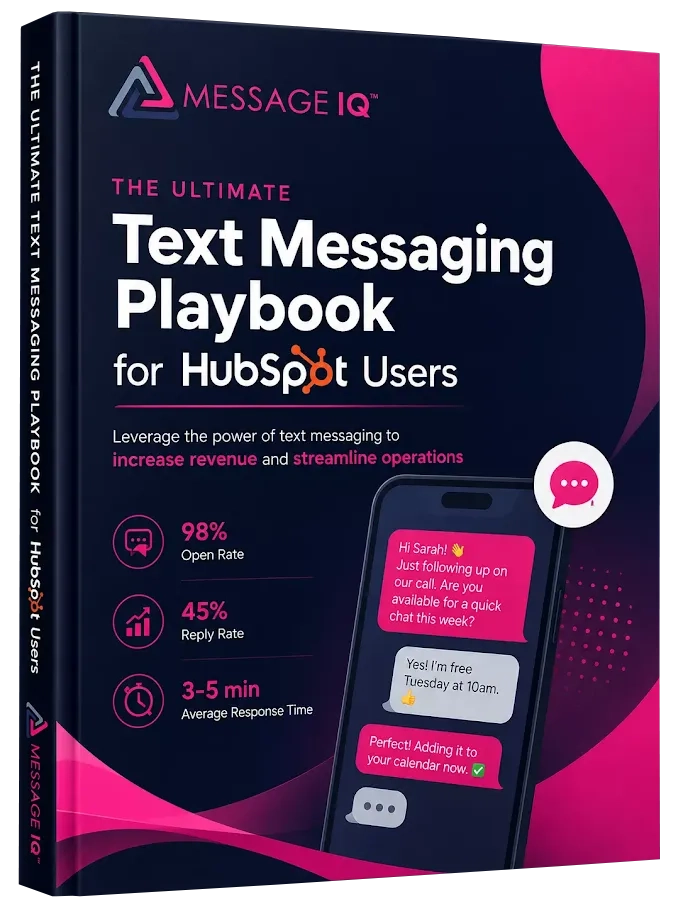
Get Your Ultimate HubSpot Text Messaging Playbook for FREE
Discover how top HubSpot teams use SMS to boost engagement, close deals faster and streamline operations.
Instant download
Expert insights from certified HubSpot professionals
Ultimate Text Messaging Playbook
TCPA Compliance for Appointment Reminder Texts
Appointment reminders are transactional, which gives them more legal breathing room than marketing blasts, but the TCPA still applies. You need prior express consent before texting anyone. The clean way to get it: add a checkbox to your booking form that says something like “I agree to receive appointment reminders and updates by text. Msg & data rates may apply. Reply STOP to opt out.” Store that consent in a HubSpot property and filter workflow enrollment on it.
Opt-out handling is non-negotiable. Every STOP, UNSUBSCRIBE, or QUIT reply must immediately suppress future sends. Doing this manually across workflows is how businesses end up with TCPA violations that run $500 to $1,500 per message. Message IQ handles opt-in tracking and opt-out suppression automatically at the platform level, so a STOP reply kills every active workflow send for that contact, not just one.
You’ll also need completed 10DLC registration to send business SMS through US carriers at reliable volume. If you’re writing your consent checkbox from scratch, our breakdown of TCPA consent language for SMS has copy-paste examples reviewed against current 2026 requirements.
SMS vs Email for Appointment Reminders

HubSpot sends email reminders natively, so why bother with SMS? The numbers answer that.
| Factor | SMS Reminder | Email Reminder |
|---|---|---|
| Open rate | 98% | ~20% |
| Median time to read | Under 5 minutes | Hours, if ever |
| Reply friction | One-tap reply to reschedule | Requires opening inbox |
| Day-of visibility | High, phones are always in reach | Low, buried under other mail |
| Cost per message | A few cents | Effectively free |
| Best role | 24-hour and day-of reminders | Booking confirmation with calendar invite and details |
The right answer is both. Email carries the calendar file, meeting link, and prep details at booking. SMS carries the urgency in the final 24 hours. We compared the two channels across every use case in HubSpot SMS vs email if you want the full data.
Do You Need a HubSpot CRM Expert to Set This Up?
Honest answer: for a standard reminder workflow, no. If you can build a basic HubSpot workflow, you can follow the steps above in an afternoon. The tool does the heavy lifting.
Where a HubSpot CRM expert earns their fee is the messy middle: portals with duplicate contacts, meetings logged five different ways, custom objects for jobs or service tickets, or multi-location businesses that need routing logic per branch. That’s the world Message IQ came from. Integrate IQ, our parent company, is a HubSpot Diamond Solutions Partner with 275+ platform integrations under its belt, and the reminder logic baked into Message IQ reflects what a HubSpot CRM expert would build by hand, minus the consulting hours. You get partner-grade workflow architecture without hiring for it, and if your portal genuinely needs custom work, we know exactly what that looks like too.
FAQ: SMS Appointment Reminders in HubSpot
Can HubSpot send SMS appointment reminders natively? No. HubSpot’s meetings tool sends email reminders, but it has no built-in SMS engine. You need an integrated SMS platform like Message IQ that adds a Send SMS action to HubSpot workflows and syncs conversations to the contact timeline.
How far in advance should I send an appointment reminder text? Send a confirmation at booking, a reminder 24 hours before, and a final nudge 1 to 2 hours before the appointment. This three-touch cadence consistently cuts no-show rates by 30 to 50% because it catches both the planners and the forgetters.
Do appointment reminder texts require TCPA consent? Yes. Reminders are transactional messages, but you still need prior express consent before texting a contact. Collect it with a checkbox on your booking form, store it as a HubSpot property, and gate workflow enrollment on it. Every message also needs a working opt-out.
What happens if a customer reschedules their appointment? With the right re-enrollment settings, the workflow restarts with the new date. Configure your HubSpot workflow to re-enroll contacts whenever the Appointment Date property changes, otherwise contacts receive reminders for a time slot that no longer exists.
Can customers reply to reschedule or confirm by text? They can if your platform supports two-way SMS. Message IQ makes every conversation two-way by default and routes replies to a shared team inbox, so a “can we push to Friday?” reply reaches your team instead of disappearing into a one-way broadcast system.
How much do HubSpot SMS reminders cost? Platforms range widely, and per-message carrier fees apply on top of most plans. Message IQ starts at $49/mo with TCPA compliance tools and the HubSpot workflow action included, which puts a full reminder system within reach of even small service teams.
Stop Losing Revenue to Empty Time Slots
Every no-show is paid staff time, a wasted calendar block, and a lead going cold. A 30-minute workflow build fixes most of it. Message IQ plugs SMS appointment reminders directly into your HubSpot workflows, handles the opt-in and opt-out compliance automatically, and gives your team a shared inbox for every reply.
Try Message IQ free and send your first automated reminder from HubSpot today. Plans start at $49/mo
See how much revenue SMS could add to your HubSpot stack
Five inputs. Industry-backed benchmarks. Get your projected annual SMS revenue in under 30 seconds.
Calculate My SMS ROI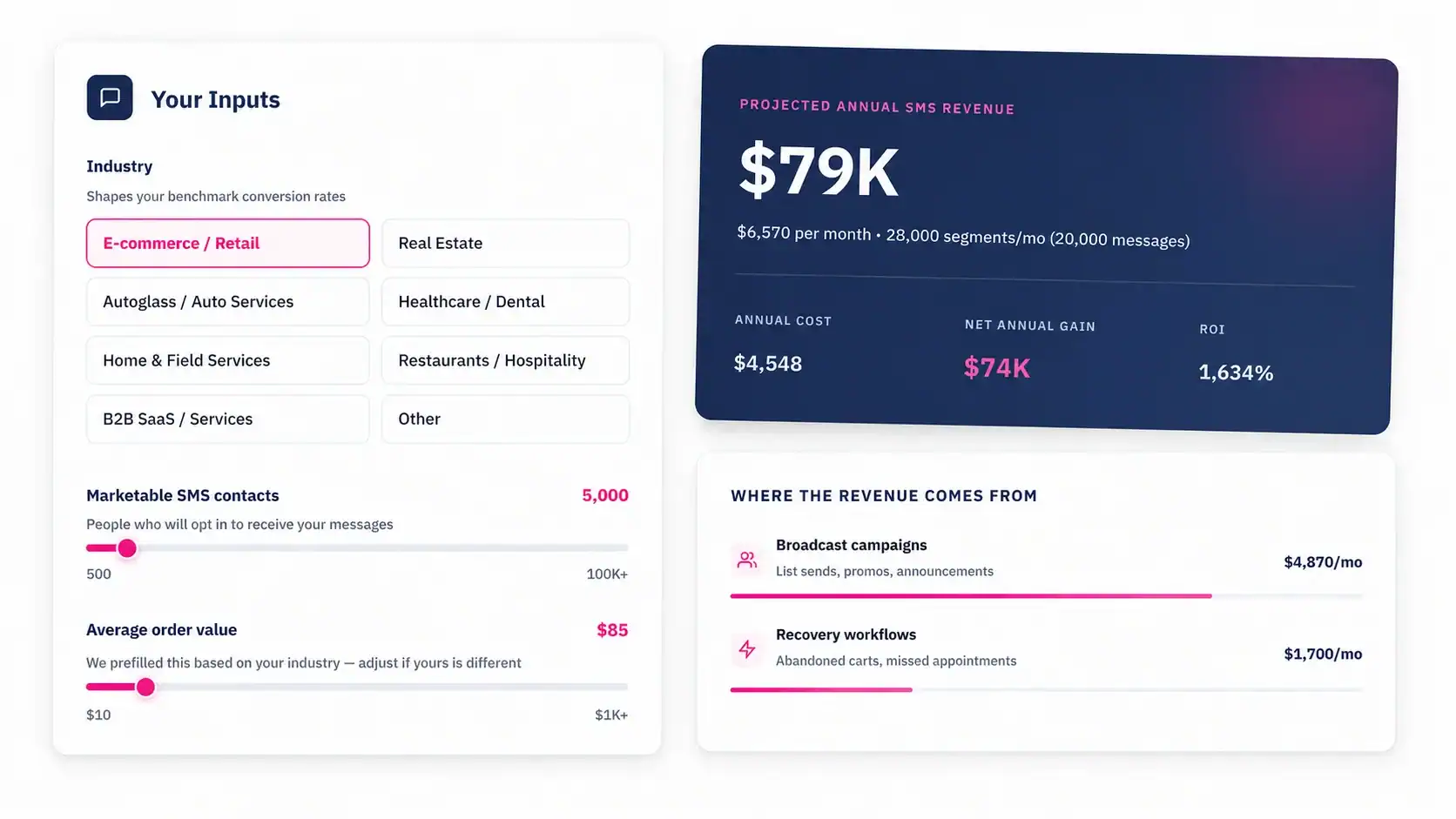
Start Sending Reminders