

The most dangerous moment in the customer lifecycle happens right after the deal closes. Sales celebrates, the handoff email goes out and then a new customer who answered texts within minutes during the sales process suddenly stops opening anything. SMS for customer onboarding in HubSpot closes that gap because the channel that got them to buy is the same channel that gets them to activate. 98% of text messages get opened vs roughly 20% for email and that gap matters most in the first two weeks after purchase, when momentum decides whether an account activates or quietly stalls.
Book a Free Demo
HubSpot can trigger the whole onboarding sequence from a Closed Won deal stage. It just can’t send the texts, since HubSpot has no native SMS engine for this. Message IQ adds two-way texting as a native action inside HubSpot workflows, built by Integrate IQ, a HubSpot Diamond Solutions Partner. This guide covers the onboarding workflow build, the five moments actually worth a text, the templates, and the consent trap that catches most CS teams.
What Is SMS for Customer Onboarding in HubSpot?
SMS for customer onboarding in HubSpot means triggering text messages from HubSpot workflows during a new customer’s first 30 to 90 days, starting when a deal hits Closed Won. Typical sends include a welcome text from the assigned CSM, kickoff call scheduling, setup nudges when activation stalls, and a 30-day check-in. Because HubSpot has no built-in texting engine, an integrated platform supplies the Send SMS workflow action and logs every message and reply to the contact timeline.
Why Onboarding Is Where Customers Ghost You
Here’s the uncomfortable pattern every CS team recognizes. During the sales cycle, the prospect replies fast. They’re motivated, they’re evaluating, they’re paying attention. Then they sign, and the relationship moves to email: a welcome sequence, a kickoff invite, a setup guide, a training link. Open rates crater. Two weeks later someone checks the account and setup sits at 40% complete.
Nobody churned. Nobody complained. They just drifted, because your onboarding emails landed in an inbox next to 200 other unread messages, and drifting is free.
Most churn gets decided in this window. Customers who reach first value fast tend to renew, and customers who stall in setup rarely recover, no matter how good your product is. A text cuts through the drift because people read texts. A well-timed “stuck on anything?” message pulls a stalled account back into motion while a fourth reminder email accomplishes nothing.
The two-way part matters more here than anywhere else in the funnel. Onboarding questions are small: “which plan setting do I pick,” “can I add my teammate,” “does this sync with our calendar.” Small questions don’t justify booking a call, so customers sit on them and setup stalls. Give them a number they can text and the questions surface immediately. With MessageIQ, every reply lands in a shared team inbox inside HubSpot, so whoever’s available answers, and the whole exchange logs to the contact record.
How to Build a Customer Onboarding SMS Workflow in HubSpot
The core build takes about 30 minutes once MessageIQ is connected to your HubSpot portal. Use a deal-based workflow, since your trigger lives on the deal record:
- Enrollment trigger: Deal stage is Closed Won, AND the associated contact’s “SMS opt-in” property is true.
- Action: MessageIQ sends the welcome SMS to the associated contact within 10 minutes of close, introduced as coming from the assigned CSM. Speed here sets the tone. A welcome text an hour after signing feels personal; one three days later feels like a ticket queue.
- Delay: Wait 1 day.
- Action: Send the kickoff scheduling text with a booking link, then branch. If the contact booked (meeting property is known) → continue. If not → resend the link after 2 days with different framing.
- Branch logic: At day 7, check your activation property, something like “Setup complete” or “Onboarding stage.” If setup is done → send the milestone text. If setup stalled → send the nudge text and create a task for the CSM.
- Final step: At day 30, send the check-in text, then update a property like “Onboarding SMS complete” so your reporting can compare activation rates for SMS-enrolled customers against the rest.
Two build notes. First, deal-based workflows send to the associated contact, so confirm your deals actually have primary contacts associated before launch, because a Closed Won deal with no contact fires into nothing. Second, exit contacts from automated sends the moment they reply. A customer mid-conversation with their CSM shouldn’t get a robotic nudge two hours later. We covered branch logic and exit conditions in detail in our guide to SMS automation in HubSpot.
The 5 Onboarding Moments Worth a Text
Resist the urge to text everything. Onboarding SMS works because it’s rare and useful. These five moments earn the interruption:
- The welcome, minutes after close. A named human, a real number, permission to text back. This single message reframes the entire relationship from “vendor” to “person I can reach.”
- Kickoff scheduling. Booking links die in email. The same link by text gets acted on, usually the same day.
- The stalled-setup nudge. This is the highest-ROI text in the whole sequence. Trigger it off your activation property, offer help instead of pressure, and watch stalled accounts restart themselves.
- The milestone marker. First campaign sent, setup hitting 100%, first report generated. A short “you’re live, nice work” text builds the habit of reading your messages before you ever need to ask for anything.
- The 30-day check-in. An honest “how’s it going?” catches problems while they’re still fixable, and happy customers at day 30 are exactly who you ask for reviews. Timing that ask by text works remarkably well, and we broke down the mechanics in using SMS to increase customer reviews.
What doesn’t belong in SMS: training content, long documentation, anything with attachments or multiple links. Email carries the heavy material. SMS makes sure the customer actually engages with it. And once onboarding ends, the same number becomes a support channel, which we covered in our guide to customer support via SMS.
Get Your Ultimate HubSpot Text Messaging Playbook for FREE
Discover how top HubSpot teams use SMS to boost engagement, close deals faster and streamline operations.
Instant download
Expert insights from certified HubSpot professionals
Ultimate Text Messaging Playbook
SMS Templates for Customer Onboarding
Merge tags pull from HubSpot contact and deal properties. Keep sends under 160 characters to avoid multi-segment charges.
Use case: Welcome text, minutes after Closed Won
“Welcome aboard, {{first_name}}! I’m {{rep_name}}, your point of contact at {{company}}. Save this number, you can text me here anytime.” (136 chars)
Use case: Kickoff call scheduling
“Hi {{first_name}}, ready to get your {{company}} account set up? Grab a kickoff time here: {{booking_link}}. Takes 30 mins.” (123 chars)
Use case: Stalled setup nudge
“Hi {{first_name}}, noticed your setup isn’t finished yet. Stuck on something? Reply here and I’ll walk you through it, or here’s the guide: {{setup_link}}” (155 chars)
Use case: Activation milestone
“{{first_name}}, your account just hit 100% setup complete. You’re fully live. Anything feel off in week one? Text me here. {{rep_name}}” (135 chars)
Use case: 30-day check-in and review ask
“Hi {{first_name}}, you’ve been with {{company}} a month now. How’s it going, honestly? If we’ve earned it, a quick review would mean a lot: {{review_link}}” (155 chars)
Every template invites a reply. That’s deliberate. An onboarding text that can’t be answered wastes the channel’s biggest advantage.
TCPA Compliance for Onboarding Texts
Here’s the trap: a purchase does not equal SMS consent. Plenty of teams assume that once someone becomes a paying customer, texting them is fair game. The TCPA disagrees, and violations run $500 to $1,500 per message, multiplied across every send in an automated sequence.
The clean fix has two parts. First, collect explicit opt-in early, ideally on the lead form with an unchecked checkbox: “I agree to receive text messages from {{company}}, including account and onboarding updates. Msg & data rates may apply. Reply STOP to opt out.” Our library of SMS opt-in form examples has compliant setups you can copy into HubSpot forms. Second, gate every onboarding workflow’s enrollment on that opt-in property, so no consent means no enrollment, ever.
If consent wasn’t collected during the sales process, capture it at kickoff or in the contract paperwork before the first automated text fires. And opt-out handling stays non-negotiable: MessageIQ processes STOP replies automatically and syncs subscription status back to HubSpot, killing every active workflow send for that contact at once. For the exact wording rules, see our breakdown of TCPA consent language for SMS.
SMS vs Email During Customer Onboarding
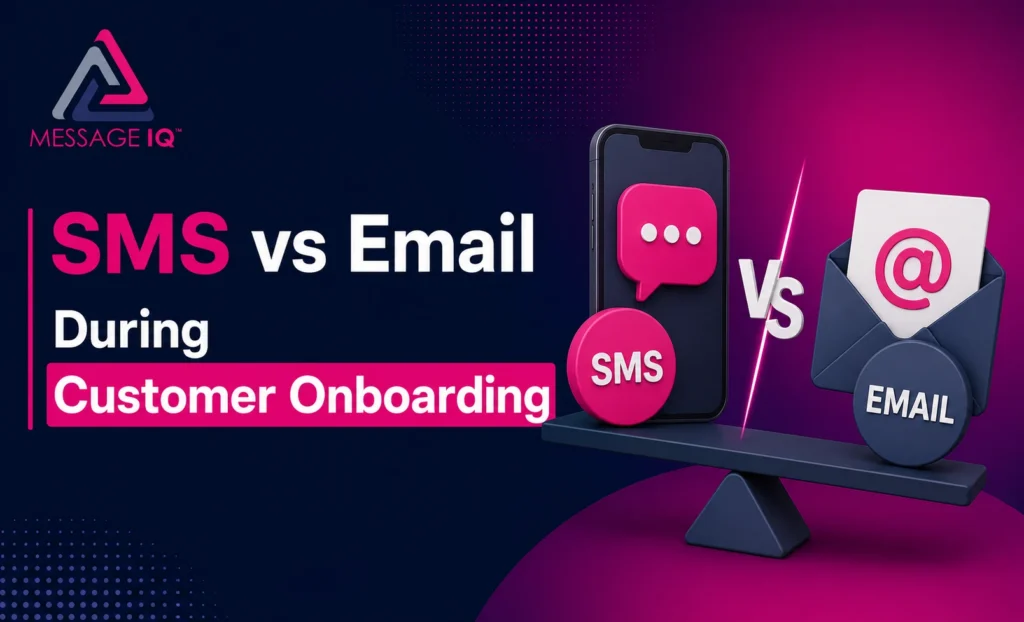
Both channels run in parallel during onboarding. The split looks like this:
| Job | SMS | |
|---|---|---|
| Welcome from CSM | Instant, personal, high-read | Backup with full detail |
| Kickoff scheduling | Primary driver, link gets tapped | Calendar invite carrier |
| Training and documentation | Wrong channel, skip it | Primary channel |
| Stalled-account nudges | Primary, cuts through drift | Mostly ignored by day 10 |
| Milestone celebrations | Short and human | Optional recap |
| 30-day check-in and review ask | Primary, replies come back | Follow-up with survey detail |
| Open rate | 98% | ~20% |
Email does the teaching. SMS does the nudging, the scheduling, and the listening. Teams that run both from the same HubSpot workflow stop losing customers in the gap between them. Full channel comparison lives in HubSpot SMS vs email.
FAQ: SMS for Customer Onboarding in HubSpot
Can HubSpot send onboarding texts to new customers natively? No. HubSpot workflows handle the triggers, delays, and branching, but the platform has no built-in SMS engine for this. An integration like MessageIQ adds the Send SMS action to the workflow builder and logs every message and reply to the contact timeline.
Should onboarding SMS workflows be deal-based or contact-based? Deal-based, in most cases. Your trigger is the deal hitting Closed Won, which lives on the deal record, and the SMS action fires to the associated contact. Use contact-based workflows for later stages triggered by contact properties, like activation status or lifecycle stage changes.
Does a customer’s purchase count as consent to text them? No. The TCPA requires explicit written opt-in before automated texts, and buying your product doesn’t provide it. Collect consent with an unchecked checkbox on your forms or during kickoff, store it as a HubSpot property, and require it for enrollment in every SMS workflow.
How many texts should a customer get during onboarding? Four to six over the first 30 days: welcome, kickoff scheduling, one or two activation nudges, a milestone marker, and a 30-day check-in. Every send should invite a reply, and the sequence should pause automatically whenever the customer responds.
What happens when a new customer replies to an onboarding text? With MessageIQ, the reply lands in a shared team inbox inside HubSpot, the contact exits the automated sequence through branch logic, and a CSM continues the conversation. The full exchange logs to the contact record, so support and sales see the same history.
Does SMS onboarding work for non-software businesses? Yes, arguably better. Home services, healthcare, financial advisors, and agencies all have onboarding moments: first appointment scheduling, document collection, intake forms. The same Closed Won trigger and nudge logic applies, just with different milestones.
Stop Losing Customers in the Handoff
Your sales team fought hard for every Closed Won deal. Losing that customer to inbox drift in week two wastes all of it. MessageIQ plugs SMS for customer onboarding directly into your HubSpot workflows, routes every reply to a shared team inbox, and handles opt-in and opt-out compliance automatically.
Send your first automated welcome text from HubSpot today. Plans start at $49/mo.
See how much revenue SMS could add to your HubSpot stack
Five inputs. Industry-backed benchmarks. Get your projected annual SMS revenue in under 30 seconds.
Calculate My SMS ROI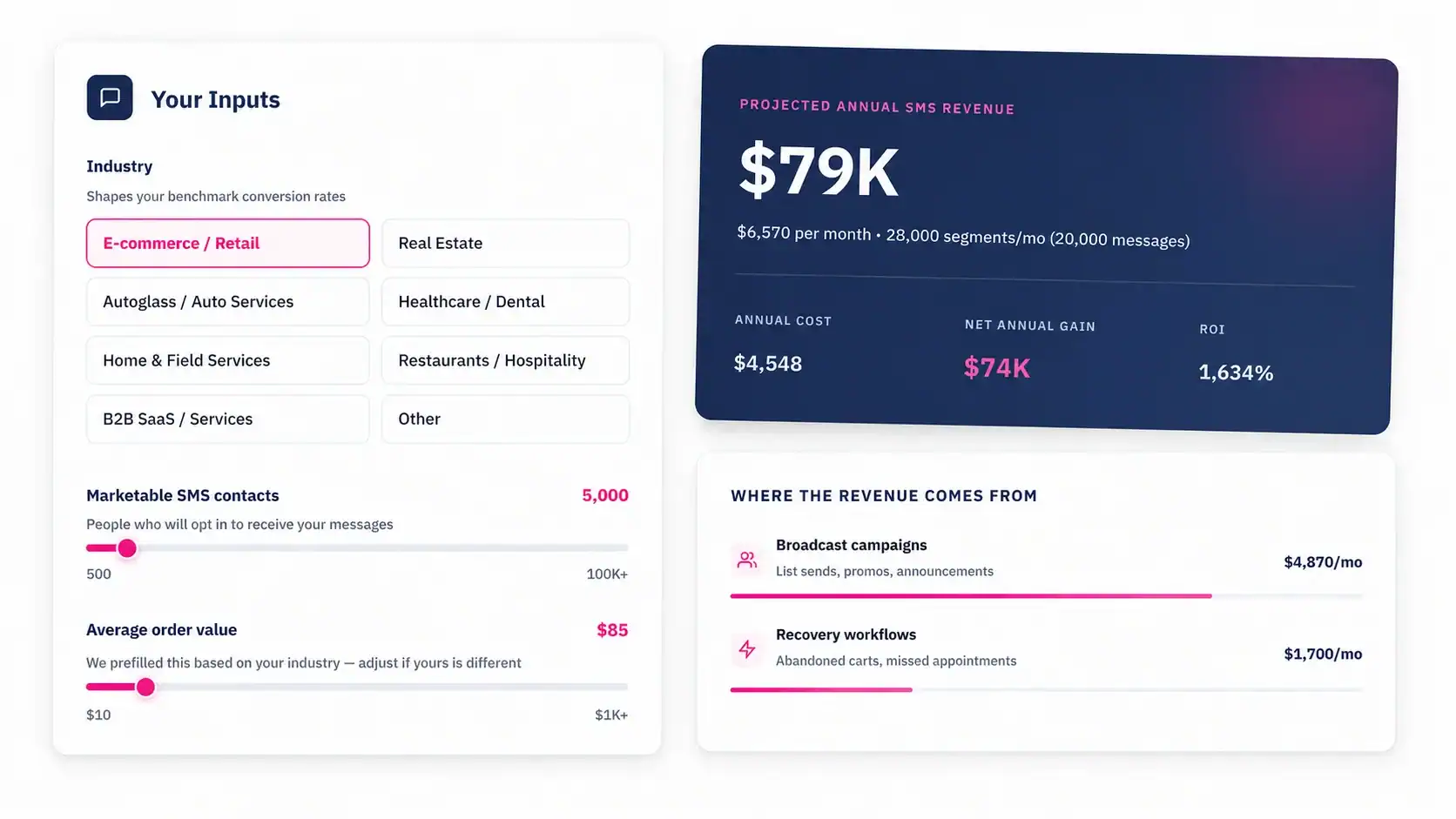
Talk to an Expert