

If you’ve been running business SMS through Heymarket and wondering why your HubSpot workflows keep falling short, you’re not alone. Real users have flagged it directly: the HubSpot integration has limited workflow options, and that’s a problem when your entire follow-up system depends on SMS firing reliably at the right moment inside HubSpot.
98% of SMS messages are opened versus roughly 20% for email, which is why SMS follow-ups convert faster. But that stat only works for you if the SMS actually sends when it’s supposed to. If you’re using a tool that has to auto-erase message objects every three hours because HubSpot’s custom object limit caps at 10,000 records, that’s not a workflow integration. That’s a workaround.
This post covers the best alternatives to Heymarket for teams that need SMS to work natively inside HubSpot workflows – enrollment triggers, branch logic, contact property updates, and all of it without Zapier in the middle.
What Does “Native HubSpot Integration” Actually Mean?
Before comparing platforms, it’s worth being precise here. A lot of SMS tools claim to “integrate with HubSpot.” What they mean is they can sync contacts and log message history on the contact timeline. That’s useful, but it’s not native.
A native HubSpot SMS integration means:
- You can add an SMS action directly inside a HubSpot workflow – no Zapier, no webhook, no third-party trigger
- Contact properties in HubSpot can enroll contacts into SMS sequences automatically
- Replies from contacts update HubSpot contact properties and can trigger branch logic
- Deal stage changes, lifecycle stage updates and form submissions all fire SMS without leaving HubSpot
Heymarket does offer workflow actions inside HubSpot, but its integration is restricted to North America and caps message object storage at 9,000 records per portal , after which it auto-erases records every three hours. For high-volume teams or anyone doing serious automation, that’s a ceiling that shows up fast.
See how much revenue SMS could add to your HubSpot stack
Five inputs. Industry-backed benchmarks. Get your projected annual SMS revenue in under 30 seconds.
Calculate My SMS ROI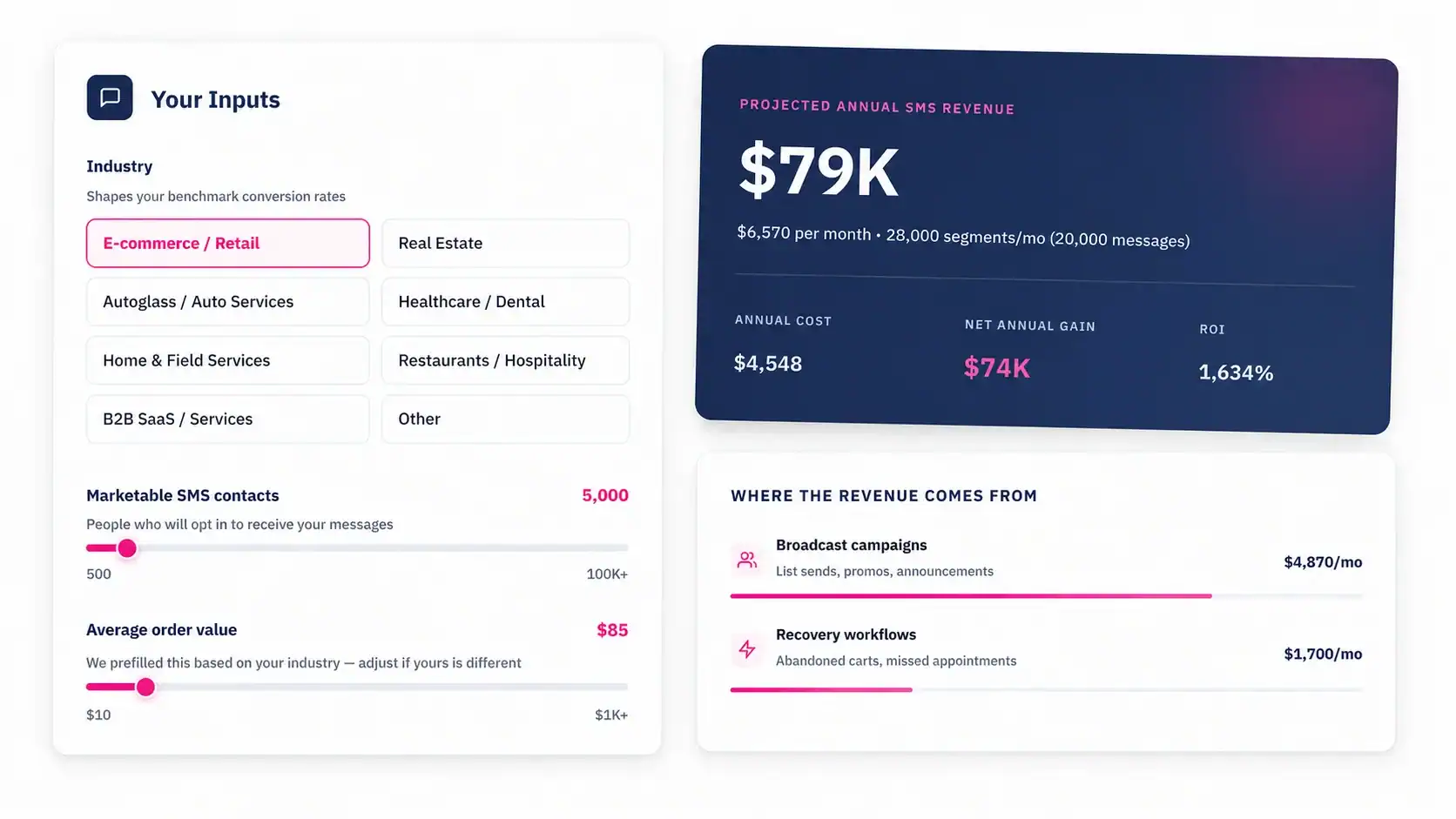
Why Teams Are Switching from Heymarket in 2026
The Heymarket complaints that surface most consistently across G2, Capterra, and the HubSpot Community aren’t about the messaging interface. Most users find it clean and easy. The friction is always on the automation and integration side:
- Workflow options inside HubSpot are limited compared to what HubSpot admins expect
- Advanced automation features are locked behind higher-tier plans
- Message sync between platforms lags during high-volume periods
- The HubSpot integration is North America only
- Contact deletion workflows don’t sync reliably, causing data conflicts
If your team is light on HubSpot usage and just needs a shared inbox for basic customer texting, Heymarket works fine. If you’re trying to run enrollment-trigger-based SMS sequences, branch logic based on reply keywords, or CRM-driven follow-up at scale, you’ll hit a wall.
Here are the alternatives to Heymarket worth considering – evaluated specifically on HubSpot workflow depth.
1. MessageIQ – Built for HubSpot-Native SMS Automation
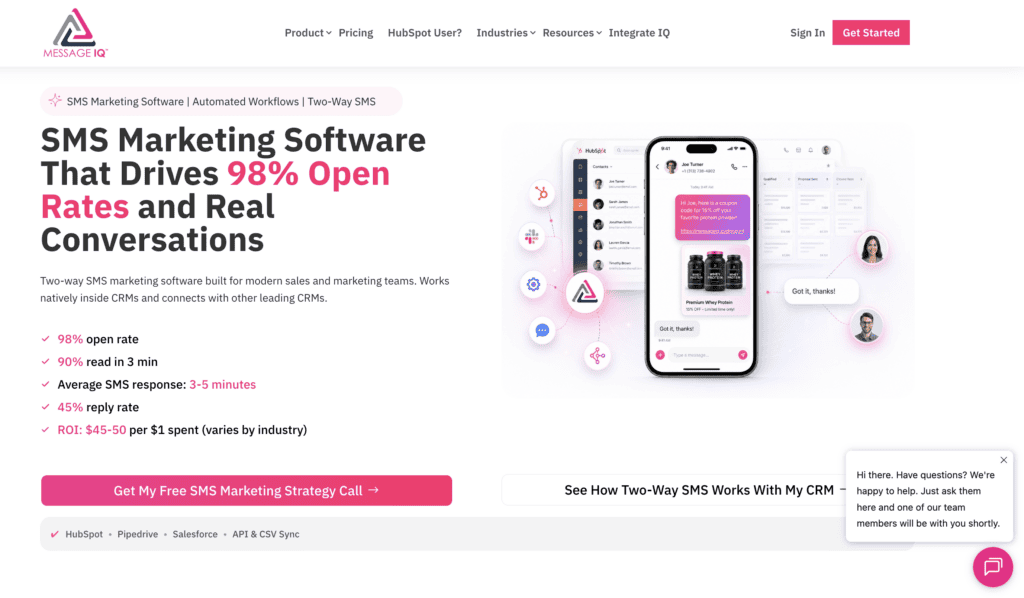
MessageIQ is built by Integrate IQ, a HubSpot Diamond Solutions Partner – which means the integration wasn’t bolted on after the fact. It was designed from the inside out for HubSpot.
Every conversation in MessageIQ is two-way by default. Not broadcast-then-wait. Two-way. That distinction matters for HubSpot workflows because replies from contacts can actually trigger the next step in your sequence.
What Makes Message IQ’s HubSpot Integration Genuinely Native
- SMS actions are available as native workflow steps inside HubSpot enrollment trigger, send SMS, wait for reply, branch on reply content, update contact property
- Contact property changes in HubSpot automatically enroll contacts into the right SMS sequence
- Shared team inbox syncs in real time with HubSpot contact records
- TCPA-compliant opt-in and opt-out handling built in, with no manual configuration required
- Starts at $99/mo – one of the lowest entry points among HubSpot-focused SMS tools
Example HubSpot Workflow with Message IQ
- Enrollment trigger: Contact submits demo request form
- Action: Message IQ sends SMS immediately via HubSpot workflow action
- Delay: Wait 10 minutes
- Branch logic: If contact replied → assign to sales rep in HubSpot | If no reply → send follow-up SMS after 24 hours, update lifecycle stage to “Attempted Contact”
That’s a workflow a HubSpot admin can actually build, test, and maintain. See the full setup in our SMS automation in HubSpot guide.
SMS Templates for HubSpot Follow-Up
Use case: Speed-to-lead after form submission
“Hi {{first_name}}, thanks for reaching out to {{company}}. I’ll follow up shortly – or reply here if you’d like to connect now. – {{rep_name}}” (136 chars)
Use case: Post-demo follow-up
“Hey {{first_name}}, great talking through your HubSpot setup today. Here’s what I’d suggest as a next step – reply YES if you want me to send it over. – {{rep_name}}” (166 chars)
Use case: Re-engagement after 30 days of silence
“Hi {{first_name}}, it’s {{rep_name}} from {{company}}. We have something new that might be relevant for your team. Want a quick 10-min look?” (141 chars)
For teams in healthcare, real estate, or education, Message IQ has industry-specific SMS workflows built out alongside the HubSpot automation layer.
2. Salesmsg – Good for Basic Two-Way Texting in HubSpot

Salesmsg is a solid option for small sales teams that want two-way SMS without a lot of complexity. It offers direct integration with HubSpot, including workflow actions for sending SMS and logging replies on the contact record.
Where it works well: one-on-one texting from inside HubSpot contact records, basic drip sequences triggered by form submissions, and bulk SMS to HubSpot lists.
Where it falls short versus more native options: the branch logic inside HubSpot workflows is more limited, and the platform’s focus on calling features (Power Dialer, AI Agents) means SMS automation isn’t the core product priority. Pricing is also per-user, which adds up quickly for larger teams.
Good fit for: small sales teams doing basic follow-up who don’t need deep workflow automation.
3. Sakari SMS – Best for Global Teams Needing HubSpot SMS
Sakari covers messaging in 200+ countries and is a strong pick for teams running outbound at a global scale. It includes one-to-one texting from HubSpot contact records and automated SMS triggered by HubSpot workflow conditions.
Its HubSpot integration supports contact property-based enrollment and logs all conversations on the timeline. GDPR compliance for opt-in and opt-out management is built in, which matters for European and UK teams.
The limitation: Sakari is built more for appointment-style reminders and global coverage than for complex two-way conversation workflows. If your use case is primarily US-based B2B sales follow-up with branching reply logic, it’s not the strongest fit.
Good fit for: international teams needing SMS across multiple countries with GDPR compliance.

Turn HubSpot Into A Real-Time SMS Engine with Message IQ
 Two-Way Conversations
 Shared Team Inbox
 Automation Triggers
 Advanced Reporting
 Compliance Tools
- 98% SMS read within 3 min
- 78% Buy from first responder
- 21× More likely to qualify

*MessageIQ is an Integrate IQ product built natively for HubSpot by the same team.
4. Textline – Strong Team Inbox, Lighter on Workflow Depth
Textline consistently shows up as a top alternative to Heymarket on G2, and for good reason. The shared inbox experience is polished, team collaboration tools are solid, and the interface is clean.
Its HubSpot integration covers contact sync, timeline logging, and some workflow trigger capability. Where it lags behind more HubSpot-native options is in the workflow builder depth. Teams that want complex enrollment logic, reply-based branching, or property updates triggered by SMS replies will find it limited.
Good fit for: teams prioritizing a clean team inbox experience over advanced HubSpot automation.
5. SimpleTexting – Best for Marketing Broadcast, Not HubSpot Automation
SimpleTexting is a capable platform for bulk SMS marketing campaigns. If you’re sending promotional blasts to HubSpot lists, it can handle the volume. The HubSpot integration allows contact import and basic workflow triggering.
What it doesn’t do well: two-way conversation management inside HubSpot, reply-based workflow branching, or the kind of real-time contact property updates that power sophisticated sales automation. It’s built for marketing sends, not B2B conversational texting.
Good fit for: marketing teams sending high-volume promotional campaigns to HubSpot contact lists.
HubSpot Workflow Integration Comparison
| Feature | MessageIQ | Salesmsg | Sakari | Heymarket |
| Native HubSpot workflow action | Yes | Yes | Yes | Limited |
| Two-way by default | Yes | Yes | Partial | Yes |
| Reply-based branch logic | Yes | Limited | Limited | Limited |
| Contact property update on reply | Yes | Limited | No | No |
| TCPA opt-in/opt-out built in | Yes | Yes | GDPR only | Yes |
| North America restriction | No | No | No | Yes |
| Message object storage cap | No cap | No cap | No cap | 9,000 records |
| Starting price | $99/mo | Per user | Per message | $20/user |
| Built by HubSpot partner | Diamond | No | No | No |
TCPA Compliance Inside HubSpot SMS Workflows
Whichever platform you choose, TCPA compliance can’t be an afterthought when you’re triggering SMS from HubSpot workflows. The risk is real: automated SMS to contacts without explicit written consent is a direct TCPA violation, and fines run from $500 to $1,500 per message.
Three things your HubSpot SMS integration needs to handle correctly:
Written Consent
Every contact enrolled in an SMS workflow needs to have opted in. That means your HubSpot forms need a clear SMS consent checkbox, and your integration needs to check opt-in status before sending. MessageIQ’s built-in compliance tools handle this at the workflow level – contacts without SMS consent don’t get enrolled, period.
Opt-Out Handling
When a contact replies STOP, the opt-out has to propagate back to HubSpot instantly and remove them from all active SMS sequences. Lag here isn’t just a compliance risk – it’s a carrier-level deliverability issue that can get your number flagged.
10DLC Registration
Since 2023, all A2P business SMS in the US requires brand and campaign registration under the 10DLC framework. If your SMS platform isn’t registered, your messages will be filtered or blocked by carriers regardless of your integration quality. Check our A2P 10DLC brand registration guide before you send anything at scale.
For a full checklist, see our SMS compliance guide for marketing teams.
SMS vs. Email Inside HubSpot Workflows
| Factor | SMS (via MessageIQ) | Email (HubSpot native) |
| Open rate | ~98% | ~20% |
| Avg. response time | Under 3 minutes | Hours to days |
| Best use case | Speed-to-lead, reminders, re-engagement | Nurture sequences, content delivery |
| Two-way conversation | Yes | Limited (reply tracking only) |
| TCPA compliance required | Yes | No |
| HubSpot workflow trigger | Yes | Yes |
| Character limit | 160 standard / longer with MMS | Unlimited |
SMS doesn’t replace email in a HubSpot workflow – it complements it. The pattern that converts best: email sets context, SMS creates urgency. A lead downloads a guide, HubSpot sends a nurture email, and 10 minutes later MessageIQ fires an SMS with a direct question from the rep. That sequence is when to choose SMS over email in practice.
FAQ
Can I use alternatives to Heymarket without replacing my entire HubSpot SMS setup?
Yes. Most HubSpot-native SMS tools migrate cleanly by syncing your existing HubSpot contacts and porting your number. MessageIQ connects to your HubSpot portal in under 10 minutes and doesn’t require rebuilding your contact database. The main work is rebuilding your workflows inside HubSpot using the new SMS action, which is straightforward if you already know HubSpot’s workflow builder.
Why does Heymarket’s HubSpot integration cap message objects at 9,000 records?
Heymarket uses HubSpot’s custom object to store message records. HubSpot caps custom objects at 10,000 records per portal, so Heymarket caps its own storage at 9,000 and auto-erases records every three hours once that threshold is reached. This means message history is lost for high-volume portals. Native integrations that use HubSpot’s timeline events or contact properties instead of custom objects don’t hit this ceiling.
Do alternatives to Heymarket require TCPA compliance setup separately?
It depends on the platform. Some require you to manually configure opt-in and opt-out workflows. MessageIQ has TCPA-compliant consent handling built into the platform – opt-outs trigger automatically when a contact replies STOP, and the system prevents SMS sends to non-consented contacts inside workflows. If you’re building compliance workflows manually, start with our TCPA consent language guide.
Is MessageIQ available outside the United States?
Yes. Unlike Heymarket’s integration, which is restricted to North America, MessageIQ works across US markets and isn’t geo-restricted at the integration level.
What’s the difference between a native HubSpot SMS integration and a Zapier connection?
A Zapier connection means HubSpot triggers an event, Zapier catches it, and then Zapier tells your SMS tool to send a message. That’s two extra handoffs, and each one is a point of failure. Delays, rate limits, and Zapier outages break your automation. A native integration has the SMS action living directly inside HubSpot’s workflow builder – no third-party relay, no lag, no extra subscription.
How does two-way SMS improve HubSpot workflow performance?
When a contact replies to an SMS, that reply can update a HubSpot contact property, which can trigger the next step in a workflow. For example, a reply of YES to a scheduling request can automatically update a deal stage, enroll the contact in a booking sequence, and notify the assigned rep – all inside HubSpot. Broadcast-only SMS tools can’t do this. Learn more about two-way SMS for sales teams.
Get 300+ SMS Templates
Enter your details to download the PDF instantly.
Download Started!
Your 300+ SMS Templates PDF is downloading now. If it didn’t start, click here.
Which Alternative to Heymarket Is Right for Your HubSpot Stack?
If your team relies on HubSpot as the source of truth for contact data, workflow triggers, and deal tracking, you need an SMS tool that treats HubSpot the same way. Not a tool that syncs to HubSpot after the fact, and not one that caps your message history to stay within platform limits.
MessageIQ was built by the team behind IntegrateIQ – HubSpot Diamond Solutions Partners – specifically for teams that run their go-to-market motion inside HubSpot. Two-way SMS, native workflow actions, shared team inbox, built-in TCPA compliance, and plans starting at $99/mo.
If you’re evaluating the best HubSpot SMS integrations for your stack, start with a tool that was designed to live inside HubSpot – not one that was adapted to connect with it.
Try MessageIQ free and send your first automated SMS from HubSpot today – messageiq.io