SMS for Home Services That Books Jobs and Fills the Schedule
Two-way SMS, built inside your CRM, for HVAC, plumbing, electrical, cleaning, pest control and contracting crews that run on fast quotes, appointment confirmations, tech ETAs and seasonal rebooking. Reach every homeowner on the channel they actually read, log every conversation back to the contact record and stay compliant with TCPA and 10DLC. Works with HubSpot, Pipedrive, Salesforce and connects to your other tools through API or CSV sync.
- 98% open rate vs ~20% for email
- 3-5 minute average response time
- Plans from $49/mo, cancel anytime
- Built by a HubSpot Diamond Partner
Request a Free Demo
Companies texting smarter with Message IQ








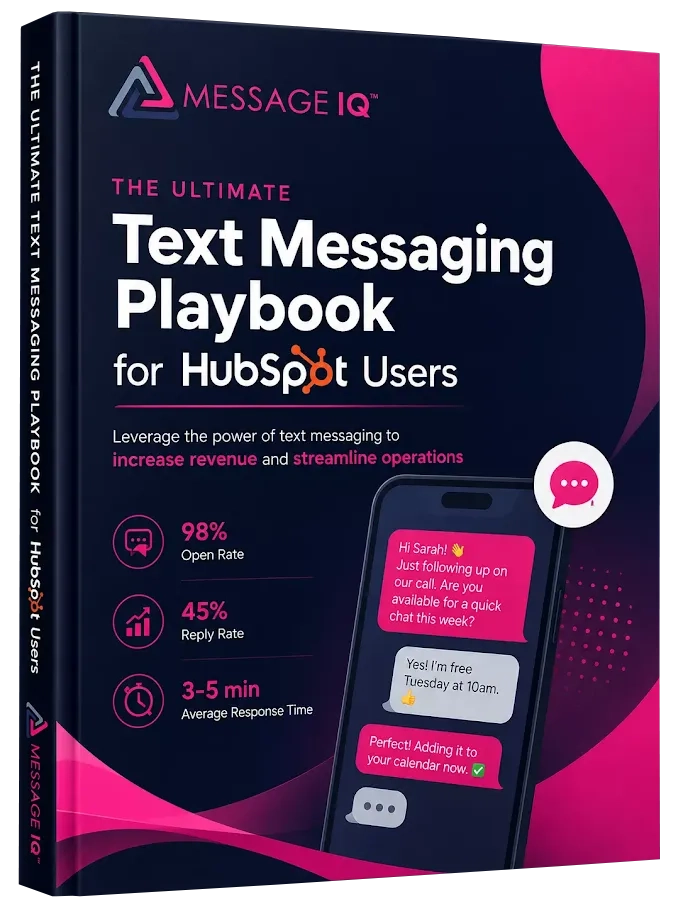
Get Your Free HubSpot SMS Strategy Session + Claim The Ultimate Text Messaging Playbook Instantly for FREE
Discover how top HubSpot teams use SMS to boost engagement, close deals faster and streamline operations.
Instant download
Expert insights from certified HubSpot professionals
Ultimate Text Messaging Playbook
Claim Your Free Playbook + Demo
Why SMS Wins for Home Services

%
SMS open rate

%
Reply rate on broker outreach

%
Of buyers go with the first responder

Starting price per month
Watch How Native SMS and MMS Works in HubSpot
Message IQ Setup Guide: Send SMS & MMS Directly From HubSpot
How to Send Bulk SMS From HubSpot Using Message IQ
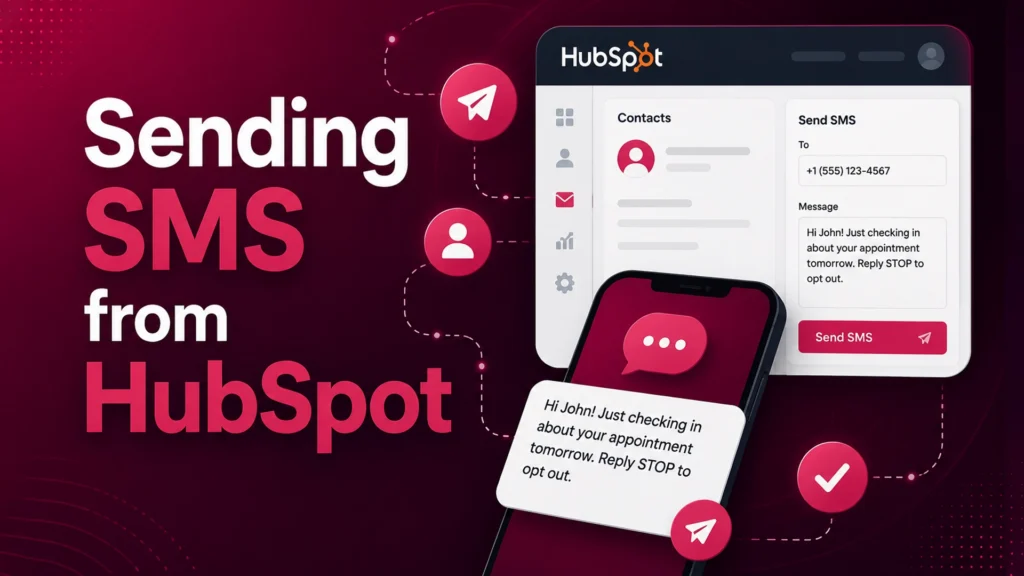
How to send SMS from HubSpot using Message IQ
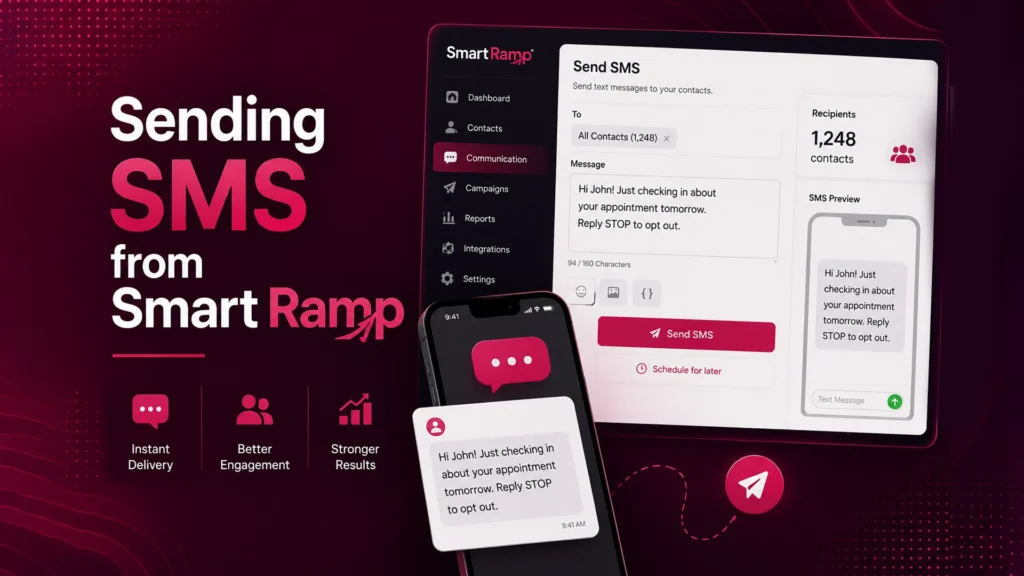
Message IQ - Sending SMS from Smart Ramp
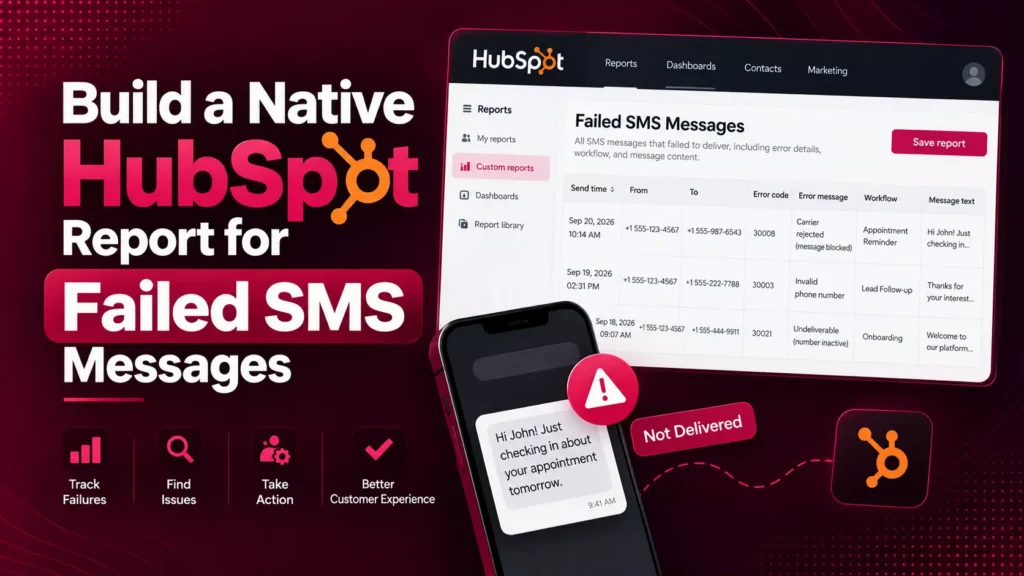
Build a Native HubSpot Report for Failed SMS Messages
300+ SMS Templates for HubSpot Workflows Inside Your CRM
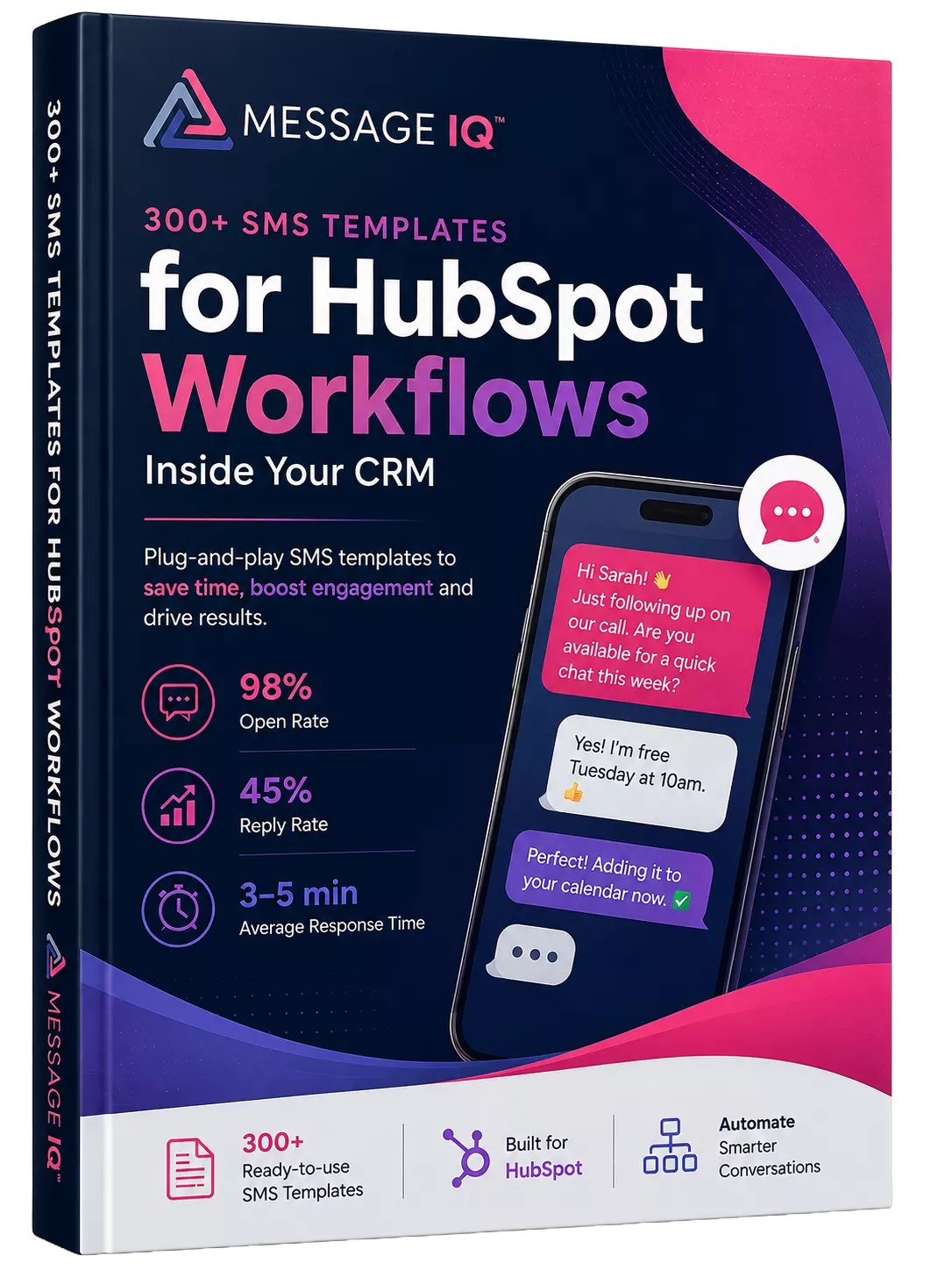
What is SMS for home services?
SMS for home services is the use of text messaging to handle the field work that phone tag and email keep dropping: fast speed-to-lead on quote and emergency requests, appointment confirmations and reminders, technician on-my-way and ETA texts, seasonal maintenance rebooking, payment reminders, and review requests. It turns a missed call into a booked job and a no-show into a confirmed appointment.
It works because text gets read. SMS open rates sit near 98% and most messages are seen within 3 minutes, while email opens for service businesses hover around 21%. When a homeowner with a dead AC or a burst pipe contacts three companies, the one that texts back first usually wins the job.
For a home services business, the channel only pays off if the conversation lands somewhere useful and stays on the books. A text from a technician’s personal cell disappears the moment that tech leaves, taking the customer relationship with it. A text from Message IQ lands on the contact record inside your CRM, fires the workflow it’s supposed to fire, and gives the owner a real record of what was promised.
Message IQ is a CRM-native two-way SMS platform. It runs natively inside HubSpot, Pipedrive, and Salesforce, and connects to your other tools through API or CSV sync, so quotes and reminders fire from the same customer data your office already uses.
SMS now lives inside HubSpot’s shared inbox, not a separate tool
Message IQ 3.0 puts text messaging alongside email and chat, triggers from any HubSpot object, and reports natively inside HubSpot’s own tools. Watch the two-minute walkthrough to see it live.

Shared inbox and help desk
Text messages show up alongside email and chat, so support and service teams carry every conversation from one place.
Trigger from any object
Build a workflow off a company, deal, or ticket and send a personal text to every connected contact.
Reporting built into HubSpot
Delivered, failed, and received messages generate native HubSpot events for reports at the message or segment level.
Built-in compliance
Every outgoing message is scanned for reply-stop language, with required text added automatically when it’s missing.
New permissions required. The shared inbox connection needs your HubSpot account reconnected. Log into your Smart Ramp account and select Settings then Integrations to enable it.
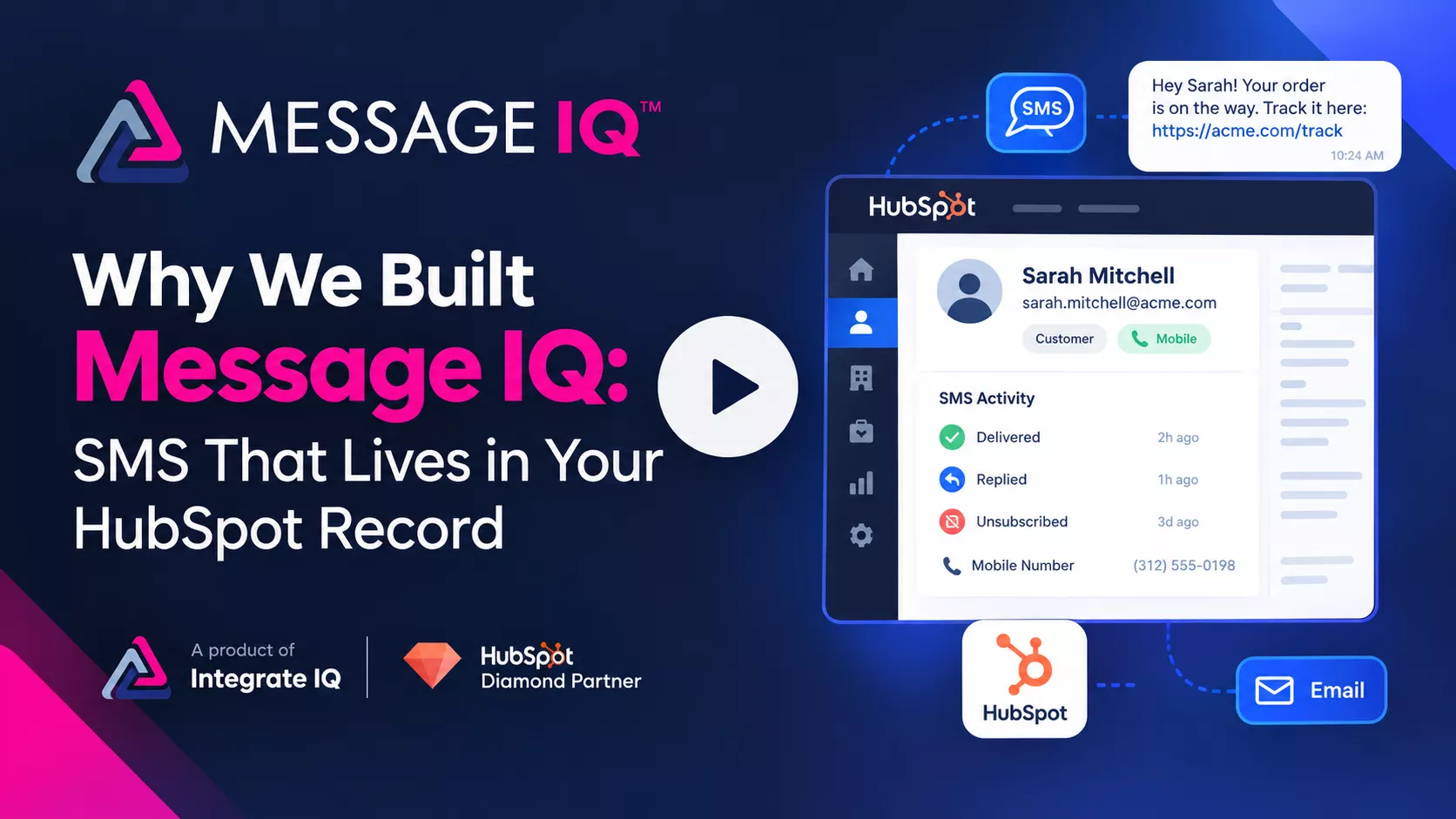
Why We Built Message IQ: SMS That Lives in Your HubSpot Record
Email opens sit at 20–30%. Texts get read. Message IQ brings SMS into HubSpot, built to handle the compliance rules email never had to.
- Carrier compliance checks built in, so campaigns don’t get suspended or blocked
- Delivers, bounces, unsubscribes, and line type sync straight to the contact record
Want a personalized tour? Call or text (866) 293-4873
Real Businesses. Real SMS Results.
See how businesses use Message IQ and HubSpot SMS automation to improve customer communication, reduce missed opportunities, and create measurable business results.

How a National Pet Containment Company Used HubSpot SMS
How a National Pet Containment Company Used HubSpot SMS Automation to Shorten Sales Cycles, Reduce No-Shows, and Drive Service Plan Renewals For…
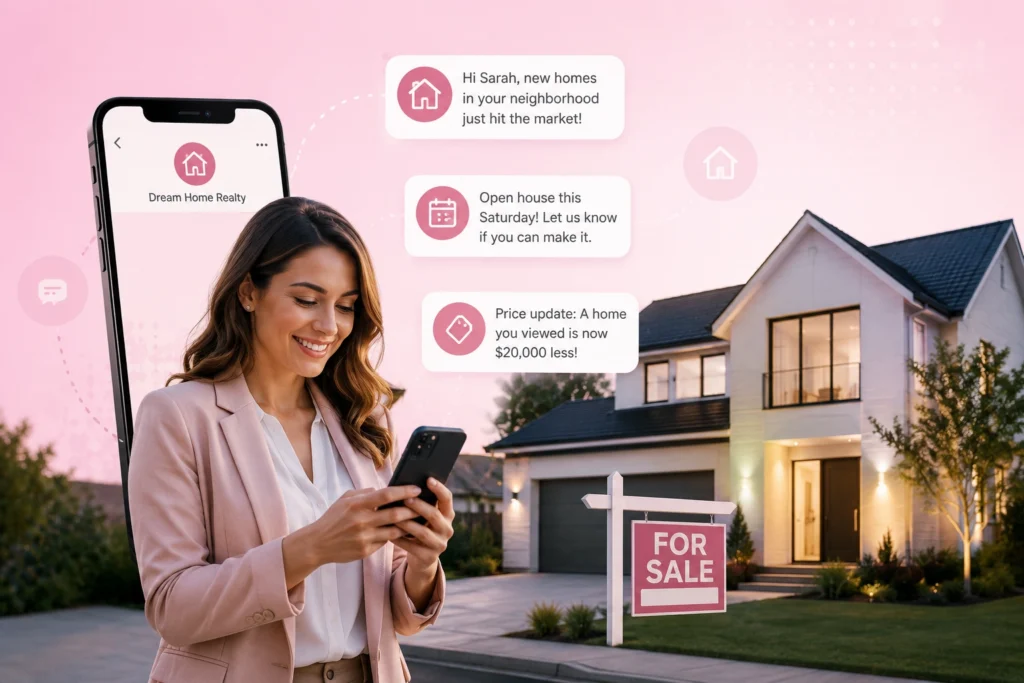
How an International Luxury Real Estate Brokerage Used HubSpot
How an International Luxury Real Estate Brokerage Used HubSpot SMS Automation to Engage High-Value Leads Faster and Convert More Showings into Offers…
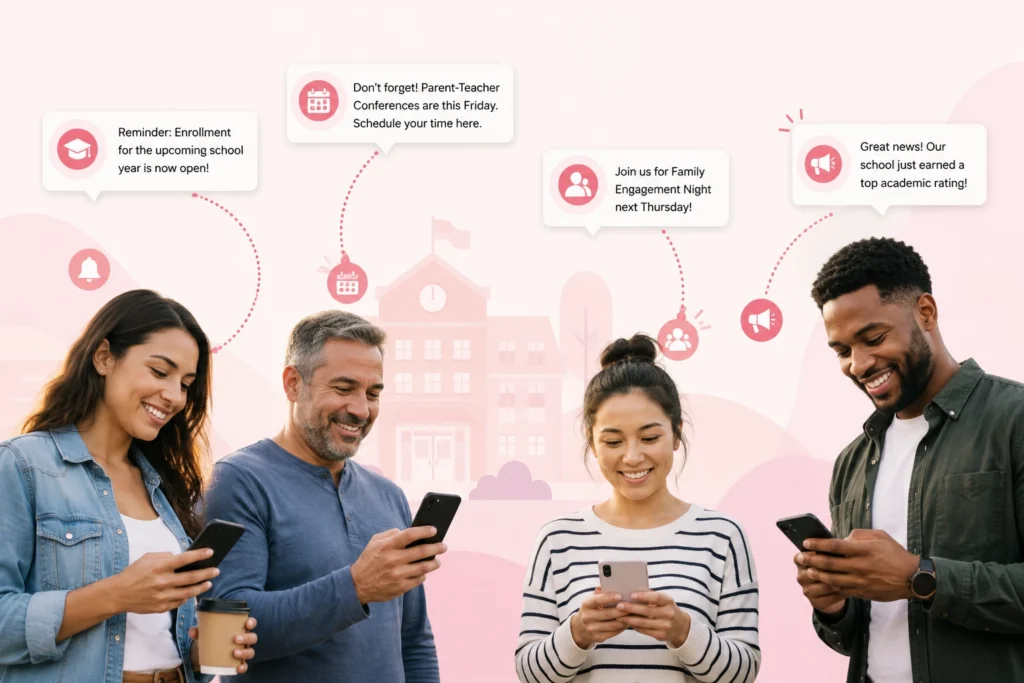
How a Charter School Network Used HubSpot SMS Automation
How a Charter School Network Used HubSpot SMS Automation to Fill Seats, Engage Families, and Strengthen Parent Communication This high-performing charter school…
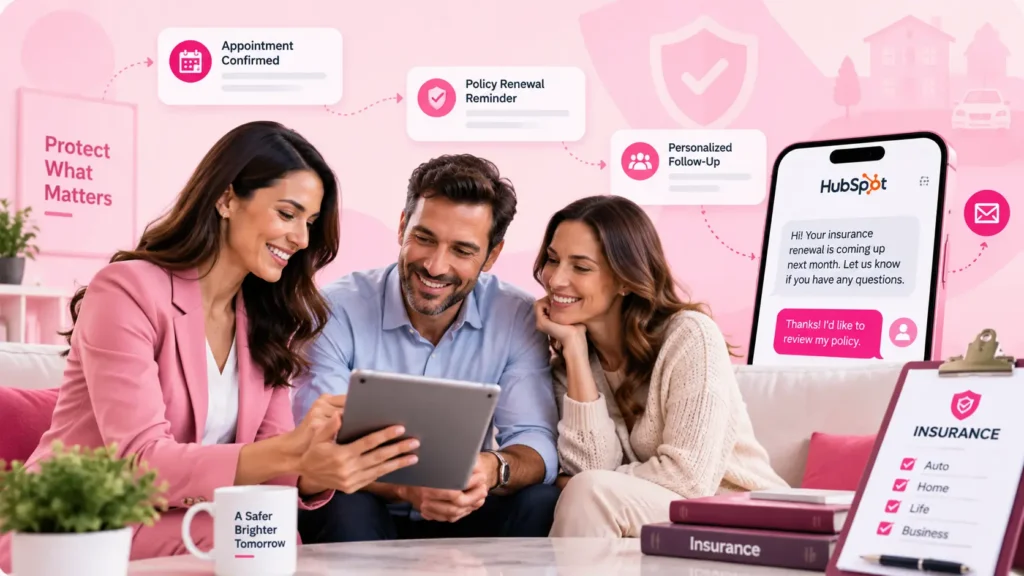
How a National Insurance Provider Used HubSpot SMS Automation
How a National Insurance Provider Used HubSpot SMS Automation to Increase Renewals, Reduce Call Volume, and Drive Open Enrollment Participation For more…
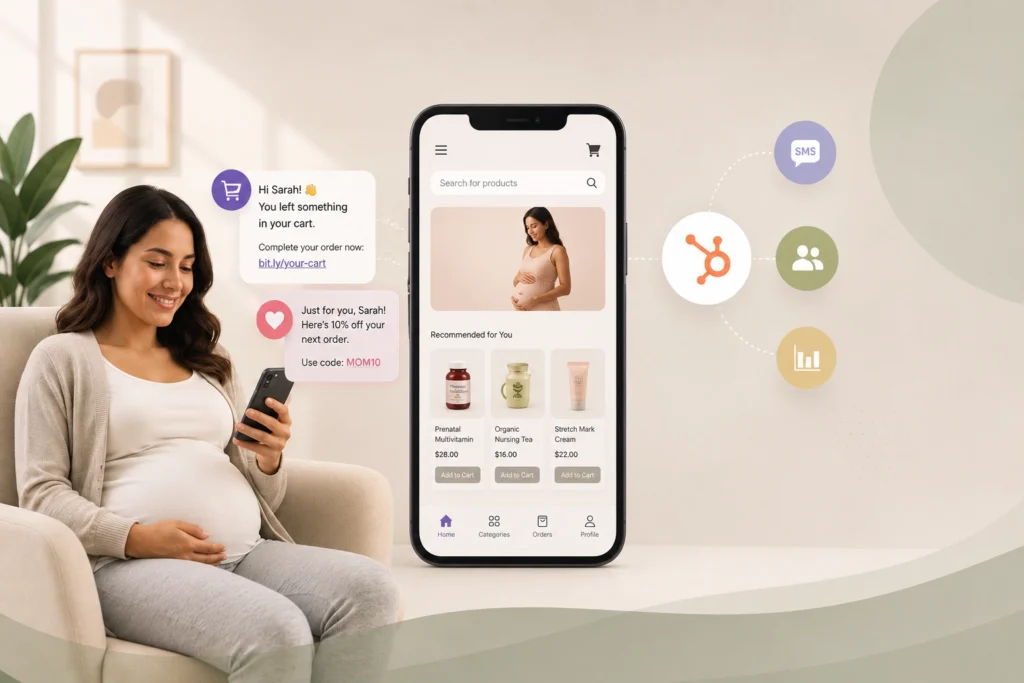
How a Maternal Health E-Commerce Brand Used HubSpot SMS Automation
How a Maternal Health E-Commerce Brand Used HubSpot SMS Automation to Recover Lost Sales and Grow Customer Lifetime Value This online maternal…
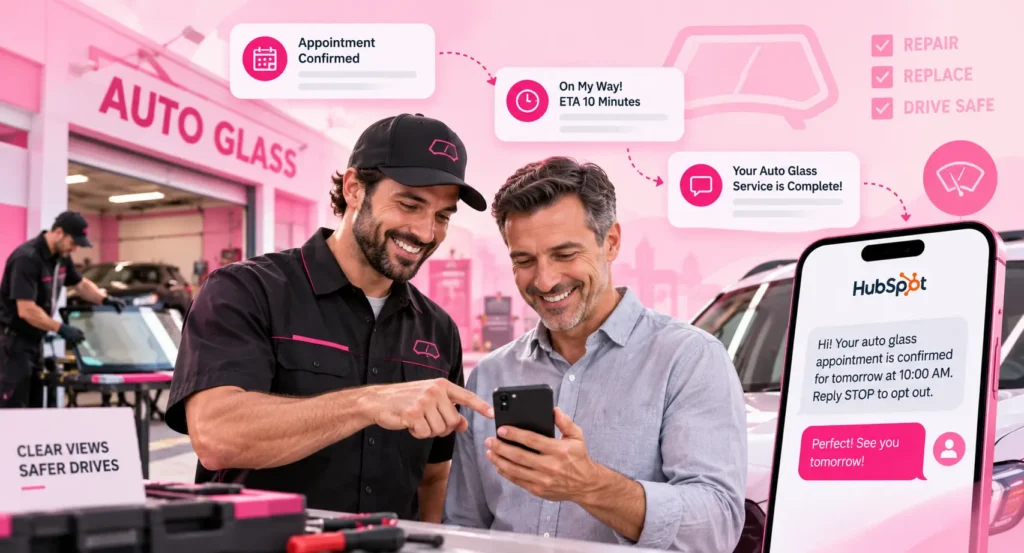
How a Leading Auto Glass Provider Cut Response Times and Reduced No-Shows with SMS Automation
A Top Auto Glass provider cut response times and no-shows with HubSpot SMS automation For nearly a decade, this mobile auto glass…
See What SMS Can Do For Your Business
Explore more customer stories and discover how Message IQ fits into your CRM workflows.
Explore Case Studies →How home services businesses use SMS every week

Speed-to-lead on quotes and emergencies
Text a new quote or emergency request within minutes, while the homeowner is still deciding. A fast two-way reply and a link to book turns an inbound form into a scheduled job before a competitor calls back.

Appointment confirmations and reminders
Send a reminder the day before and the morning of a scheduled visit, with a reply-to-confirm option. A workflow on the appointment date cuts no-shows and locked-gate wasted trips.

Technician on-my-way and ETA texts
Let homeowners know the tech is en route with an ETA. A quick heads-up keeps customers home for the visit and cuts the where-is-my-tech calls to the office.

Seasonal maintenance rebooking
Reach past customers with spring AC tune-ups, fall heating checks, or pest inspections when the season turns. A workflow trigger on last-service date fills slow weeks automatically.

Payment reminders
Nudge customers on an open invoice with a text and a link to pay. Texts get seen, so you collect faster and chase less.

Review requests and photos
Ask for a review right after the job with a one-tap link, and send before-and-after MMS photos that build trust and earn referrals.
Everything your crew needs to text homeowners, in one platform

Why Your CRM Needs SMS Marketing Software (Not Just an App)











Built for HubSpot, made for home services
Message IQ is built natively inside HubSpot as the Premium HubSpot Integration, so your office sends and receives SMS without leaving the CRM you already run on. It works with any HubSpot subscription tier.
- Workflows (Automation → Workflows): fire a speed-to-lead, reminder, or seasonal-maintenance text when a lead enters, an appointment date approaches, or a last-service date passes.
- Contact records (CRM → Contacts): every two-way conversation logs to the contact timeline automatically, so the office sees the full thread.
- Active Lists (CRM → Lists): text a segmented list, all AC customers due for a tune-up or every open invoice, in one send.
- Personalization tokens pull first name, appointment time, and service details straight from contact properties.
Brand and campaign registration handled by our team during onboarding
STOP, UNSUBSCRIBE, QUIT, CANCEL detected automatically
Message IQ Opt-Out property syncs back to your CRM for compliant workflow logic
Opt-out enforcement applies across every workflow without manual cleanup
US and Canada coverage, with carrier-grade routing on every plan
Use Message IQ directly in HubSpot. Install the HubSpot SMS app. Works with any HubSpot plan, no credit card required.
SMS vs your current customer outreach
Where SMS sits against the channels home services businesses already use.
Scroll horizontally to see all columns.
Your sales team is
texting in four steps
 1
1
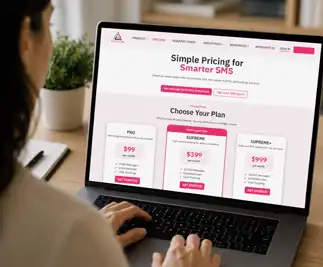
Pick a plan and connect your CRM
 2
2
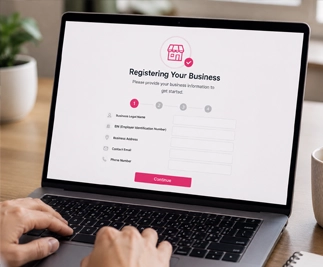
Register your business line for 10DLC
 3
3
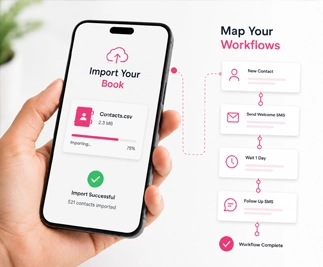
Import your book and map your workflows
 4
4
Go live.

A product of IntegrateIQ
Transparent pricing,
month-to-month,
every feature included
BASIC
1000 messages / Unlimited user
PRO
2500 messages / Unlimited user
GROWTH
10,000 messages / Unlimited users
Questions about SMS for home services
What is SMS for home services?
SMS for home services is the use of text messaging to win speed-to-lead on quotes and emergencies, confirm appointments, send technician on-my-way texts, rebook seasonal maintenance, and request reviews. Because texts get opened within minutes, it books jobs and cuts no-shows that phone tag and email miss.
Is SMS marketing legal for home services businesses?
Yes, when you have consent and follow TCPA, 10DLC, and CTIA rules. Appointment reminders to customers who gave you their number are transactional, while promotional and seasonal texts need express written consent. Message IQ handles brand and campaign registration and automatic opt-out so your business stays compliant.
Does Message IQ work inside HubSpot?
Yes. Message IQ is built natively as the Premium HubSpot Integration and works with any HubSpot tier. Reminders and speed-to-lead texts send from workflows and log to the contact record, so your sequences run inside the CRM.
Does Message IQ work with my CRM and other tools?
Message IQ runs natively on HubSpot, Pipedrive, and Salesforce, and connects to your other systems through API or CSV sync. Your quotes and reminders fire from the same customer data your office already uses.
Can I text my whole customer list at once?
Yes. You can text a segmented Active List, all AC customers due for a tune-up or every open invoice, in one send, and run automated speed-to-lead, reminder, and seasonal sequences on contact properties.
How much does SMS software for home services cost with Message IQ?
Plans start at $49/month for 1,000 messages with unlimited users and scale to $1,999/month for 60,000. Every feature is included on every plan, month-to-month, cancel anytime.
How long does it take to go live?
Most businesses go live within one business day. Brand registration is typically same day, and campaign approval takes about two weeks, with white-glove support throughout.
Add 30%+ to your pipeline with SMS
Book a free 30-minute strategy call. We’ll demo Message IQ in your CRM, walk through a renewal workflow on your real data, and show you exactly how the platform fits the way your brokerage runs. No credit card. No commitment. Just a working blueprint.
Why home services businesses are moving SMS into the CRM, not into another standalone tool
Most crews started with a texting app or a texting feature inside a field-service tool. It works until you want two-way replies, one record per customer, and a history that survives staff turnover. A standalone tool keeps the conversation in its own silo, separate from the customer history, the quotes, and the recurring maintenance that live in your CRM. Running SMS from the CRM means the quote reply, the customer’s response, the appointment reminder, the on-my-way text, and the seasonal rebooking all sit on one timeline the owner can see, and opt-outs sync everywhere automatically. That’s why owners consolidate onto a CRM-native platform instead of scattering communication across personal phones and disconnected apps.
What "TCPA-compliant" actually means when you're texting homeowners
TCPA compliance for a home services business comes down to consent and control. Appointment reminders and job updates to a customer who gave you their number for that service carry a clear transactional basis. Promotional and seasonal-offer texts need express written consent, every message needs a clear and honored opt-out, and quiet hours apply. Cold outreach to purchased lists carries real risk and should be avoided. Message IQ handles brand and campaign registration during onboarding, detects STOP, UNSUBSCRIBE, QUIT, and CANCEL automatically, and syncs the Message IQ Opt-Out property back to your CRM so every workflow respects it. You stay compliant without tracking it message by message
How a speed-to-lead and reminder workflow actually looks inside Message IQ and your CRM
A homeowner requests a quote, and the CRM creates the contact. A workflow fires a text within minutes, personalized with their name and the service they asked about, and routes the reply to the office’s shared inbox. Once the job is booked, a reminder sequence confirms the visit the day before and sends an on-my-way text when the tech is dispatched. After the job, a review request goes out on a delay. Every message and reply logs to the contact timeline, so the office sees the thread, the tech sees the details, and the owner sees which jobs are confirmed, all in the CRM the business already runs on.
See How SMS Marketing
Software Works Inside Your CRM
Book a free SMS marketing strategy call. 30 min. Live demo.
See SMS marketing automation in action.
- No credit card required
- 30-minute strategy call
- Live two-way SMS demo