
CRM SMS Integration Runs Inside Your Workflows
Message IQ is a two-way SMS platform that plugs directly into your CRM workflows. Send, receive and automate text messages inside HubSpot, Pipedrive, Salesforce or any CRM you run with every conversation logged back to the contact record automatically.
- 98% open rate
- 3 to 5 min average response
- Month-to-month, cancel anytime
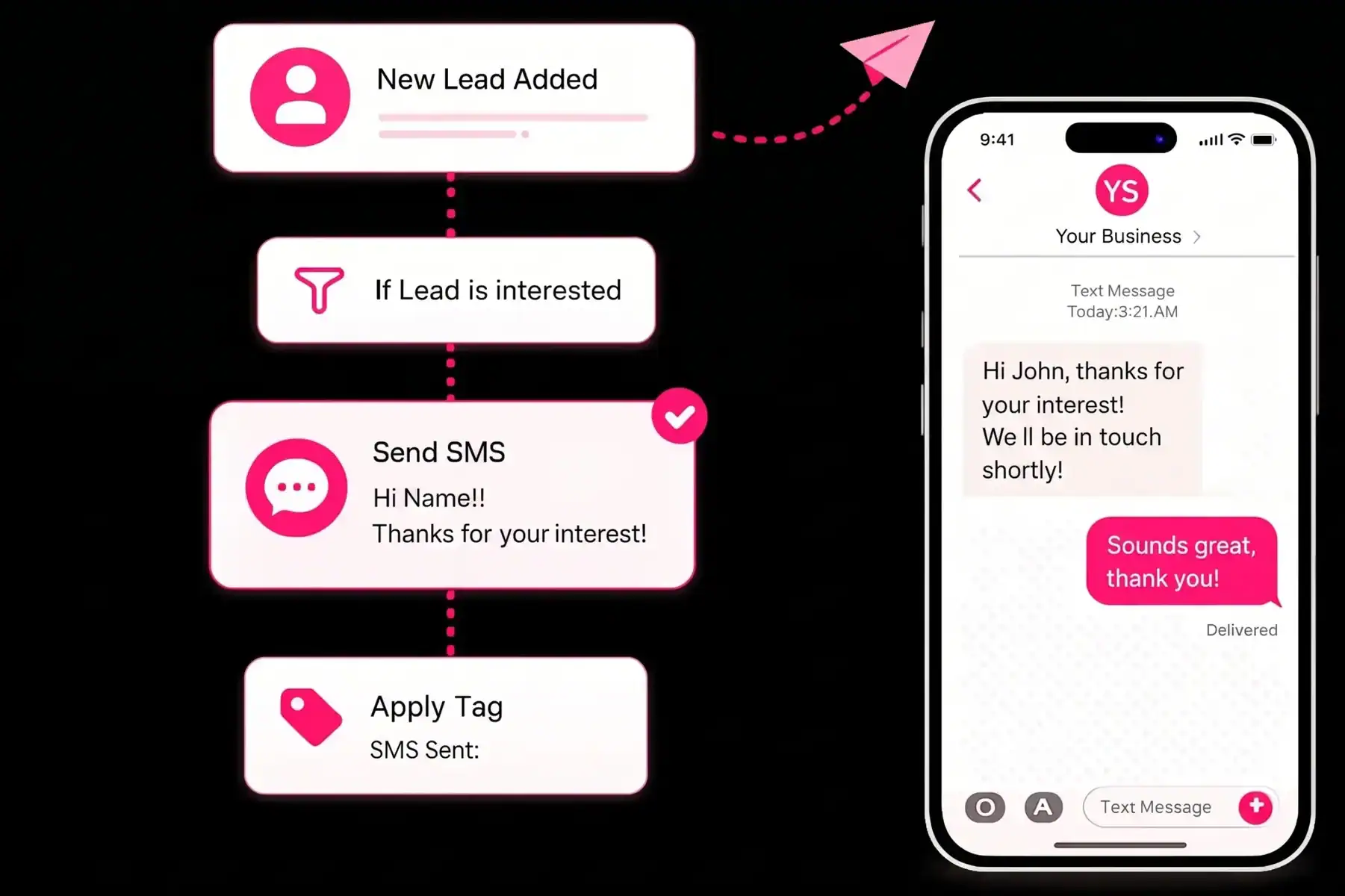
- 98% SMS Open Rate
- Replies in 3–5 Minutes on Average
- No Contracts, Cancel Anytime
Companies texting smarter with Message IQ








Get Your Free HubSpot SMS Strategy Session + Claim The Ultimate Text Messaging Playbook Instantly for FREE
Discover how top HubSpot teams use SMS to boost engagement, close deals faster and streamline operations.
Instant download
Expert insights from certified HubSpot professionals
Ultimate Text Messaging Playbook
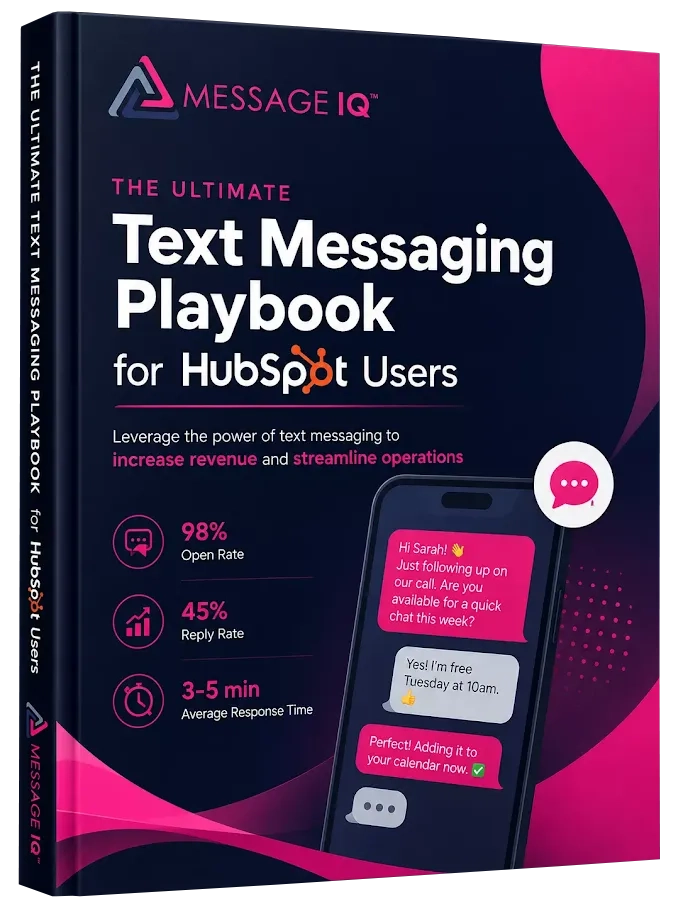
Claim Your Free Playbook + Demo
What You Get
What you get with Message IQ
inside HubSpot
Six things generic SMS software can’t ship, because they don’t live where your team already works.
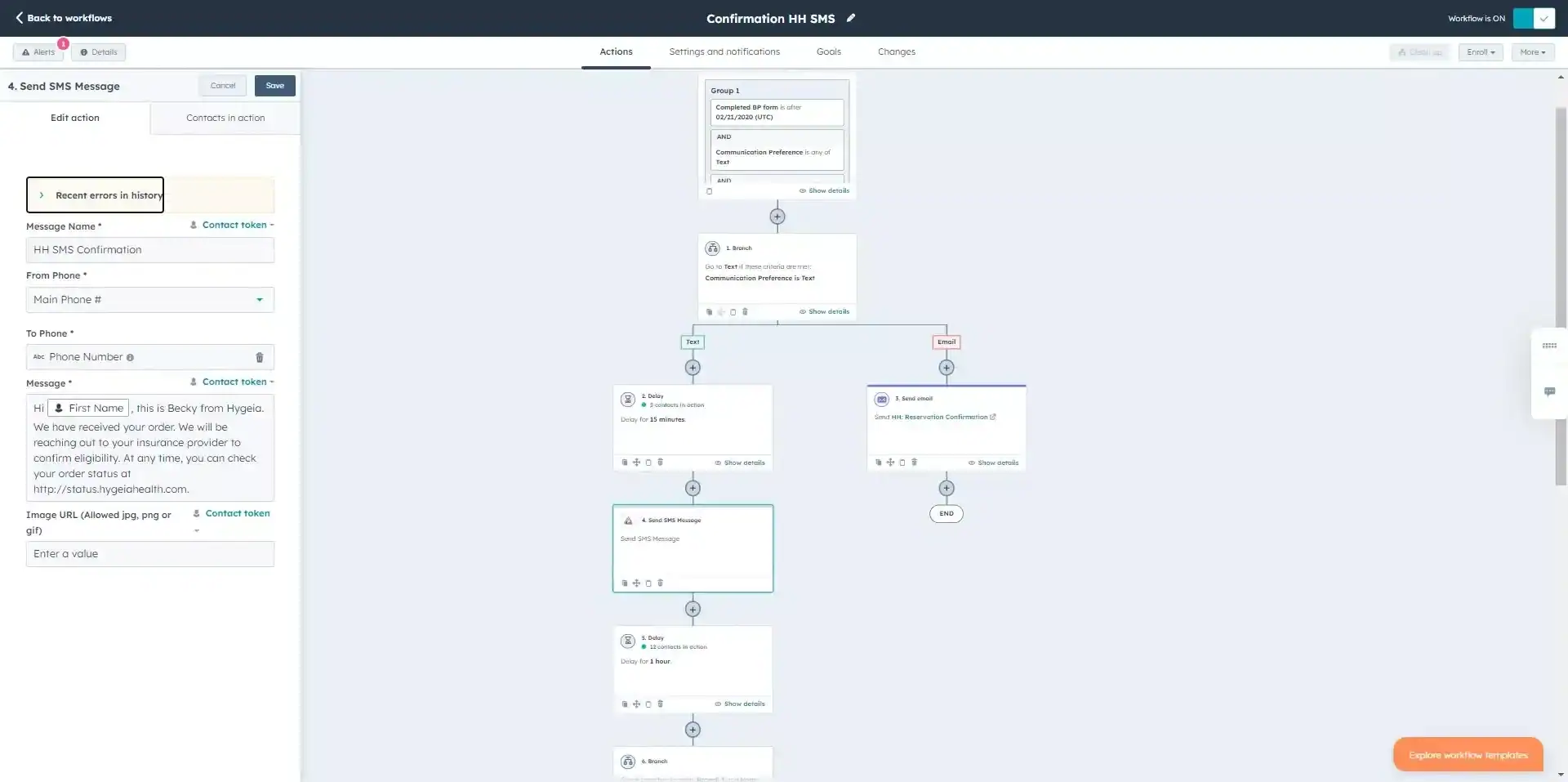
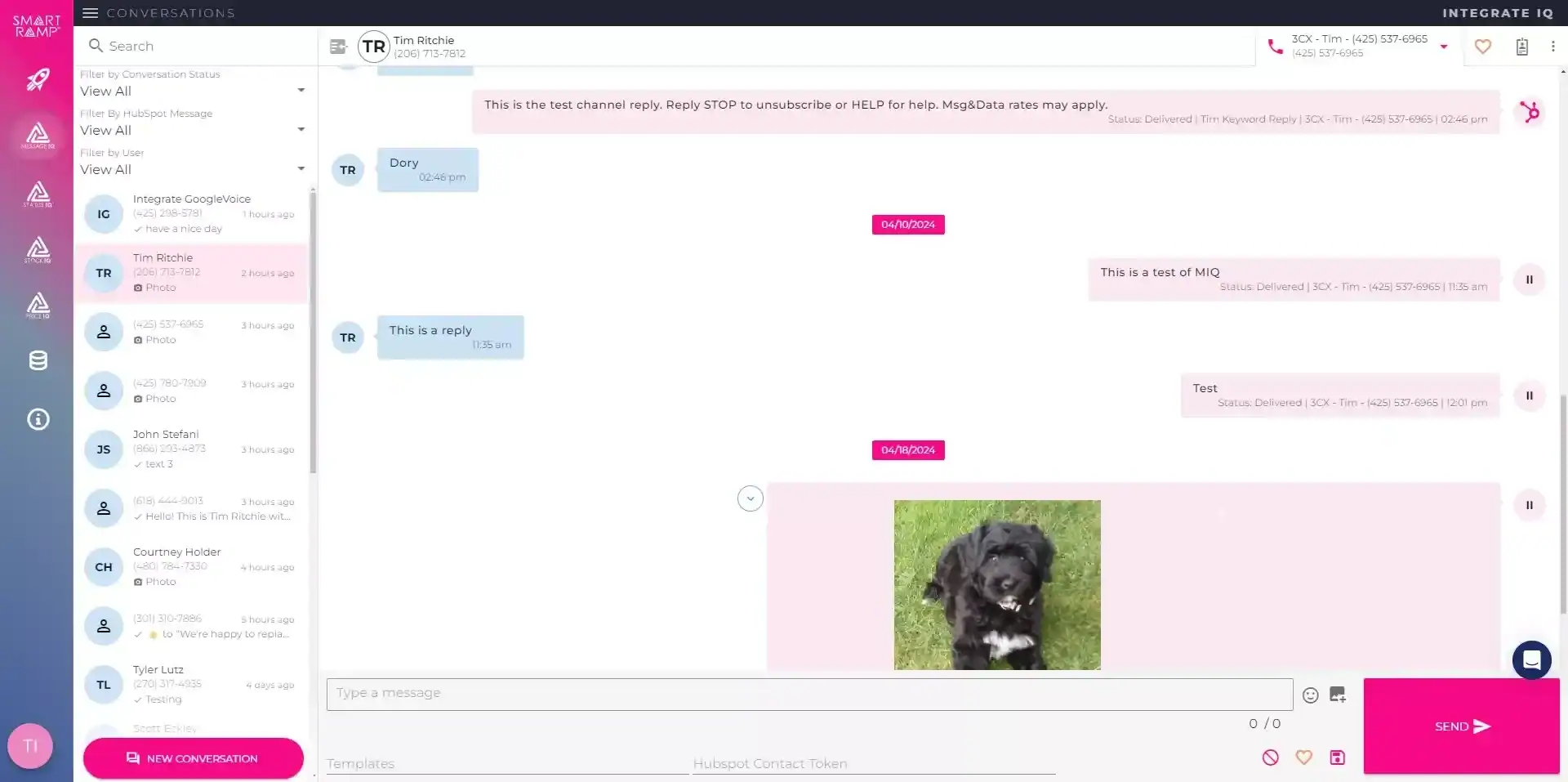
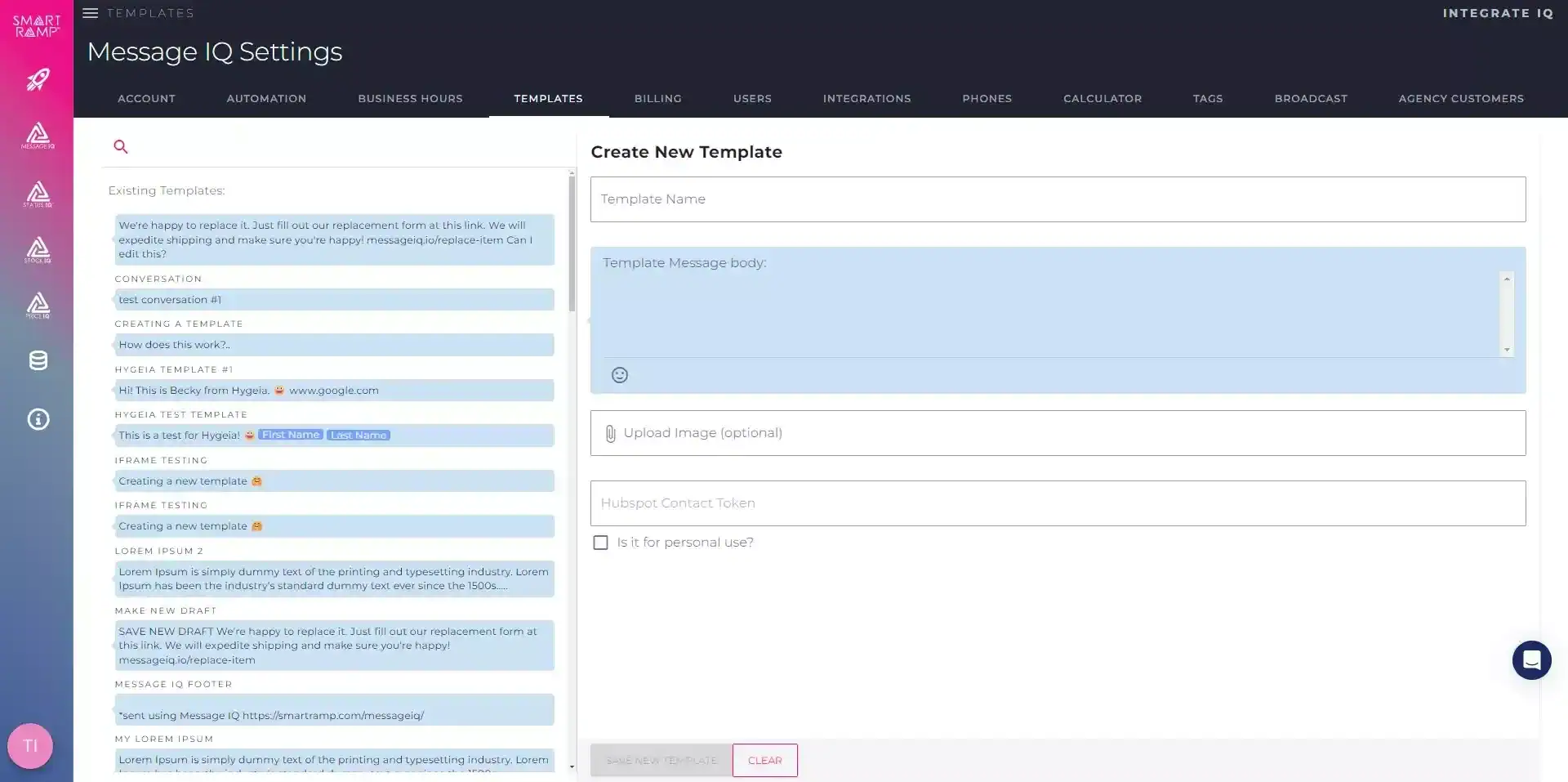
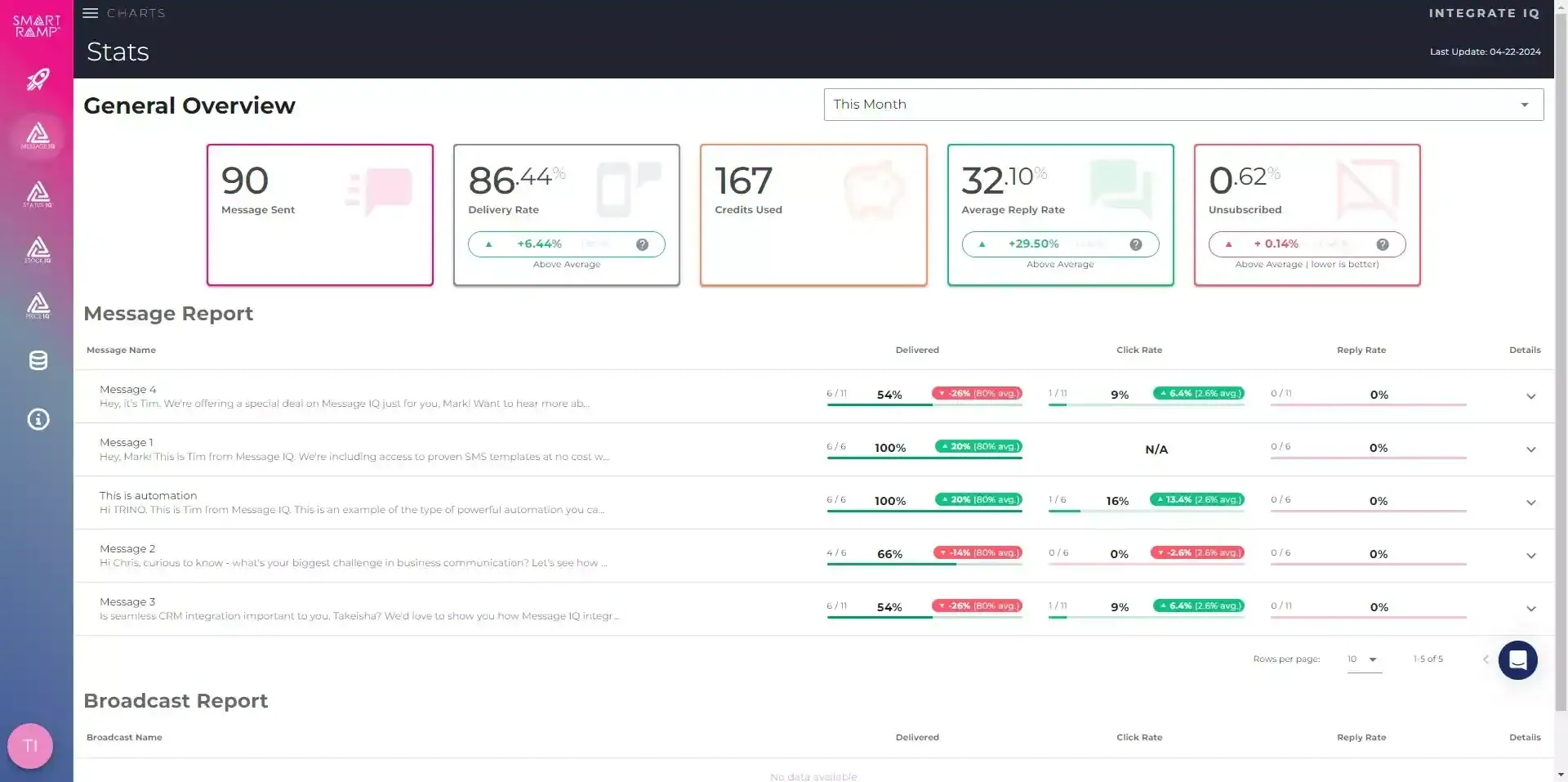
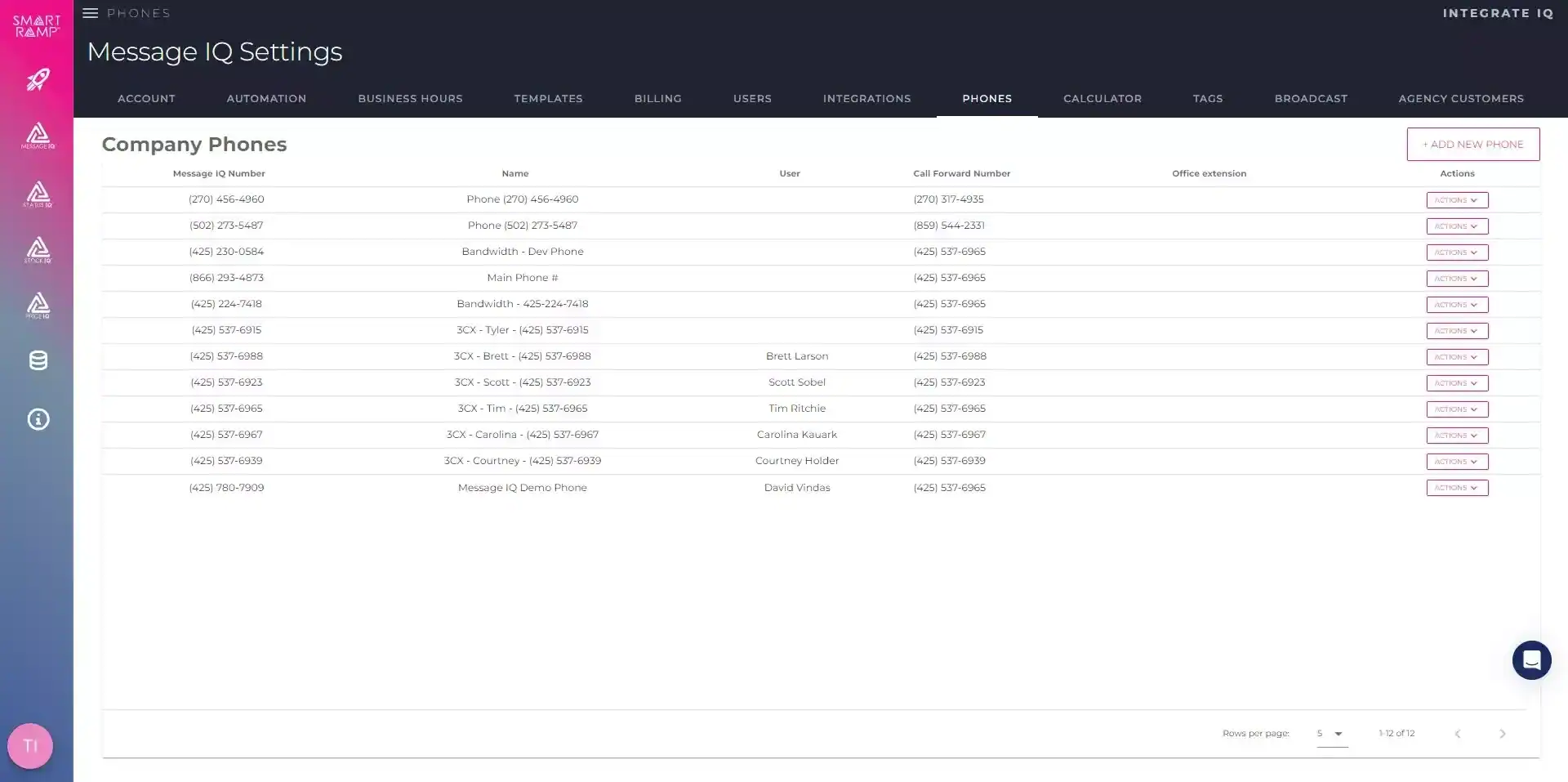
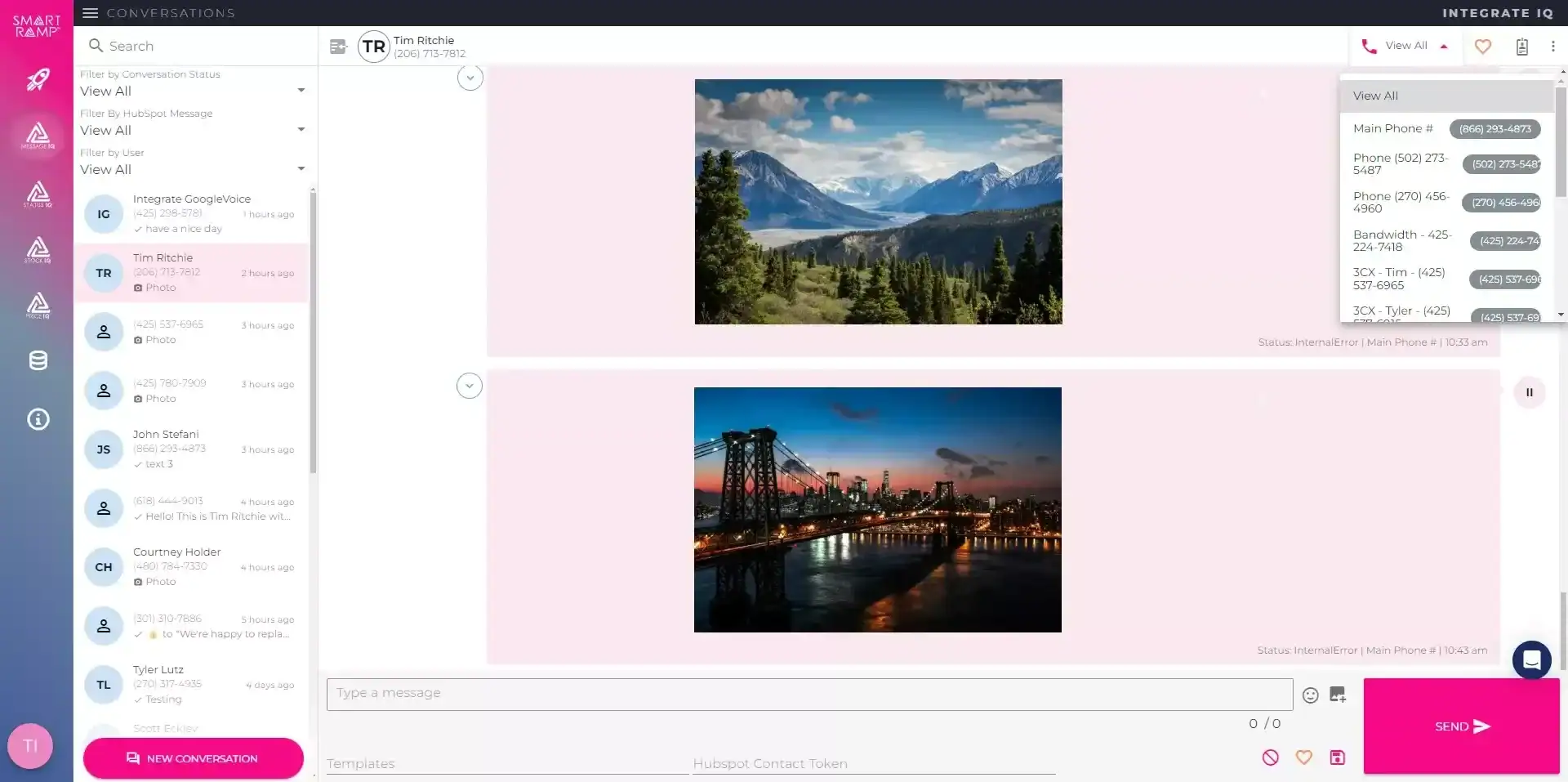
Configure Message IQ, the SMS and MMS app built natively for HubSpot
Message IQ Setup Guide: Send SMS & MMS Directly From HubSpot
How to Send Bulk SMS From HubSpot Using Message IQ
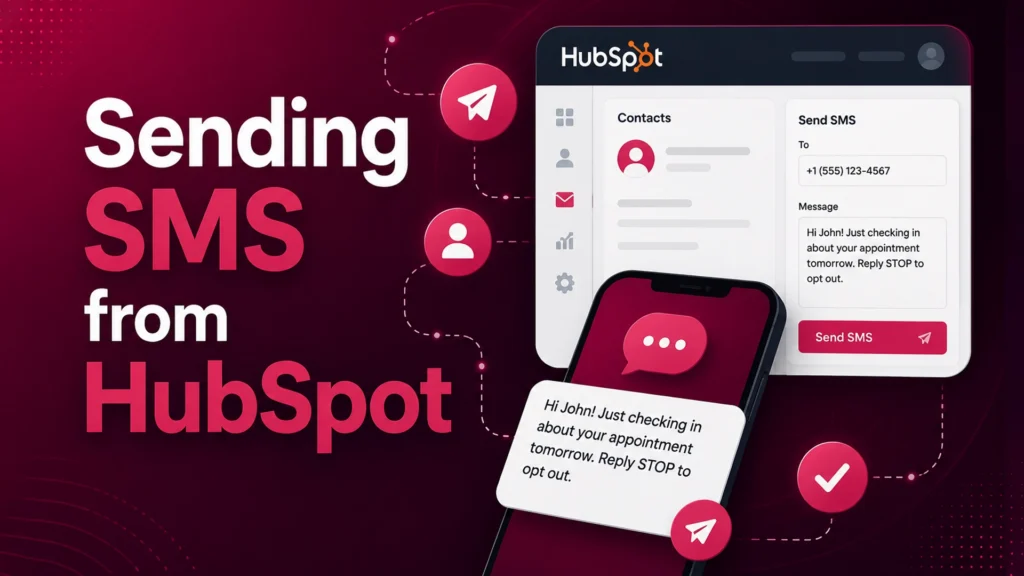
How to send SMS from HubSpot using Message IQ
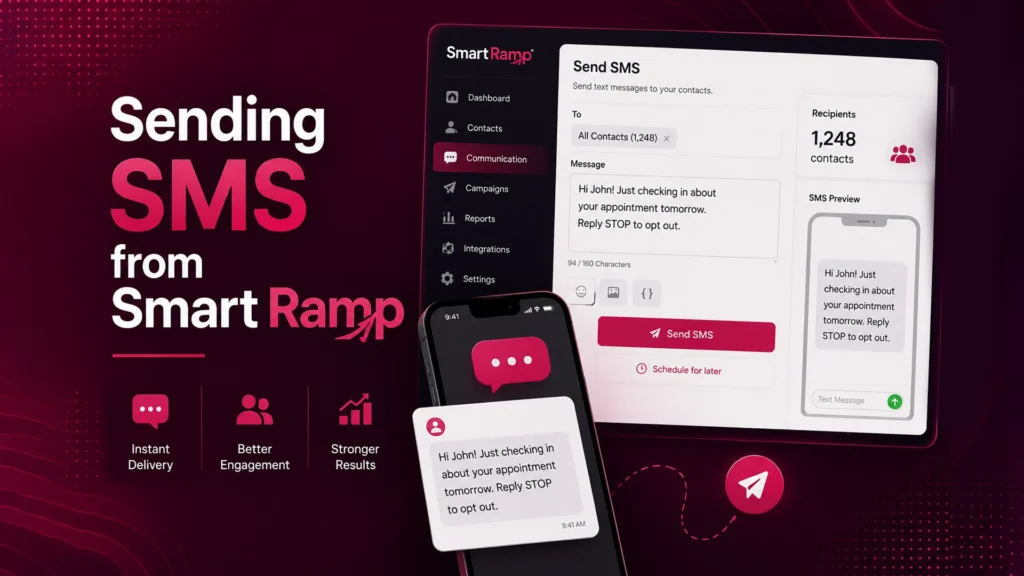
Message IQ - Sending SMS from Smart Ramp
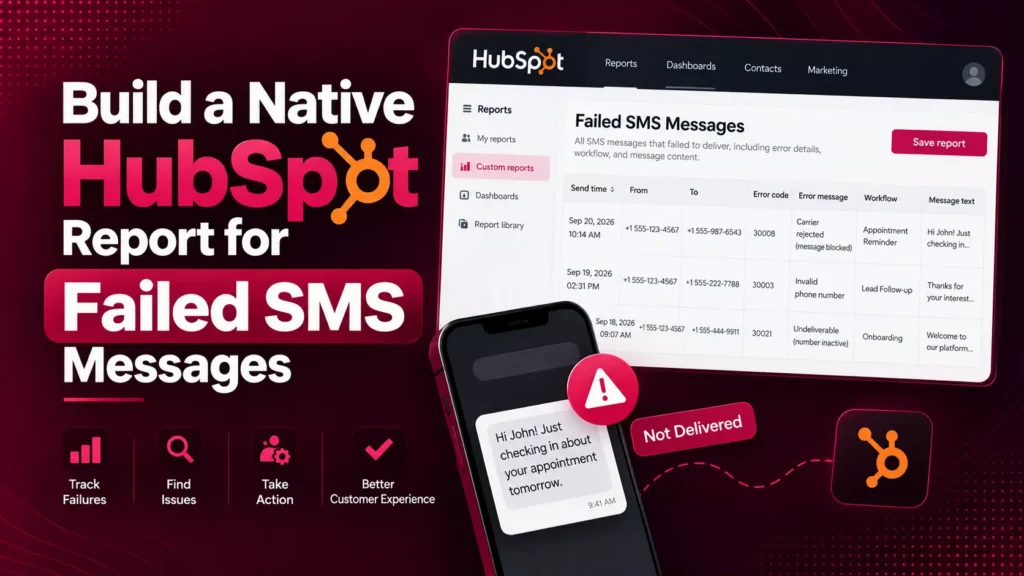
Build a Native HubSpot Report for Failed SMS Messages
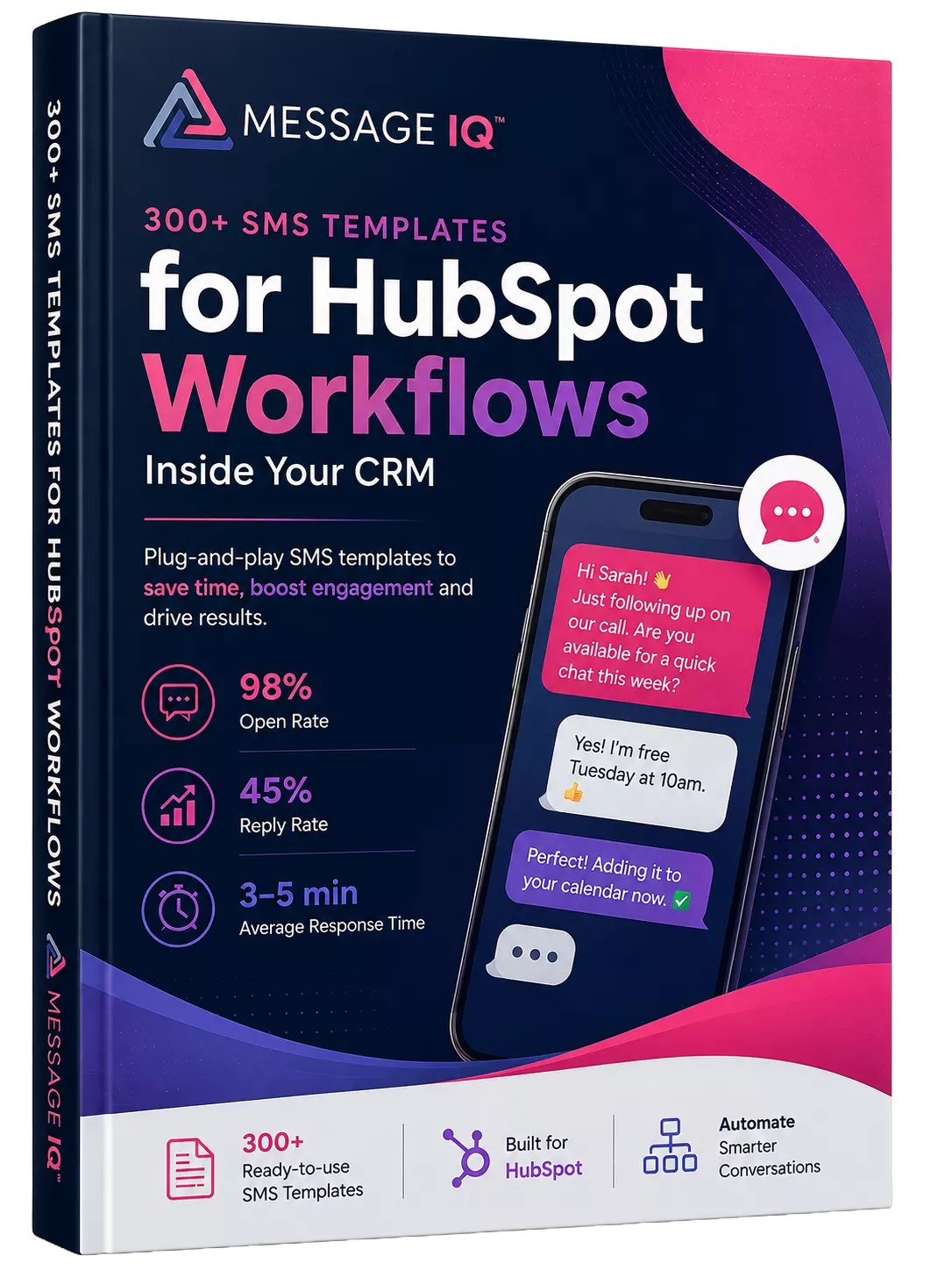
300+ SMS Templates for HubSpot Workflows Inside Your CRM
Why B2B Teams That Add Two-Way SMS Close Pipeline Faster
%
SMS open rate, compared to roughly 20% for email
%
of SMS messages are read within 3 minutes
min average reply lands
%
of customers buy from the first company to respond
The practical outcome: faster sales cycles, higher appointment show rates and less lead leakage between email sends.
SMS now lives inside HubSpot’s shared inbox, not a separate tool
Message IQ 3.0 puts text messaging alongside email and chat, triggers from any HubSpot object, and reports natively inside HubSpot’s own tools. Watch the two-minute walkthrough to see it live.

Shared inbox and help desk
Text messages show up alongside email and chat, so support and service teams carry every conversation from one place.
Trigger from any object
Build a workflow off a company, deal, or ticket and send a personal text to every connected contact.
Reporting built into HubSpot
Delivered, failed, and received messages generate native HubSpot events for reports at the message or segment level.
Built-in compliance
Every outgoing message is scanned for reply-stop language, with required text added automatically when it’s missing.
New permissions required. The shared inbox connection needs your HubSpot account reconnected. Log into your Smart Ramp account and select Settings then Integrations to enable it.
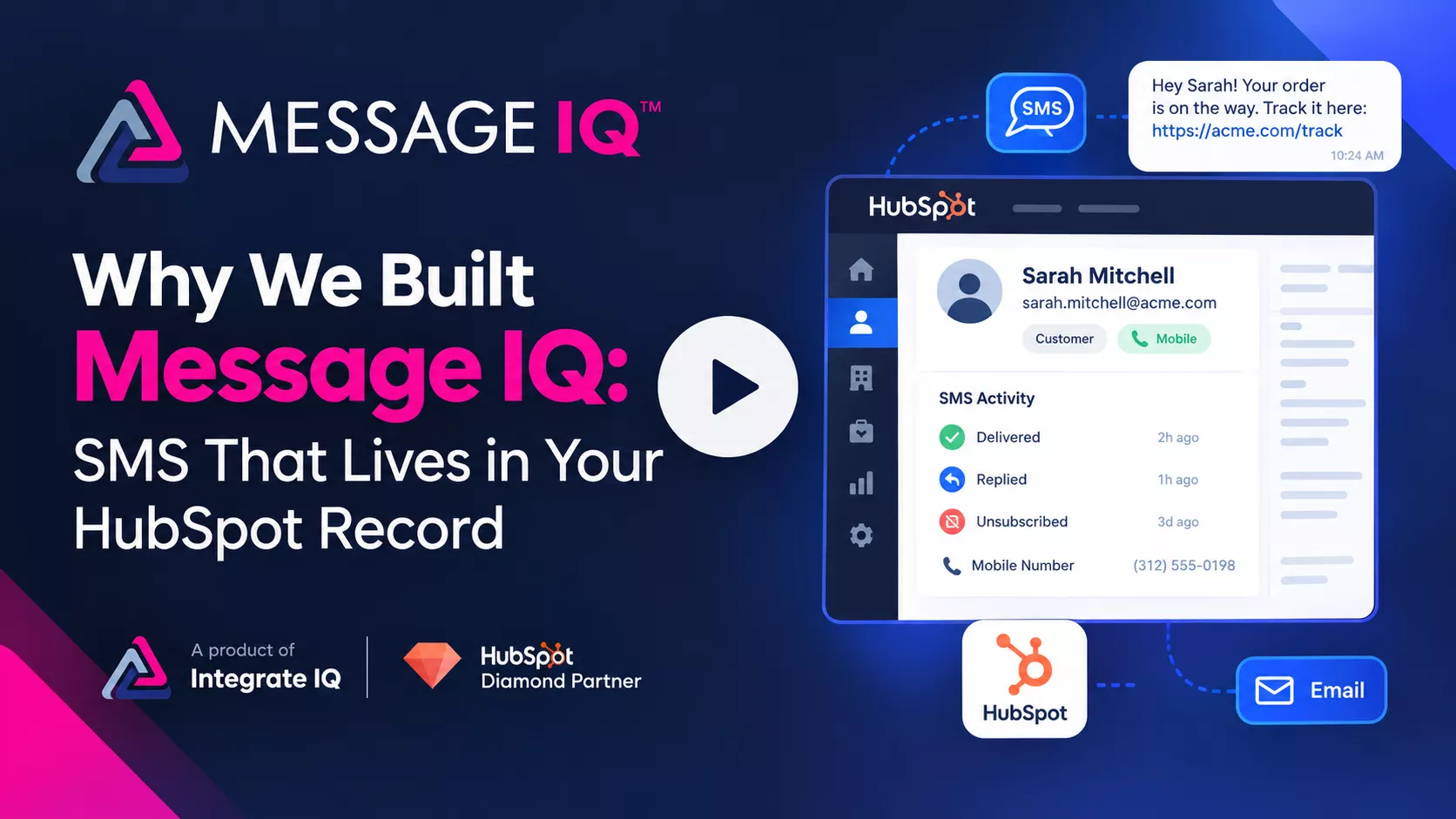
Why We Built Message IQ: SMS That Lives in Your HubSpot Record
Email opens sit at 20–30%. Texts get read. Message IQ brings SMS into HubSpot, built to handle the compliance rules email never had to.
- Carrier compliance checks built in, so campaigns don’t get suspended or blocked
- Delivers, bounces, unsubscribes, and line type sync straight to the contact record
Want a personalized tour? Call or text (866) 293-4873
Real Businesses. Real SMS Results.
See how businesses use Message IQ and HubSpot SMS automation to improve customer communication, reduce missed opportunities, and create measurable business results.

How a National Pet Containment Company Used HubSpot SMS
How a National Pet Containment Company Used HubSpot SMS Automation to Shorten Sales Cycles, Reduce No-Shows, and Drive Service Plan Renewals For…

How an International Luxury Real Estate Brokerage Used HubSpot
How an International Luxury Real Estate Brokerage Used HubSpot SMS Automation to Engage High-Value Leads Faster and Convert More Showings into Offers…

How a Charter School Network Used HubSpot SMS Automation
How a Charter School Network Used HubSpot SMS Automation to Fill Seats, Engage Families, and Strengthen Parent Communication This high-performing charter school…

How a National Insurance Provider Used HubSpot SMS Automation
How a National Insurance Provider Used HubSpot SMS Automation to Increase Renewals, Reduce Call Volume, and Drive Open Enrollment Participation For more…
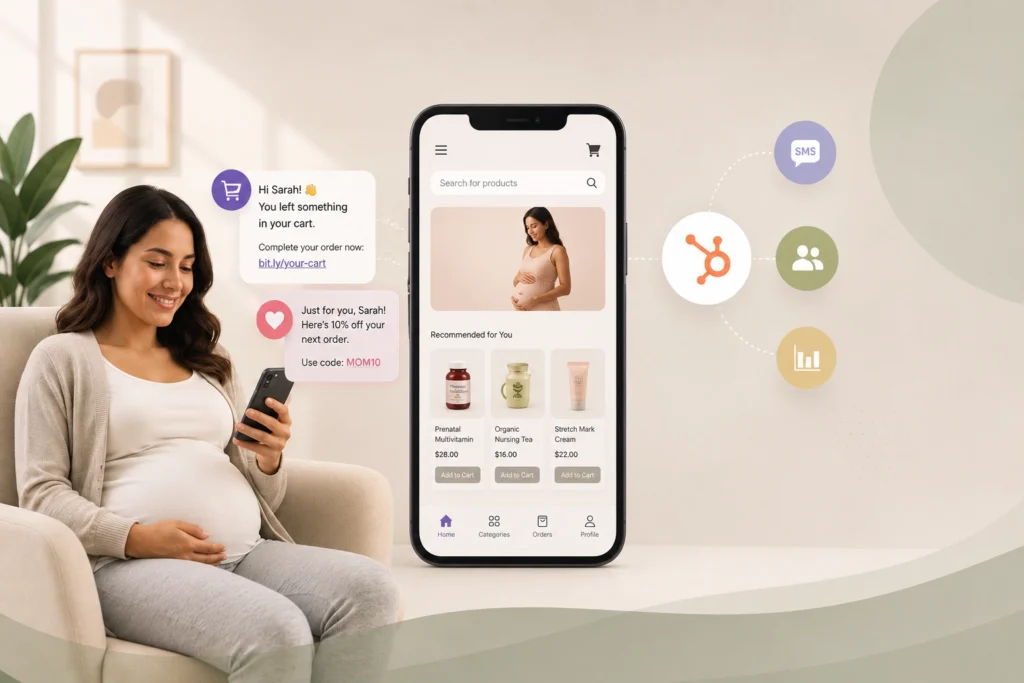
How a Maternal Health E-Commerce Brand Used HubSpot SMS Automation
How a Maternal Health E-Commerce Brand Used HubSpot SMS Automation to Recover Lost Sales and Grow Customer Lifetime Value This online maternal…

How a Leading Auto Glass Provider Cut Response Times and Reduced No-Shows with SMS Automation
A Top Auto Glass provider cut response times and no-shows with HubSpot SMS automation For nearly a decade, this mobile auto glass…
See What SMS Can Do For Your Business
Explore more customer stories and discover how Message IQ fits into your CRM workflows.
Explore Case Studies →How Teams Use Message IQ Inside Their CRM


Build a deal-based or meeting-based workflow that sends SMS reminders 24 hours and 1 hour before an appointment. Appointment-heavy industries like real estate, auto glass, healthcare, and education see measurable drops in no-show rates. Message IQ has dedicated industry hubs with vertical-specific examples for each of these.

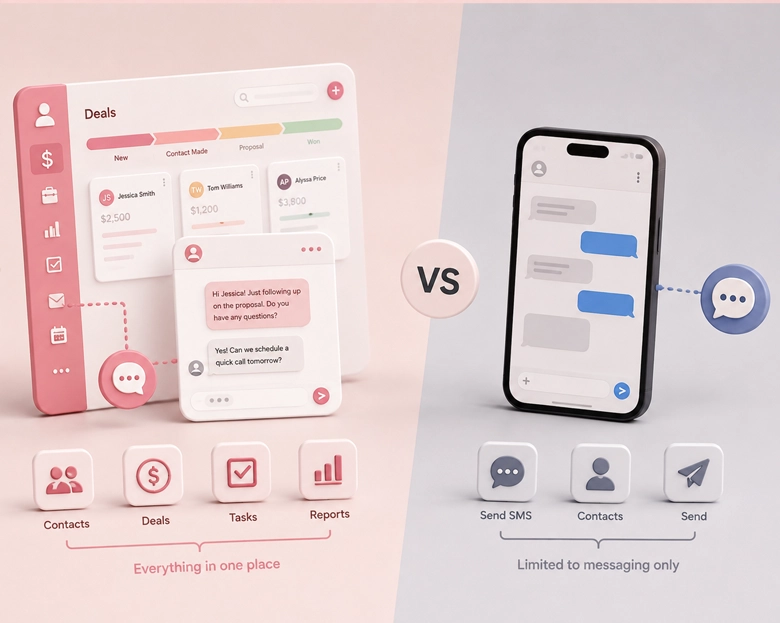
What Makes a CRM Messaging Platform Different from a Standalone SMS Tool?
A standalone SMS tool sends texts. A CRM messaging platform sends texts from inside your customer data. That distinction drives everything else: who gets the message, when it fires, and what happens after they reply.
With a CRM messaging platform, your text messages pull from live contact properties (first name, company, deal stage, last activity date), fire based on enrollment triggers you’ve already built and log every send and reply back to the contact record. Your team doesn’t switch between tools. The conversation lives where the customer data lives.
Standalone SMS tools require you to export contacts, manage lists in a separate dashboard, and manually reconcile replies. That workflow breaks at scale, and it breaks faster when multiple reps need to see the same conversation history.
If your CRM already runs your enrollment logic, your contact segmentation, and your pipeline reporting, your SMS should run there too.
Running Email and SMS from the Same CRM
The strongest setups run both email and SMS from the same CRM workflow engine, not from two separate platforms with a Zapier bridge between them. When both channels share the same enrollment logic, you can branch based on channel response: if a contact opens the email, skip the SMS. If they don’t open within 24 hours, fire the text.
HubSpot’s workflow builder supports this natively when you pair it with a tool like Message IQ. The SMS action sits next to “Send Email” in the same workflow, uses the same contact properties for personalization, and respects the same suppression lists. Your team builds one automation that spans both channels instead of maintaining parallel campaigns.
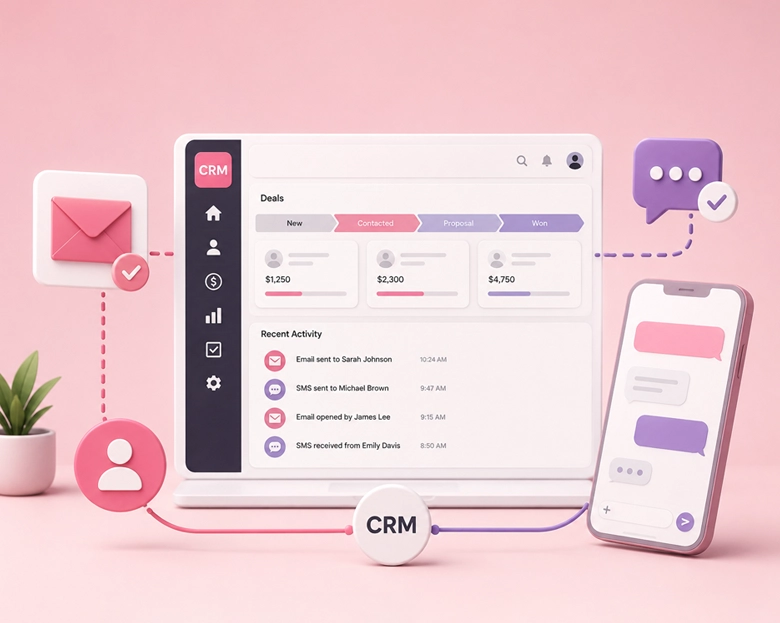
CRM SMS Integration use case
Why Teams Choose Message IQ

Message IQ is a product of Integrate IQ, a HubSpot Diamond Partner with more than 300+ platform integrations delivered. We don’t just ship SMS software. CRM architecture, data sync logic, workflow automation migration and custom API work are what our team does every day for our enterprise customers. Message IQ inherits that DNA.

Two-way messaging, IQ Autoscaling, IQ Advanced Delivery, full CRM integration, advanced reporting, MMS and opt-out management all ship on every tier from Starter to Super Pro. Nothing is gated behind an enterprise upgrade. The only difference between plans is message volume.

Cell phone carriers enforce unwritten deliverability rules that most SMS platforms don’t discuss. We work directly with the carriers which means we understand the rules, operate within them, and can tell you exactly why a send failed if one does. Most software-only platforms can’t say the same.

One-Way SMS Software vs CRM SMS Integration: What’s Actually Different
Using SMS with Pipedrive: How CRM Integration Works
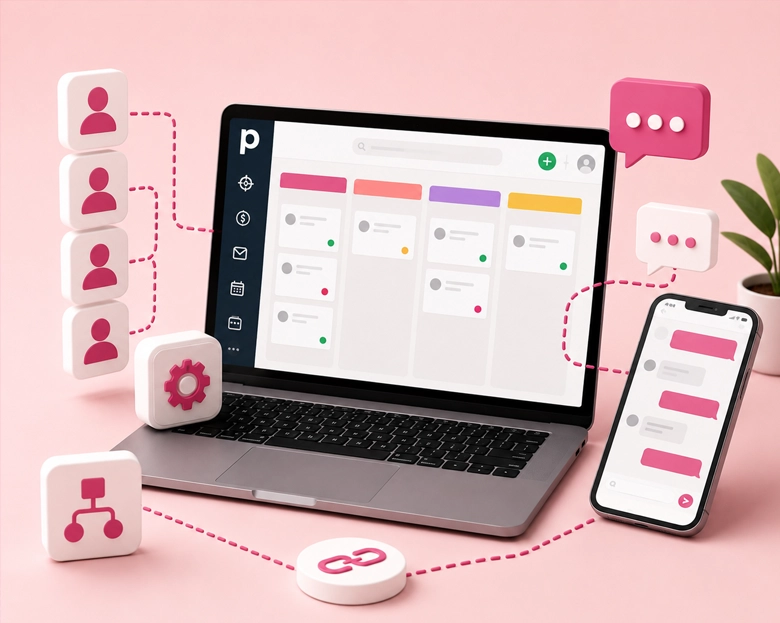
Pipedrive users looking for SMS capabilities face a different landscape than HubSpot teams. Pipedrive doesn’t offer native SMS at all, so every texting capability comes through a third-party integration.
Message IQ supports Pipedrive directly with two-way messaging and workflow triggers. Contacts sync bidirectionally, conversations log to the deal record, and your team sends and receives texts without leaving the Pipedrive interface. Other tools like Salesmsg and Sakari also offer Pipedrive connectors, though integration depth varies.
The key question for Pipedrive teams is the same as for any CRM: does the SMS tool fire from inside your pipeline automation, or does it sit in a separate tab? If your sales process depends on deal-stage triggers sending specific texts at specific moments, you need a direct integration, not a Zapier bridge that adds latency between the trigger and the send.
SMS Integration for Dubsado and Boutique CRMs
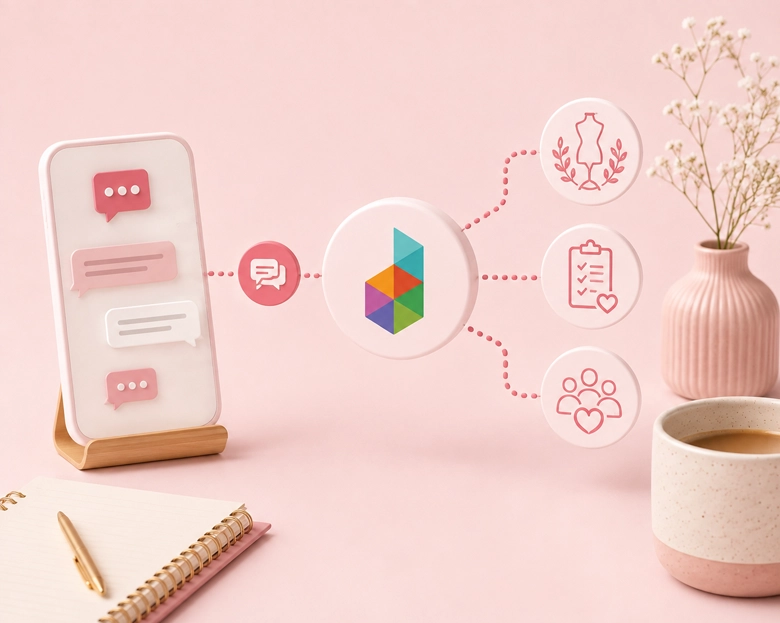
Dubsado is popular with freelancers, photographers, and service-based businesses that manage contracts, invoicing, and client communication in one tool. Dubsado’s built-in messaging is email-only, so adding SMS means connecting an external platform.
There’s no native Dubsado SMS integration on the market in 2026. The workaround is Zapier: trigger an SMS send when a Dubsado workflow fires (new lead, contract signed, invoice sent). This works for basic notifications but doesn’t give you two-way conversations or contact-level message history inside Dubsado.
If your business has outgrown Dubsado’s automation limits and you’re evaluating a CRM migration, HubSpot with a native SMS tool like Message IQ gives you the workflow depth that Dubsado’s Zapier-based approach can’t match.
SMS now lives inside HubSpot’s shared inbox, not a separate tool
Message IQ 3.0 puts text messaging alongside email and chat, triggers from any HubSpot object, and reports natively inside HubSpot’s own tools. Watch the two-minute walkthrough to see it live.
Shared inbox and help desk
Text messages show up alongside email and chat, so support and service teams carry every conversation from one place.
Trigger from any object
Build a workflow off a company, deal, or ticket and send a personal text to every connected contact.
Reporting built into HubSpot
Delivered, failed, and received messages generate native HubSpot events for reports at the message or segment level.
Built-in compliance
Every outgoing message is scanned for reply-stop language, with required text added automatically when it’s missing.
New permissions required. The shared inbox connection needs your HubSpot account reconnected. Log into your Smart Ramp account and select Settings then Integrations to enable it.
Why We Built Message IQ: SMS That Lives in Your HubSpot Record
Email opens sit at 20–30%. Texts get read. Message IQ brings SMS into HubSpot, built to handle the compliance rules email never had to.
- Carrier compliance checks built in, so campaigns don’t get suspended or blocked
- Delivers, bounces, unsubscribes, and line type sync straight to the contact record
Want a personalized tour? Call or text (866) 293-4873
CRM SMS Integration Live in One Business Day
1
Select and Purchase a Plan
Choose the plan that fits your message volume
2
Connect your CRM
HubSpot in one click, Pipedrive and Salesforce via direct integration, others via API or CSVk
3
3. Submit brand and campaign applications
we handle the paperwork with you
4
Configure your business phone number
5
Map Workflows
Map workflows and contact properties to your existing CRM setup
6
Go live and start sending
Go live and start sending
Your account activates within 1 business day. Brand registration typically clears the same day. Campaign application approval takes roughly 2 weeks, which is the standard wait across all compliant 10DLC providers.
Choose Your Plan
The only difference between plans is how many messages you send. Everything else is included everywhere.
Basic
$49/per month
- 1,000 messages per month
- Unlimited Users
- Every feature included
Pro
$99/per month
- 2,500 messages per month
- Unlimited Users
- Every feature included
GROWTH
$399/per month
- 10,000 Messages
- Unlimited Users
- Every feature included
Scale
$999/per month
- 30,000 Messages
- Unlimited Users
- Every feature included
High Volume
$1,999/per month
- 60,000 messages: $1,999/mo
- 100,000 messages: $2,999/mo
- Custom volumes above that

Reviews from 
Game-Changer for Communication Open Rates
Message IQ has increased engagement on the client's part, which is crucial for us as a deadline-driven business. Time is of the essence for us, and this has provided an additional layer of assistance, and I haven't had time to maximize its capability.

A.
Banking/Financial ServicesGreat platform for client engagement and retention
Message IQ allows me to proactively push notifications to clients, such as software updates, tips for optimizing Maxwell (askradar.ai), and special offers. People don't read emails, but they do read texts. And, this platform ensures opt-in, so we are verified and trusted as a sender to our clients.

Bunde, N.
Technology - SoftwareVery Robust and Easy to Use! Extremely Effective.
Message IQ has enabled us to reach out to more leads more effectively. It has allowed our sales team to scale their pipeline quickly.
Ops, D.
Consulting/AdvisorySimple integration & easy to use
MessageIQ has allowed us to automate text messages in our workflows with little work on the front end. The ability to track clicks, replies and deliverability has been exceptionally helpful when reporting on workflow campaigns. Great support - team is easy to get in touch with. Must have app!
Augsburger, L.
Electronics4× Higher Click Rates Than Email
Message IQ has proven to be an invaluable complement to our email marketing campaigns. Our click rates are over 4× what they are with email, dramatically improving conversion with new leads.
Brett Nakfoor
CEO, Hygeia Baby
Can You Use iMessage with a CRM?
No. iMessage is Apple’s proprietary messaging protocol and isn’t accessible through any CRM integration, SMS API, or business messaging platform. When you see “iMessage CRM integration” in search results, the tools being discussed are standard SMS/MMS integrations, not iMessage.
Every CRM SMS integration, including Message IQ, sends texts through standard SMS and MMS protocols. These messages reach every phone (iPhone and Android) and can be automated through CRM workflows. iMessage only works between Apple devices and has no business API.
If your goal is to reach contacts on their phones with messages that log to CRM records and fire from workflow triggers, standard SMS is the channel that does this. It’s also the channel that supports compliance features like 10DLC registration and automatic opt-out handling, which iMessage doesn’t offer.
Which CRMs Support Texting?
Most major CRMs don’t include texting natively. HubSpot offers a paid SMS add-on ($75/month) limited to Marketing Hub Professional or Enterprise. Salesforce supports SMS through partner apps on AppExchange. Pipedrive has no built-in SMS at all.
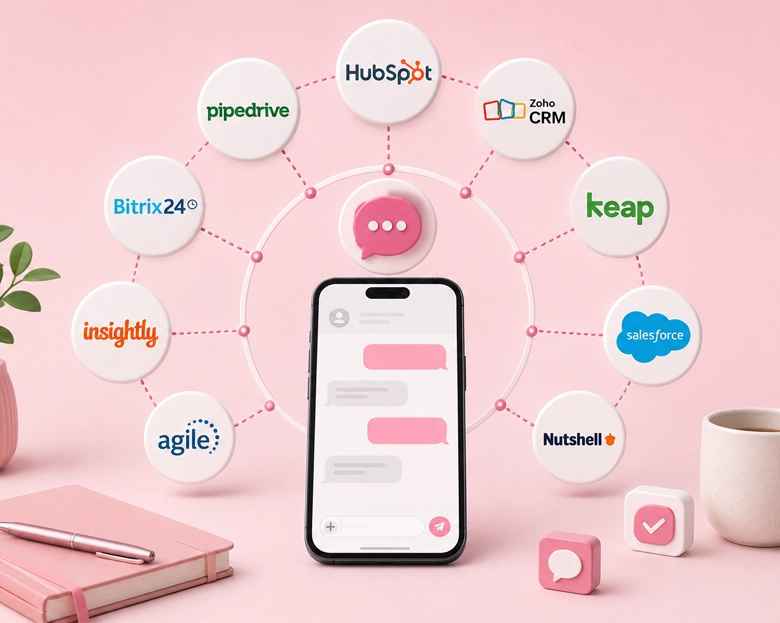
The more practical approach: choose your CRM for its core strengths (contact management, pipeline automation, reporting), then add a dedicated SMS integration that connects at the workflow level. Message IQ integrates natively with HubSpot, Pipedrive, and Salesforce. Salesmsg and Sakari also cover multiple CRMs. For smaller CRMs like Dubsado, Insightly, or Less Annoying CRM, the options narrow to Zapier-based connectors or API integrations.
The question isn’t which CRM “allows” texting. It’s which CRM gives you the workflow engine to make texting useful, and then which SMS tool plugs into that engine most deeply.
SMS Automation for Sage CRM Users
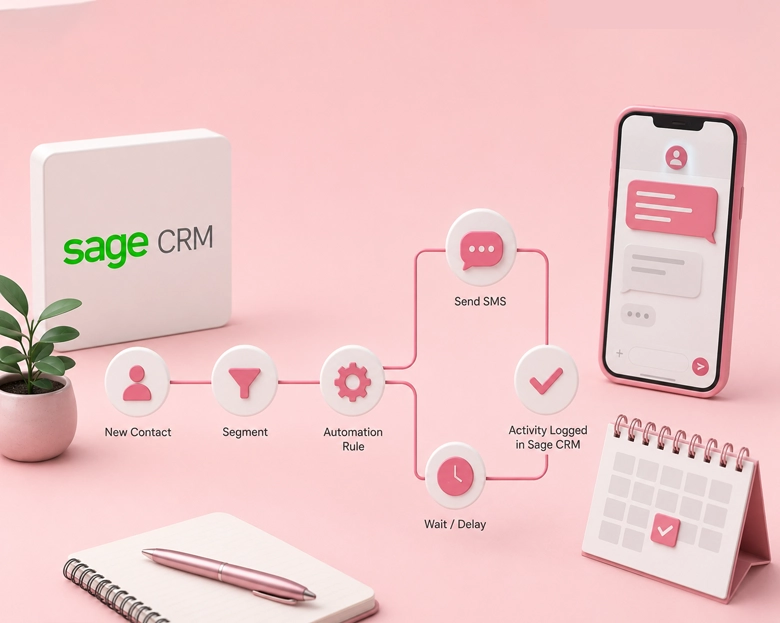
Sage CRM doesn’t offer a native SMS feature or a marketplace with pre-built SMS integrations. Teams on Sage who need automated texting typically connect through a middleware layer (Zapier, Make, or a custom API integration) to an SMS provider like Twilio or Message IQ.
The limitation with this approach is that Sage’s workflow engine isn’t as flexible as HubSpot’s or Salesforce’s. Enrollment triggers, branch logic, and contact property updates require more manual configuration. If your team is evaluating whether to add SMS to Sage or migrate to a CRM with deeper SMS integration capabilities, the total cost of the middleware approach versus a native integration is worth calculating before you commit.
Frequently Asked Questions
Which CRMs does Message IQ integrate with?
Does it work with my CRM specifically?
What's the difference between a CRM with built-in SMS and a CRM SMS integration?
Does Message IQ support two-way texting?
Can I trigger SMS automatically from CRM workflows?
What about TCPA, 10DLC, and opt-out compliance?
What happens to my data if I cancel?
What does it cost? Are there contracts?
Plans start at $49/per month for 1000 messages, with higher tiers at $399, $999, and $1,999 depending on volume. Every plan is month-to-month with no contracts and no cancellation penalties. Full tier details are on the pricing page.
Does this work in Canada?
What kind of support do I get after signup?
See Message IQ Work Inside Your CRM
See How SMS Marketing
Software Works Inside Your CRM
Book a free SMS marketing strategy call. 30 min. Live demo.
See SMS marketing automation in action.
- No credit card required
- 30-minute strategy call
- Live two-way SMS demo