
Real Estate SMS Marketing:
Text Your Database, Close More Deals
Real estate SMS marketing works because clients read texts, not email blasts. Message IQ connects directly inside HubSpot, so your team sends listings, price drops, open house invites and market updates the moment they happen.
Companies texting smarter with Message IQ








Get Your Free HubSpot SMS Strategy Session + Claim The Ultimate Text Messaging Playbook Instantly for FREE
Discover how top HubSpot teams use SMS to boost engagement, close deals faster and streamline operations.
Instant download
Expert insights from certified HubSpot professionals
Ultimate Text Messaging Playbook

Claim Your Free Playbook + Demo
The Real Cost of Slow Lead Response in Real Estate
Real estate SMS marketing fixes a problem email never solved. You have built a database of buyers, sellers and investors. You send newsletters and property alerts and 80% of your database ignores them. Timing decides who wins the deal and email loses that race every time.
-
Emails buried in inboxes — Property alerts land in promotions tabs, never seen by motivated buyers.
-
Slow response kills deals — Hot listings get multiple offers in hours. Your clients need to know immediately.
-
Disconnected tools — Managing separate SMS apps outside your CRM means lost conversations and zero tracking.
%
of your emails go unread by your database
%
of buyers commit to the agent who responds first
days average delay before a client sees your email alert
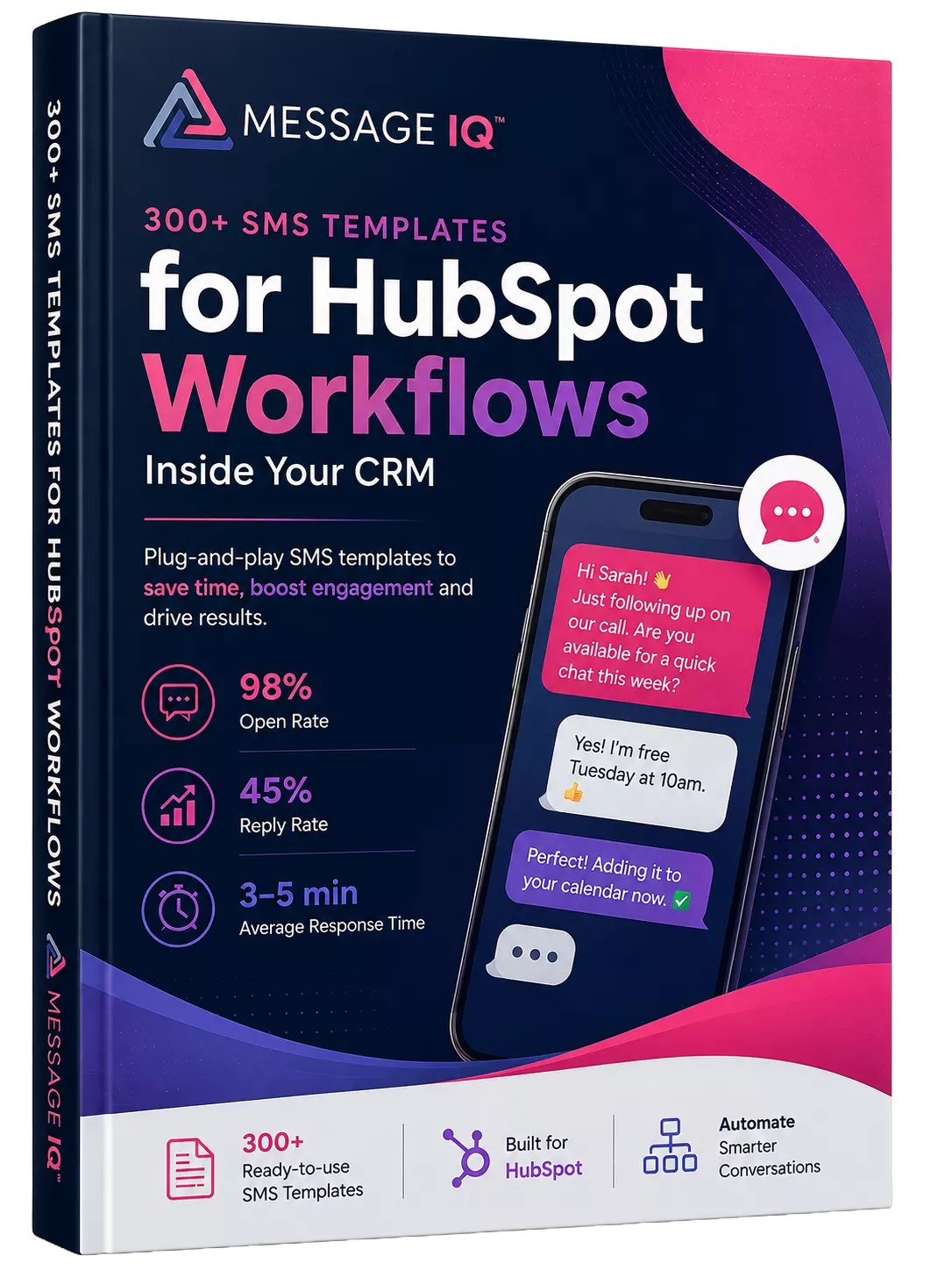
300+ SMS Templates for HubSpot Workflows Inside Your CRM
Watch How Native SMS and MMS Works in HubSpot
Message IQ Setup Guide: Send SMS & MMS Directly From HubSpot

How to Send Bulk SMS From HubSpot Using Message IQ
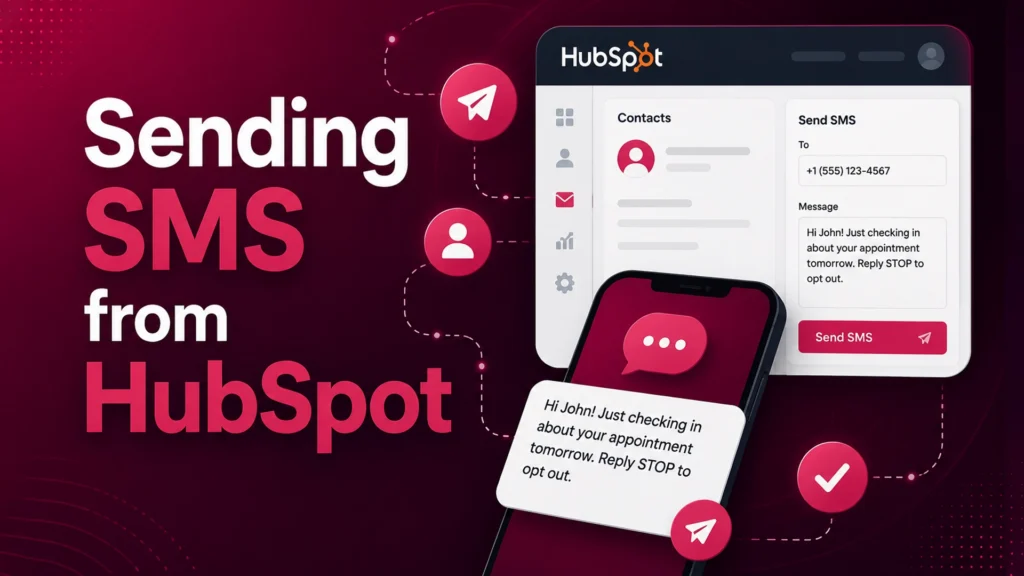
How to send SMS from HubSpot using Message IQ
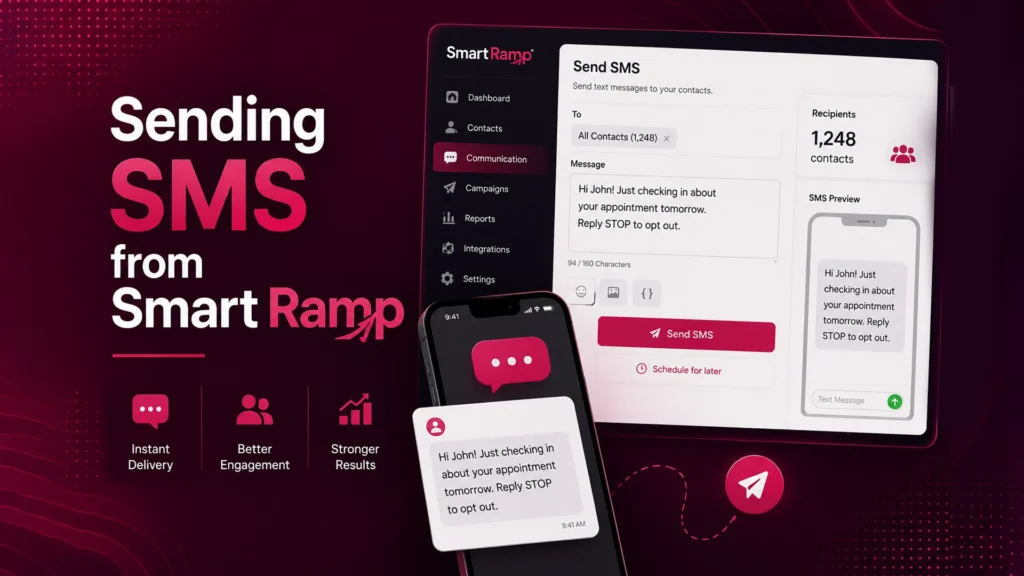
Message IQ - Sending SMS from Smart Ramp
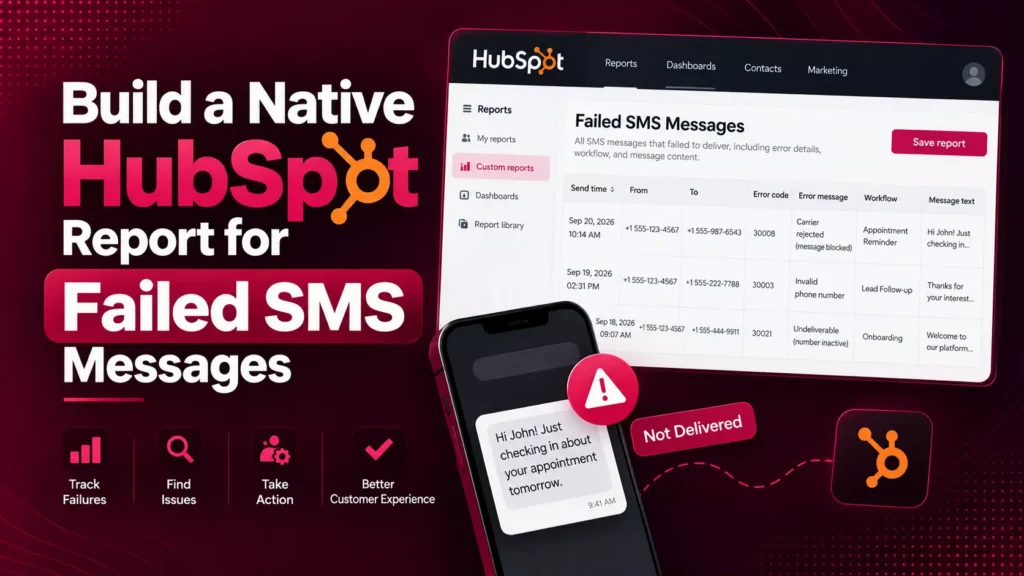
Build a Native HubSpot Report for Failed SMS Messages
Real Businesses. Real SMS Results.
See how businesses use Message IQ and HubSpot SMS automation to improve customer communication, reduce missed opportunities, and create measurable business results.

How a National Pet Containment Company Used HubSpot SMS
How a National Pet Containment Company Used HubSpot SMS Automation to Shorten Sales Cycles, Reduce No-Shows, and Drive Service Plan Renewals For…
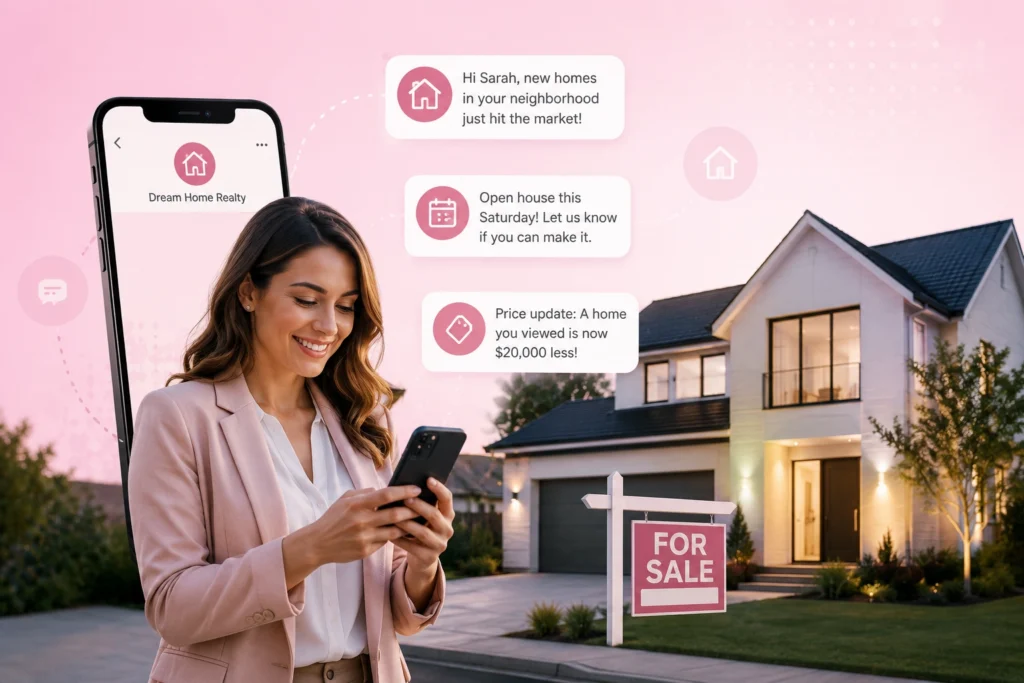
How an International Luxury Real Estate Brokerage Used HubSpot
How an International Luxury Real Estate Brokerage Used HubSpot SMS Automation to Engage High-Value Leads Faster and Convert More Showings into Offers…
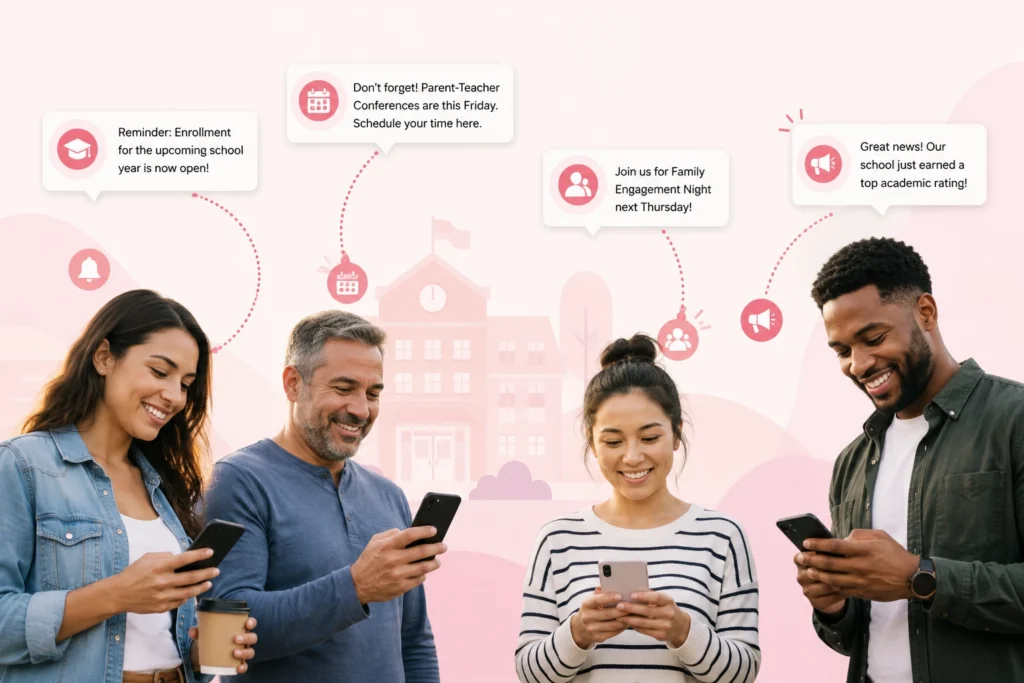
How a Charter School Network Used HubSpot SMS Automation
How a Charter School Network Used HubSpot SMS Automation to Fill Seats, Engage Families, and Strengthen Parent Communication This high-performing charter school…

How a National Insurance Provider Used HubSpot SMS Automation
How a National Insurance Provider Used HubSpot SMS Automation to Increase Renewals, Reduce Call Volume, and Drive Open Enrollment Participation For more…
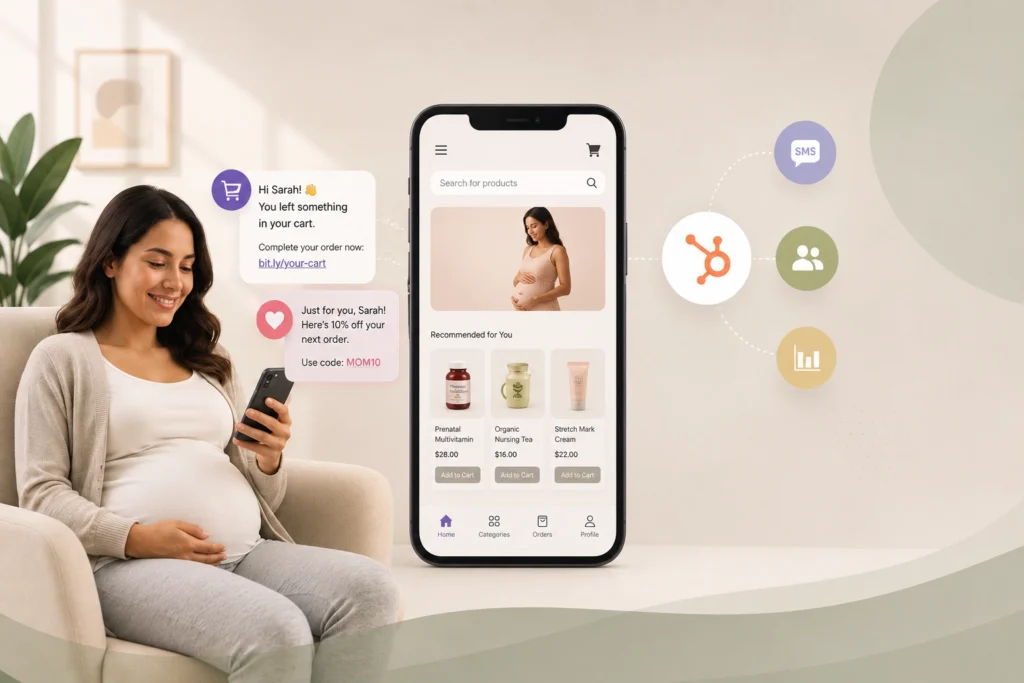
How a Maternal Health E-Commerce Brand Used HubSpot SMS Automation
How a Maternal Health E-Commerce Brand Used HubSpot SMS Automation to Recover Lost Sales and Grow Customer Lifetime Value This online maternal…

How a Leading Auto Glass Provider Cut Response Times and Reduced No-Shows with SMS Automation
A Top Auto Glass provider cut response times and no-shows with HubSpot SMS automation For nearly a decade, this mobile auto glass…
See What SMS Can Do For Your Business
Explore more customer stories and discover how Message IQ fits into your CRM workflows.
Explore Case Studies →SMS now lives inside HubSpot’s shared inbox, not a separate tool
Message IQ 3.0 puts text messaging alongside email and chat, triggers from any HubSpot object, and reports natively inside HubSpot’s own tools. Watch the two-minute walkthrough to see it live.

Shared inbox and help desk
Text messages show up alongside email and chat, so support and service teams carry every conversation from one place.
Trigger from any object
Build a workflow off a company, deal, or ticket and send a personal text to every connected contact.
Reporting built into HubSpot
Delivered, failed, and received messages generate native HubSpot events for reports at the message or segment level.
Built-in compliance
Every outgoing message is scanned for reply-stop language, with required text added automatically when it’s missing.
New permissions required. The shared inbox connection needs your HubSpot account reconnected. Log into your Smart Ramp account and select Settings then Integrations to enable it.
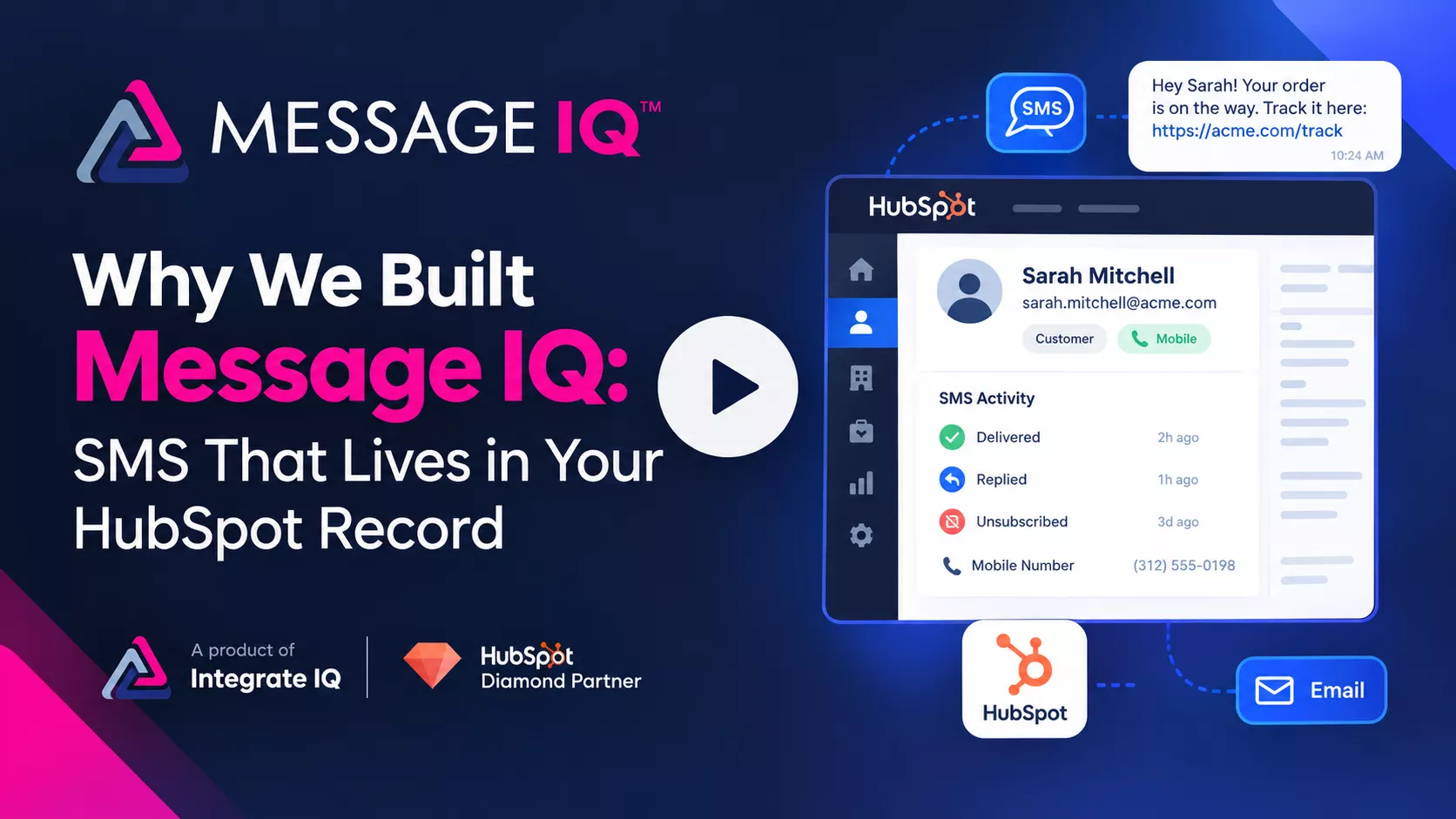
Why We Built Message IQ: SMS That Lives in Your HubSpot Record
Email opens sit at 20–30%. Texts get read. Message IQ brings SMS into HubSpot, built to handle the compliance rules email never had to.
- Carrier compliance checks built in, so campaigns don’t get suspended or blocked
- Delivers, bounces, unsubscribes, and line type sync straight to the contact record
Want a personalized tour? Call or text (866) 293-4873
Real Estate SMS Marketing
Use Cases Every Agency Needs
Every Message IQ plan comes fully loaded ,no add-ons and no surprise fees. Check the price





How to Set Up
Real Estate SMS Marketing in HubSpot
1
Connect HubSpot
Connect to HubSpot in one click. Start texting your contacts right away. View reports in your web app.
2
Import Your Databaset
Your HubSpot contacts are ready immediately. Segment buyers, sellers, investors, and past clients for targeted campaigns.
3
Build Your First Campaign
Use our templates for listing alerts, open houses, and follow-ups — or create your own. Set up a workflow trigger in minutes.
4
Watch the Replies Roll In
SMS replies come through your MessageIQ web app. Get notified via browser alerts or email. Your team responds, books viewings, and closes all tracked automatically.
Real Estate SMS Marketing Features
That Live Inside HubSpots
Everything you need to run SMS at scale without leaving HubSpot, powered by HubSpot SMS Integration.


Choose Your Plan
The only difference between plans is how many messages you send. Everything else is included everywhere.
Basic
$49/per month
- 1,000 messages per month
- Unlimited Users
- Every feature included
Pro
$99/per month
- 2,500 messages per month
- Unlimited Users
- Every feature included
GROWTH
$399/per month
- 10,000 Messages
- Unlimited Users
- Every feature included
Scale
$999/per month
- 30,000 Messages
- Unlimited Users
- Every feature included
High Volume
$1,999/per month
- 60,000 messages: $1,999/mo
- 100,000 messages: $2,999/mo
- Custom volumes above that
ENTERPRISE
$6,875/per month
($0.0275 overage)
- 250K Messages
- Unlimited Users
- Every feature included
ENTERPRISE PLUS
$11,500/per month
($0.023 overage)
- 500K Messages
- Unlimited Users
- Every feature included
ENTERPRISE MAX
$15,000/per month
($0.015 overage)
- 1M Messages
- Unlimited Users
- Every feature included

What Our Clients Say
Hudreds of real estate teams use Message IQ to close faster and follow up smarter
"Message IQ has increased engagement on the client's part, which is crucial for us as a deadline-driven business. Time is of the essence for us, and this has provided an additional layer of assistance, and I haven't had time to maximize its capability."
"Message IQ allows me to proactively push notifications to clients, such as software updates, tips for optimizing Maxwell (askradar.ai), and special offers. People don't read emails, but they do read texts. And, this platform ensures opt-in, so we are verified and trusted as a sender to our clients."
"Message IQ has enabled us to reach out to more leads more effectively. It has allowed our sales team to scale their pipeline quickly."
"MessageIQ has allowed us to automate text messages in our workflows with little work on the front end. The ability to track clicks, replies and deliverability has been exceptionally helpful when reporting on workflow campaigns. Great support - team is easy to get in touch with. Must have app!"
Frequently Asked Questions
Can multiple agents use the same Message IQ account?
Yes, all plans include unlimited users. Your whole team works from the same account, each agent handles their own conversations, and team leads can see everything across the board. No more agents running shadow SMS operations from personal phones with zero visibility.
We already use HubSpot workflows for email. Can SMS just plug into those?
Exactly how it works. You add an SMS action to any existing workflow the same way you’d add an email step. If you have a workflow that triggers when a contact reaches “Demo Requested” stage, you can add “send SMS” right before or after your existing email step. Nothing needs to be rebuilt from scratch.
How long does setup take? Do I need a developer?
No developer needed. The HubSpot connection is one click. From there, your contacts are immediately available, Message IQ auto-creates the lists and properties you need for reporting, and you can send your first campaign the same day. Most teams are fully operational within 15 minutes of connecting their account.
Our agents already text clients from their personal phones. Why do we need this?
Because when an agent texts from their personal phone, that conversation disappears the moment they leave your agency. There’s no record in HubSpot, no visibility for the broker, no handoff if a client gets reassigned, and no way to know what was said or promised. Message IQ gives you all the benefits of personal, direct SMS communication with full team visibility, conversation history, and CRM logging. It also protects the agency, not just the individual agent.
Can I send different messages to buyers vs. sellers vs. investors?
Yes, that’s exactly what HubSpot list segmentation is for. If you’re already segmenting your contacts in HubSpot by type, stage, location or any custom property, you can send completely different SMS campaigns to each group. A buyer in Scottsdale looking at $500K–$700K properties gets a different message than a landlord investor looking for a multi-family in Tampa. The segmentation you’ve already built in HubSpot carries directly over.
Start Your Real Estate SMS Marketing Strategy
Real estate SMS marketing pays for itself the first month you stop losing deals to slow follow-up. Let’s review your HubSpot portal and show you exactly where it plugs in.